Writing Test
Overview
During the naturalization interview, you must demonstrate your ability to write English. The USCIS officer dictates up to 3 sentences, one at a time, and you must write at least 1 sentence correctly. The app helps you practice with the official USCIS writing vocabulary and with dictation sentences built from those words.
82 Vocabulary Words
60 Dictation Sentences
1 of 3 Sentences to Pass
Unlike the civics test, which has a published list of 100 or 128 specific questions and answers, the writing test has no published test sentences. USCIS only publishes a vocabulary list of 82 words (PDF). The app’s 60 practice sentences are built from these official words. If you can spell all 82 words, you can write any sentence on the test.
Vocabulary Browser
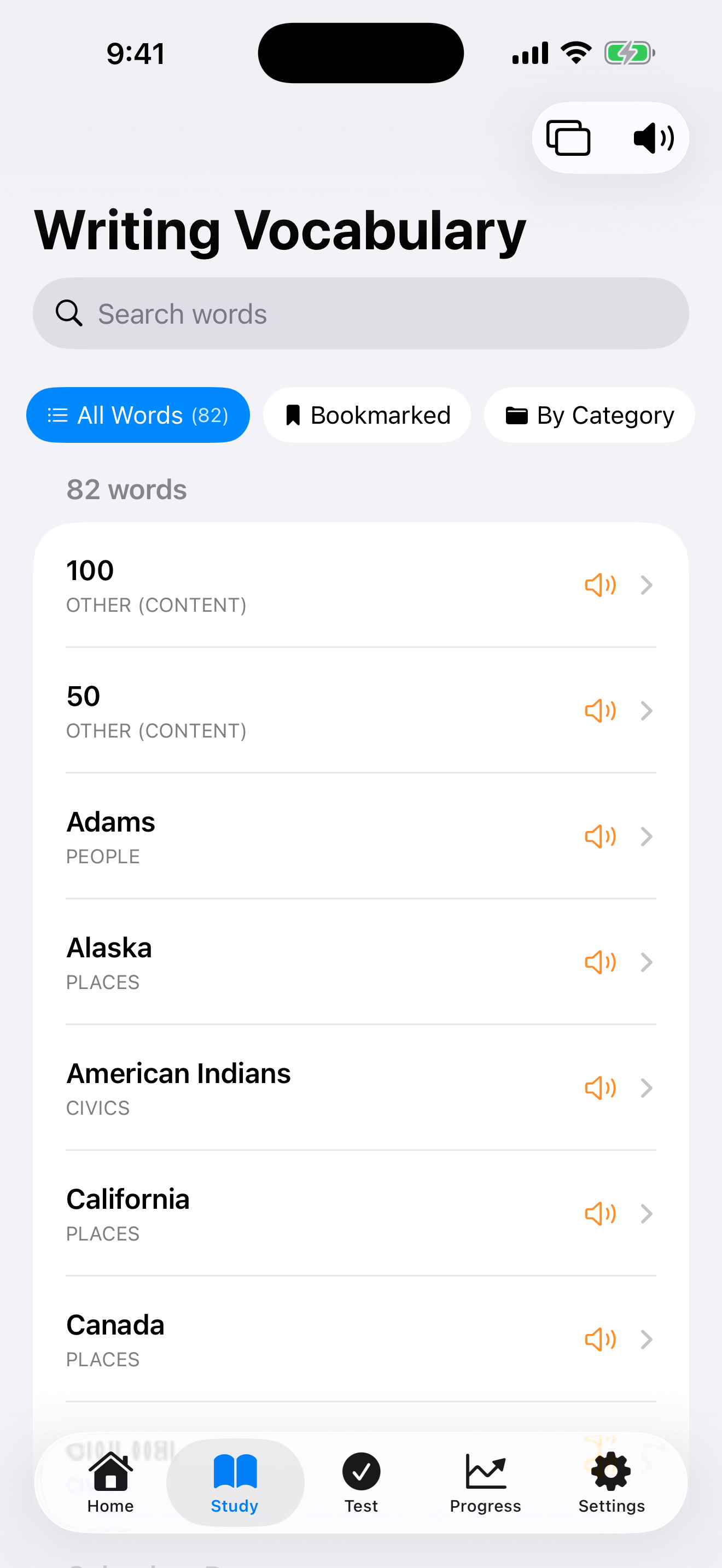
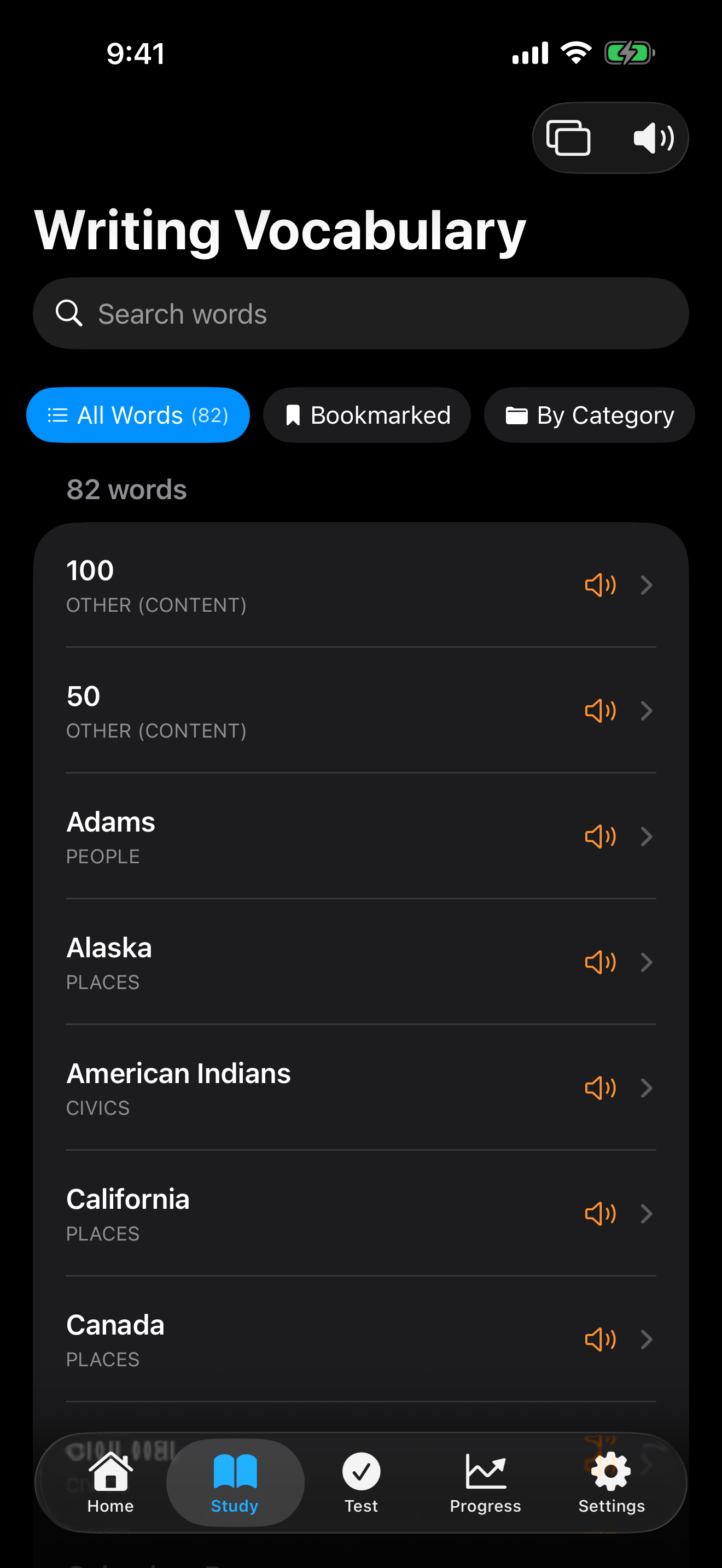
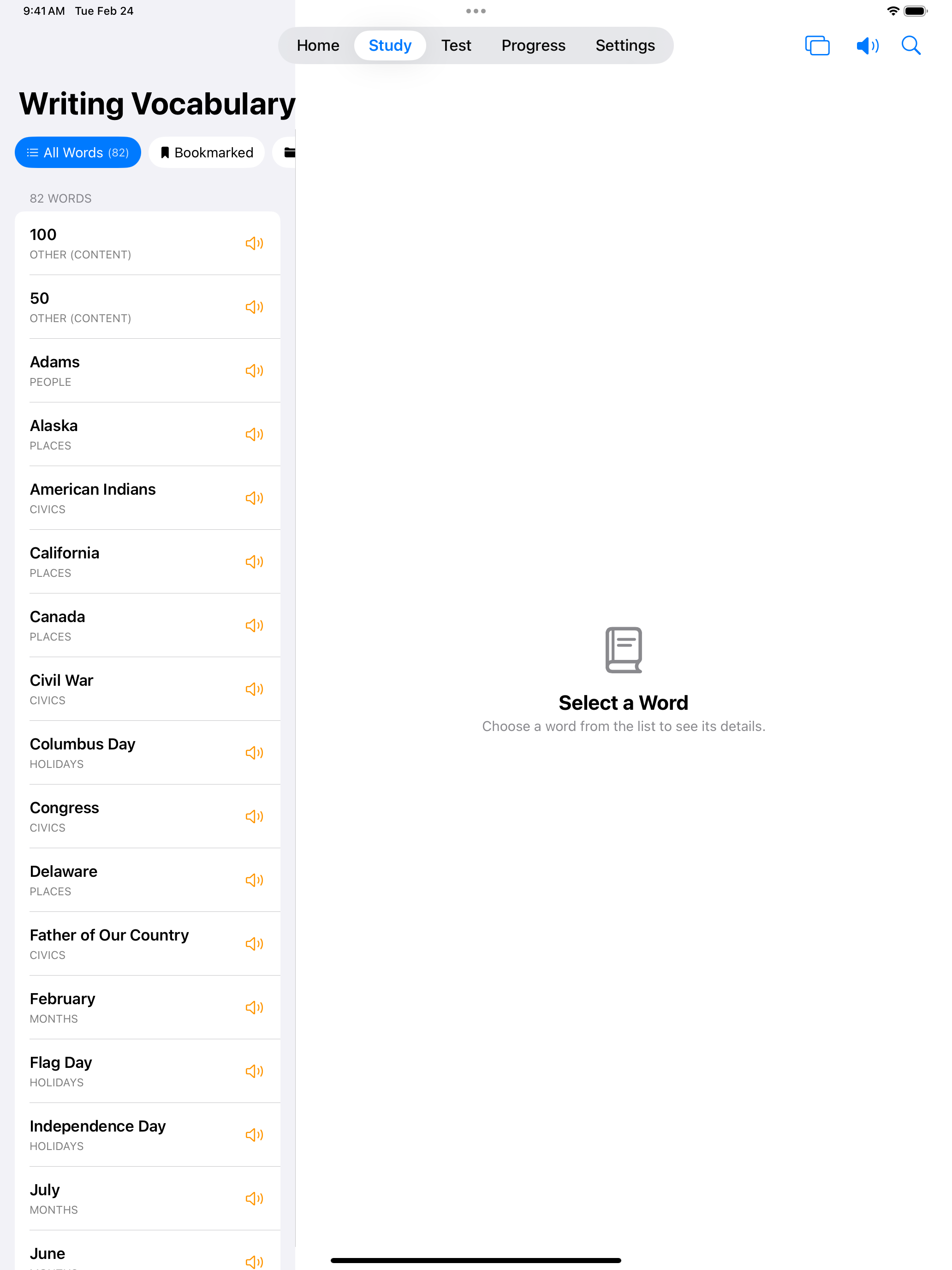
The writing test uses 82 official USCIS vocabulary words. Browse the complete word list to learn the spelling and meaning of every word you might need to write. These include civics terms, common verbs, and everyday words.
Focus on spelling. The writing test requires you to write words correctly, so practice writing each vocabulary word until the spelling is automatic.

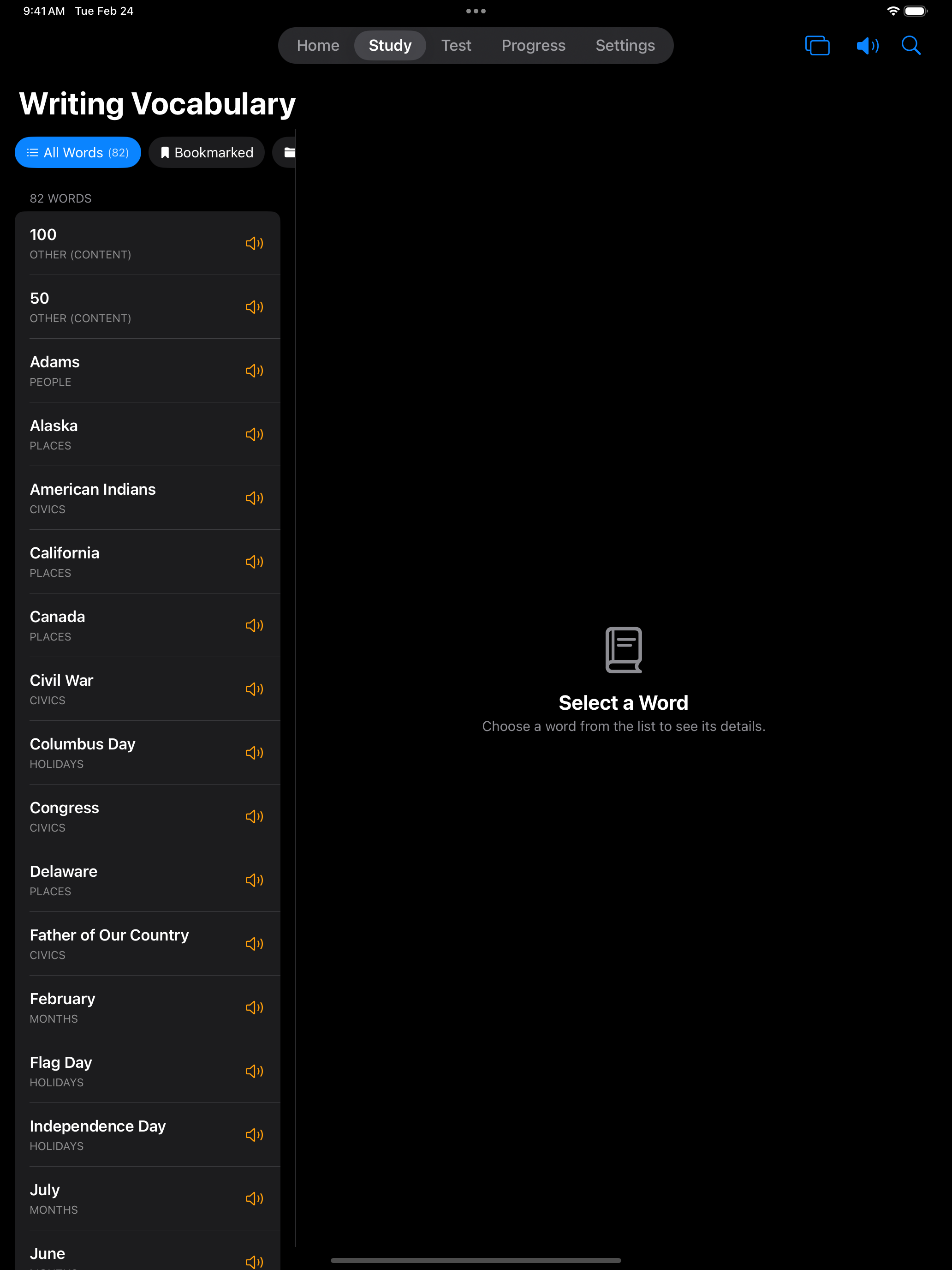
Once you know the vocabulary, practice writing complete sentences from dictation, just like the real test.
Dictation Practice
The app includes 60 practice sentences for dictation. There are two ways to use them, and both start by tapping the speaker to hear the sentence. Then write it by hand on the canvas, or type it with the keyboard.
Study goes through the sentences one at a time. Tap Done to compare your answer with the correct sentence. If you missed it, tap Retry to write the same sentence again, or move on to the next one.
Test Mode works like the interview. You get up to 3 sentences and pass as soon as you write one correctly. Before you start, choose a Grading Method. With Auto-Check the app checks your answer against the correct sentence. With Self-Grade the app shows the correct sentence after you tap Done, and you decide whether you got it right. Turn on Challenge Mode to keep going until you miss one.
This closely mirrors the real test experience, where the officer reads a sentence aloud and you write it down.
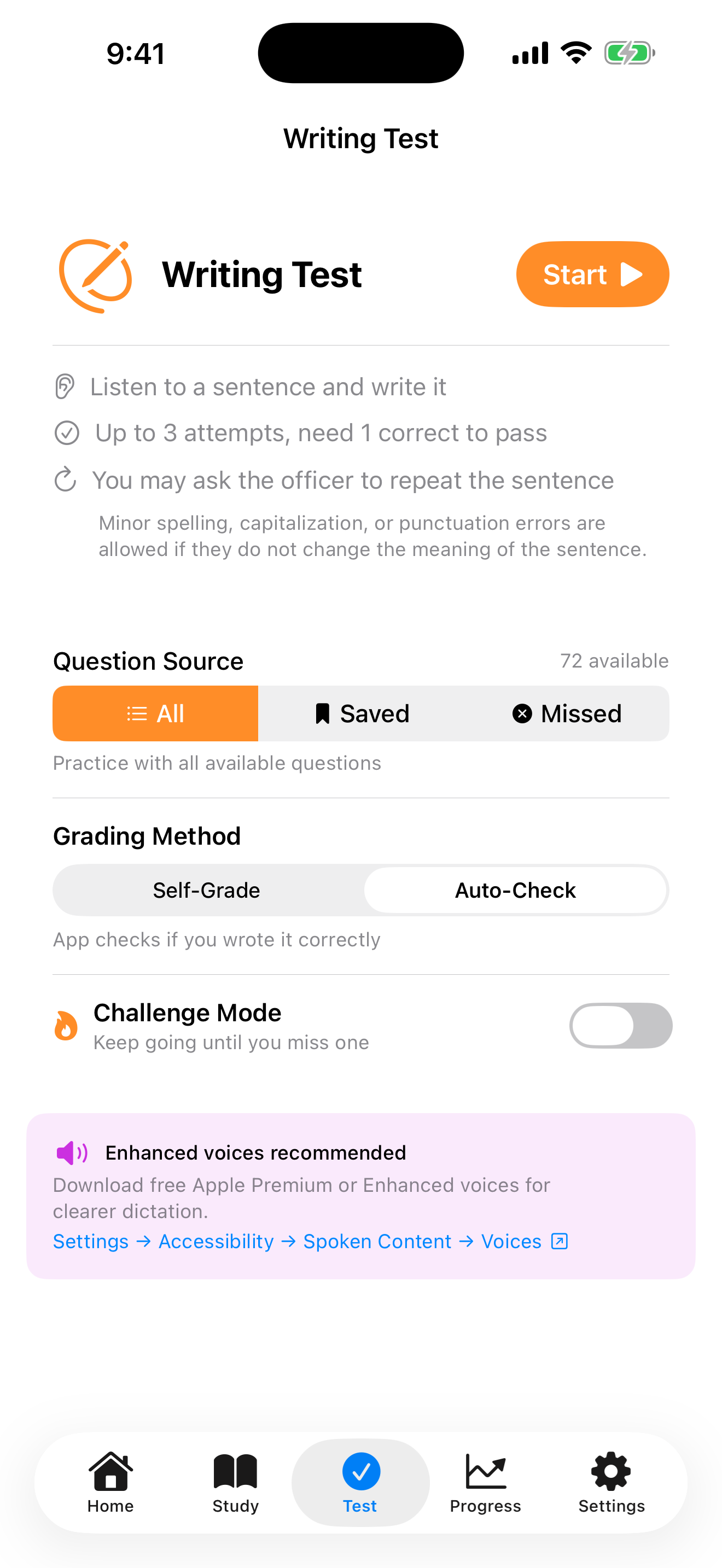
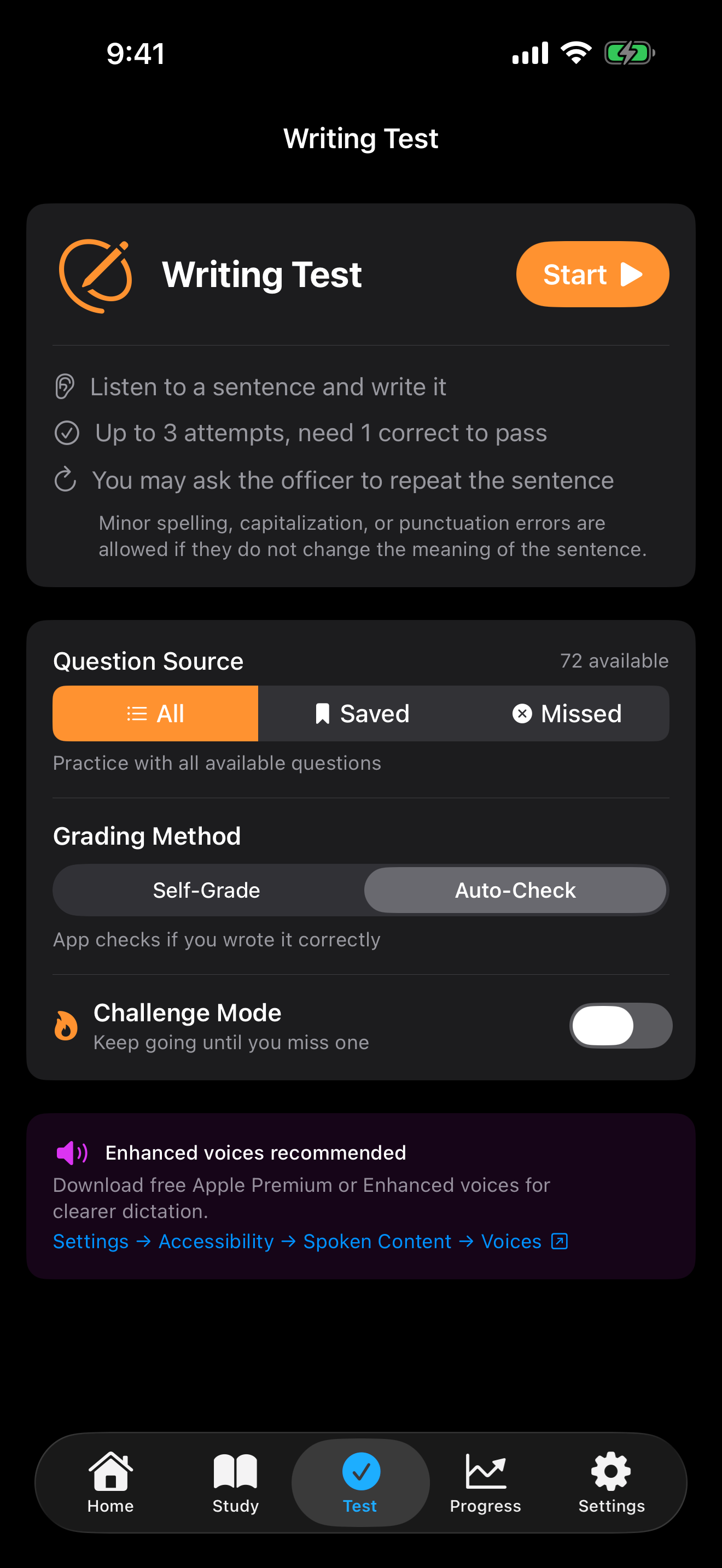
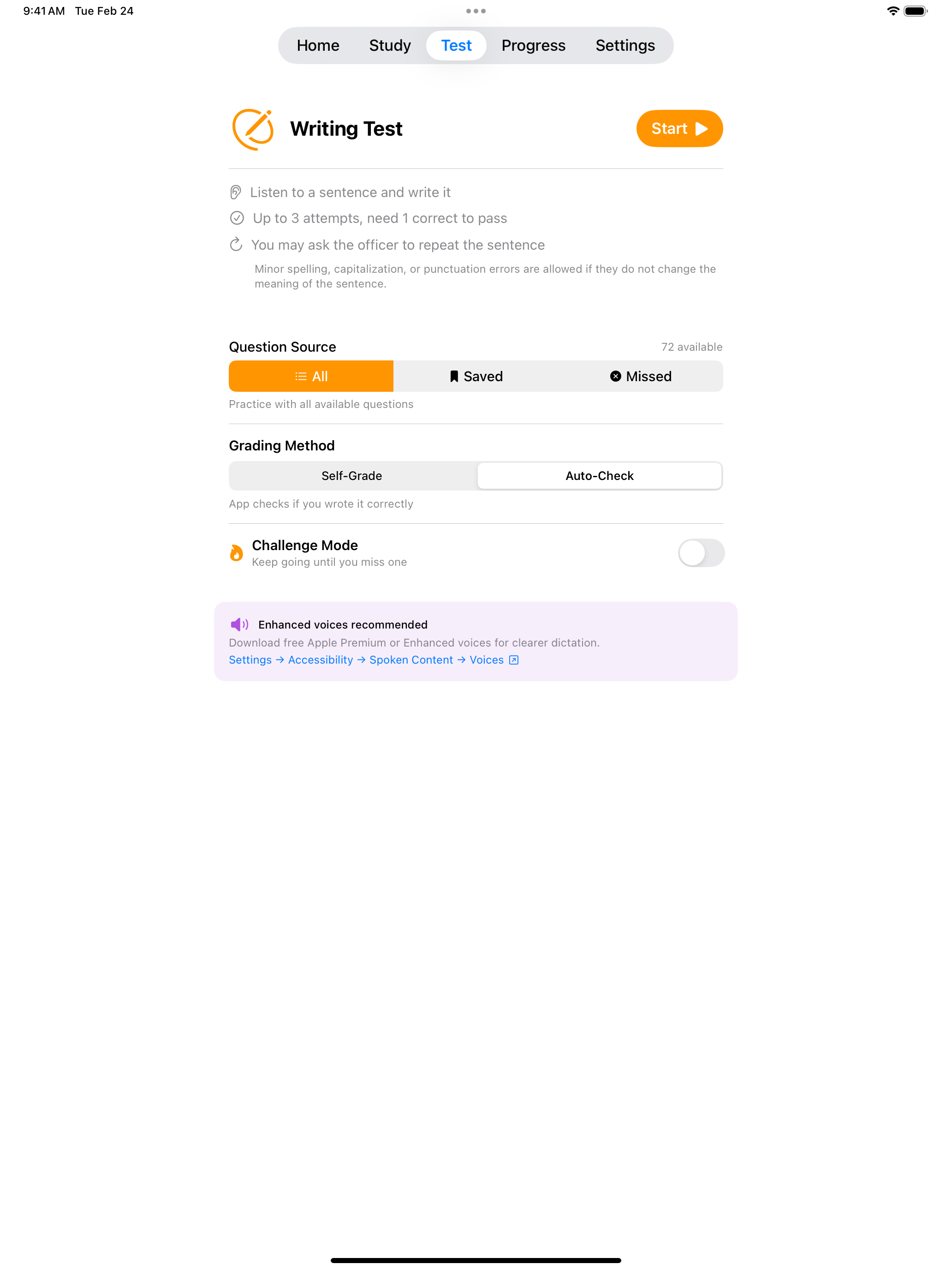
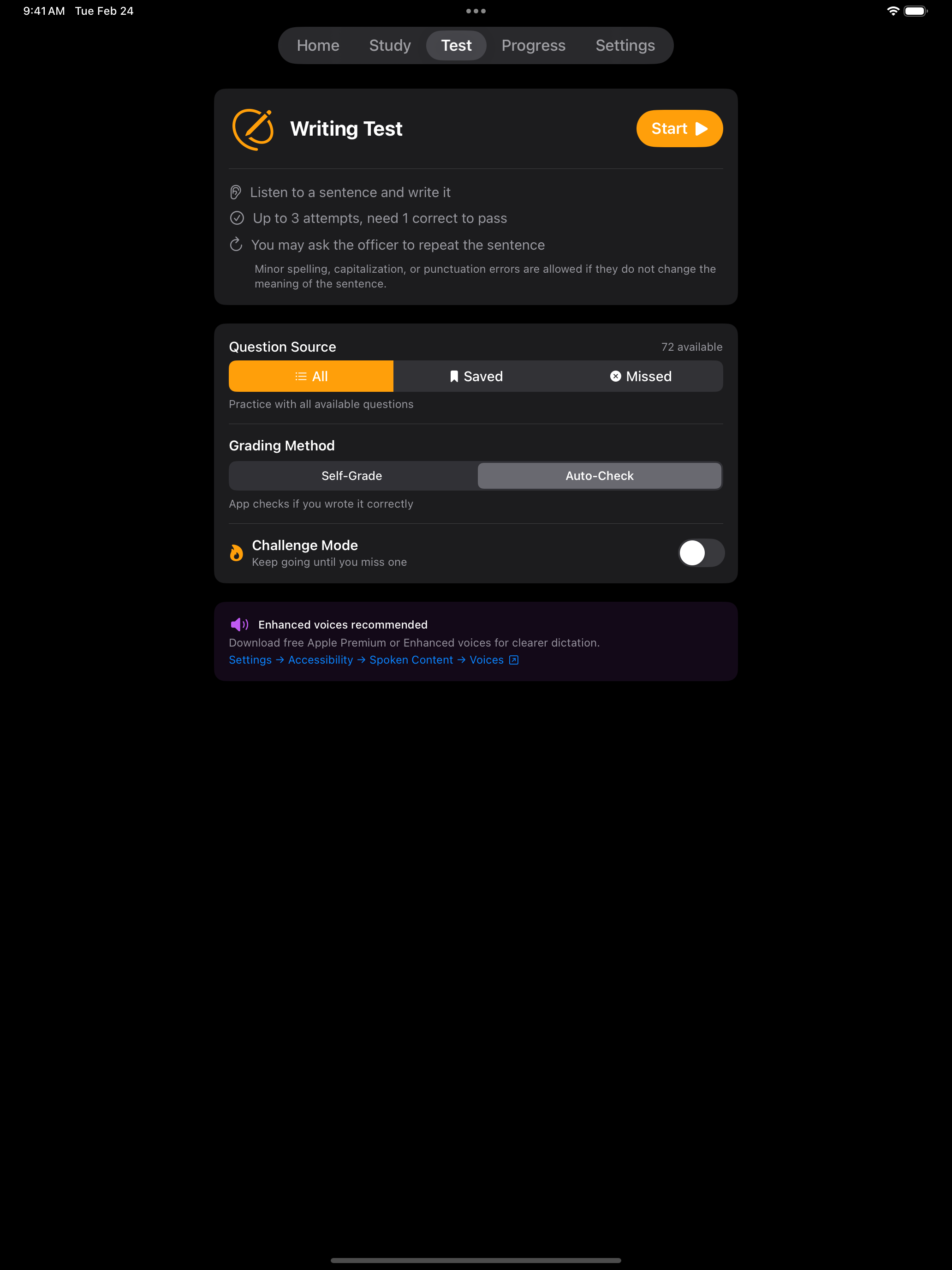
The dictation exercises above use the app’s handwriting canvas. Here is how it works.
Handwriting Canvas
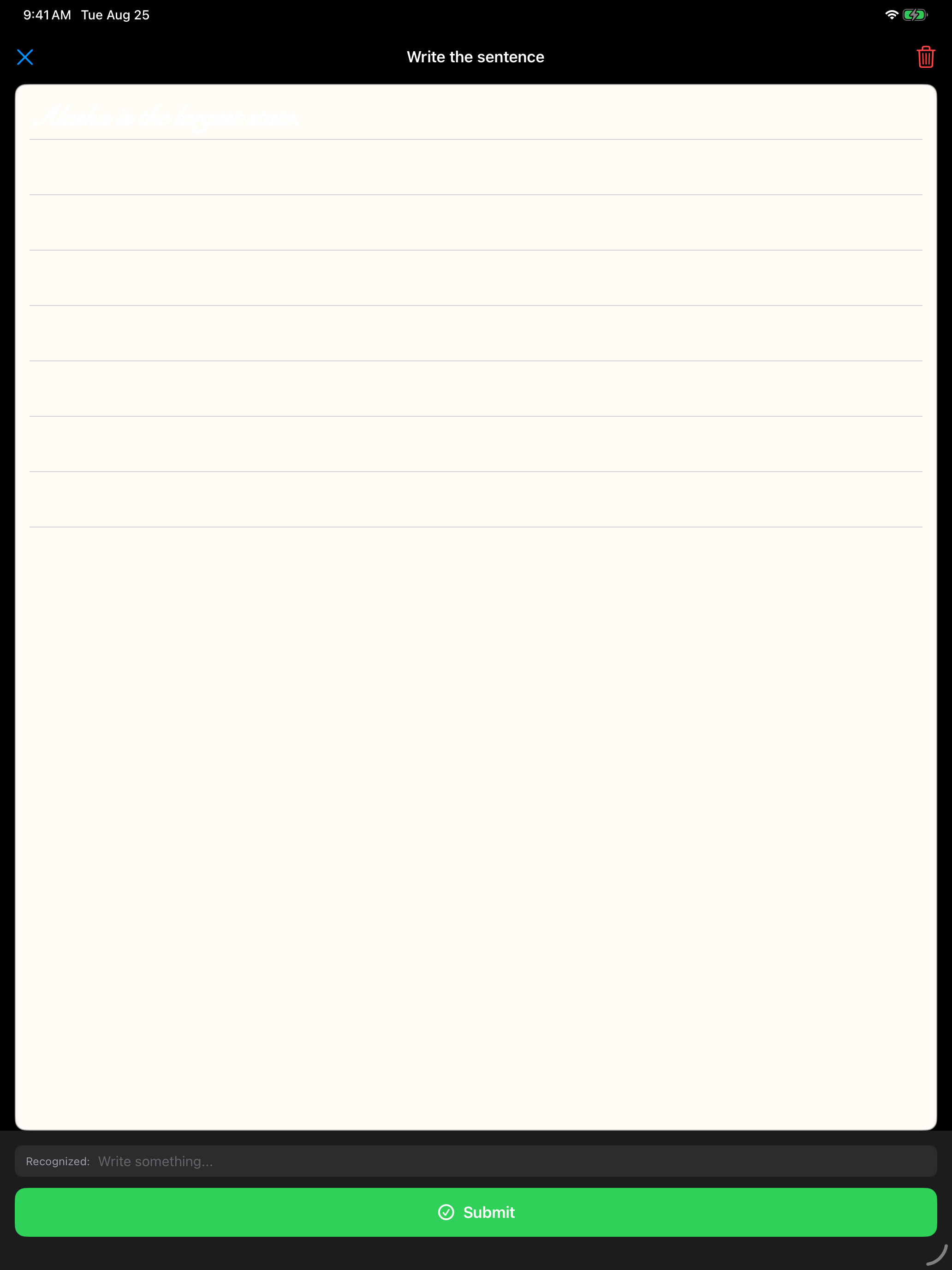
Write with your finger or an Apple Pencil on the ruled canvas. In Study and in Auto-Check tests, the app reads your handwriting as you go and shows what it recognized underneath, so you can tell straight away whether a letter came out clearly enough. Self-Grade tests skip recognition.
- Works on both iPhone and iPad, with Apple Pencil support on iPad
- Recognition happens on device, and Self-Grade tests turn it off
- Clear wipes the canvas if you want another go
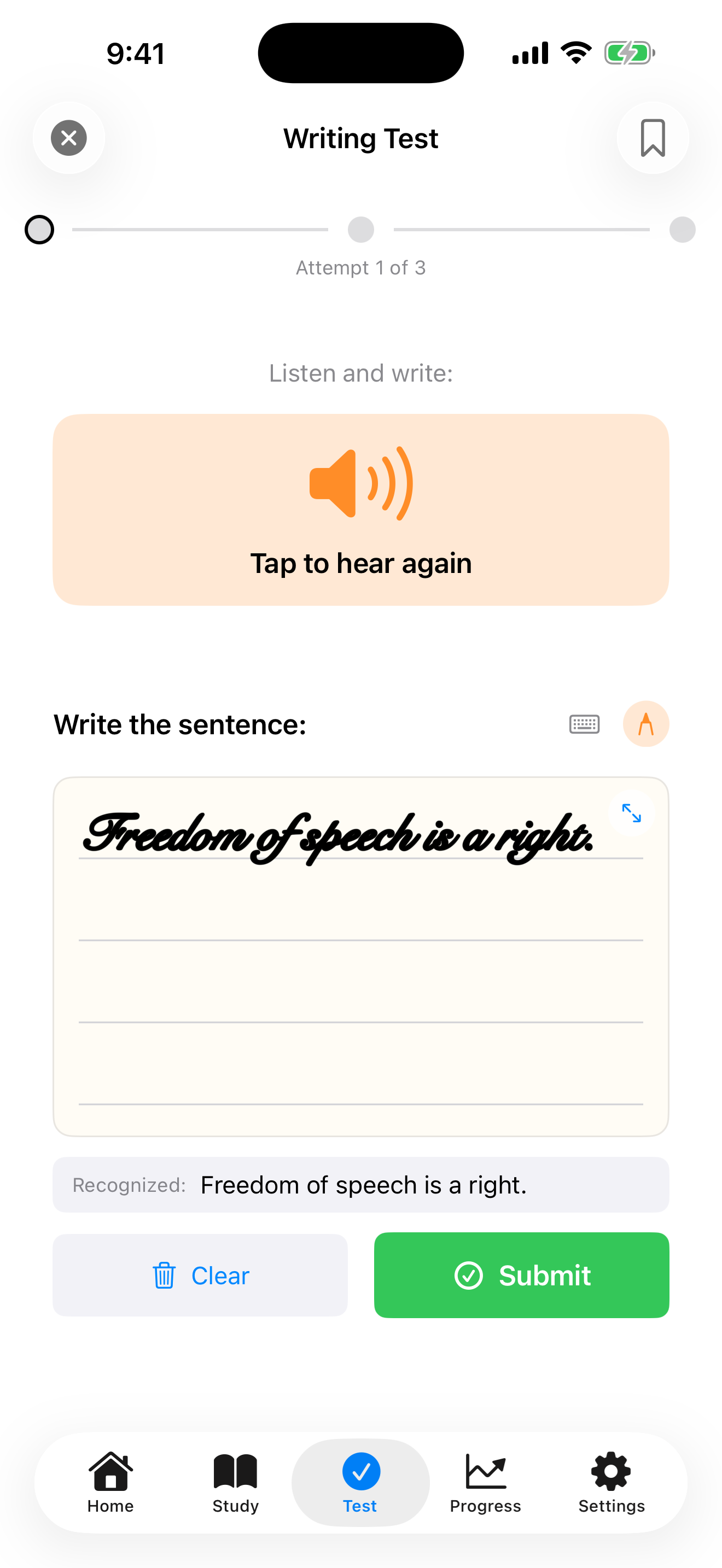
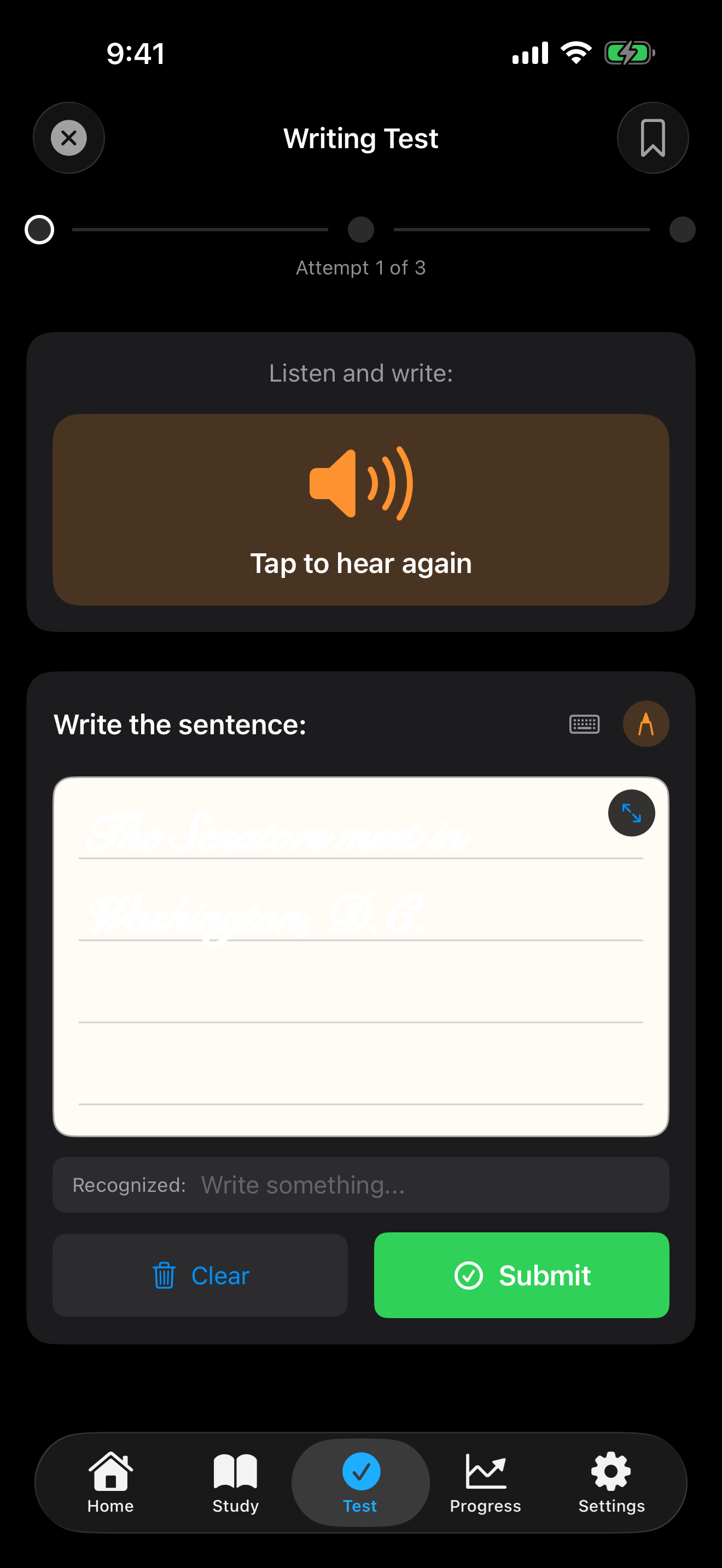
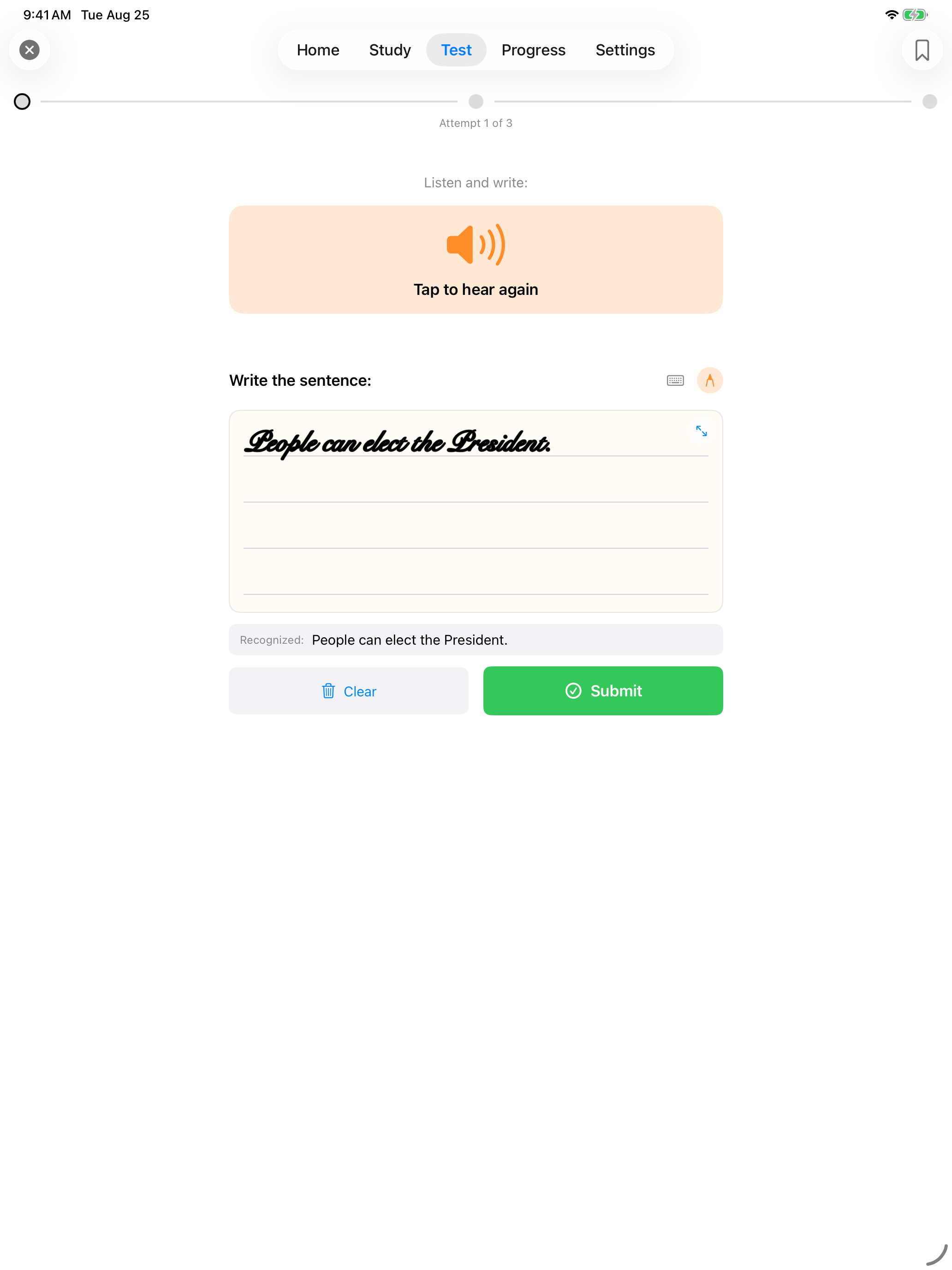
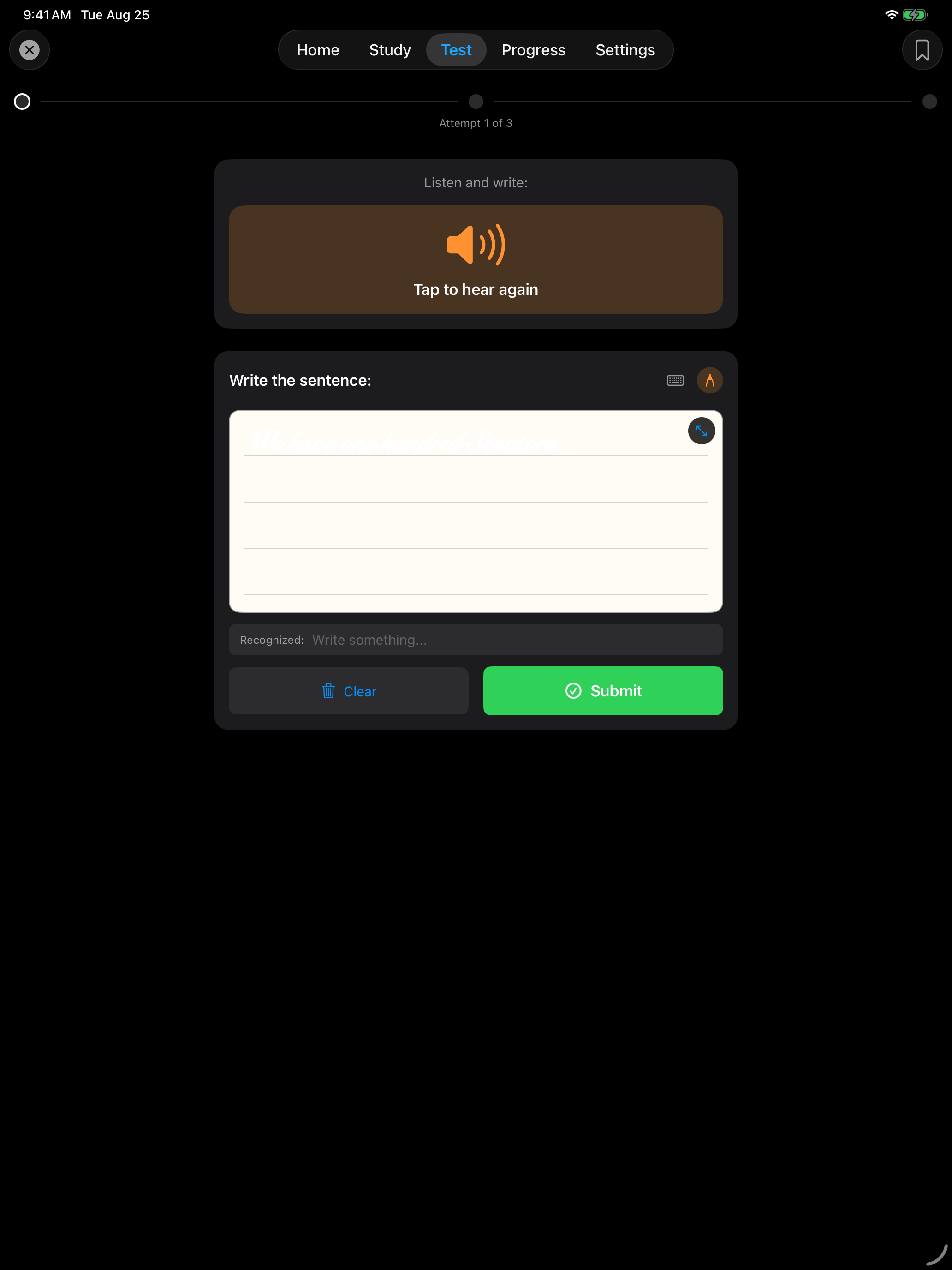
Write clearly and at a moderate size. The OCR works best with neat, well-spaced handwriting.
More room to write
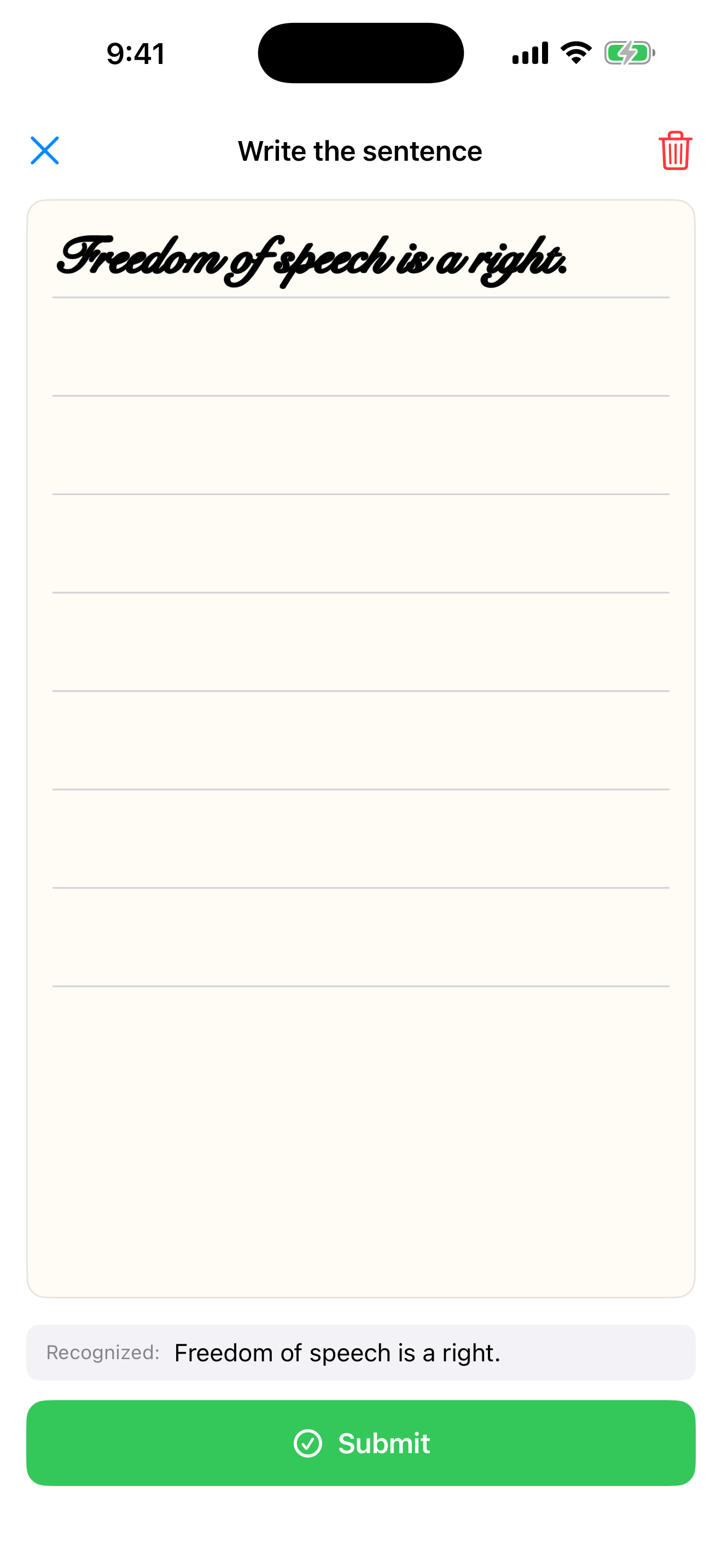
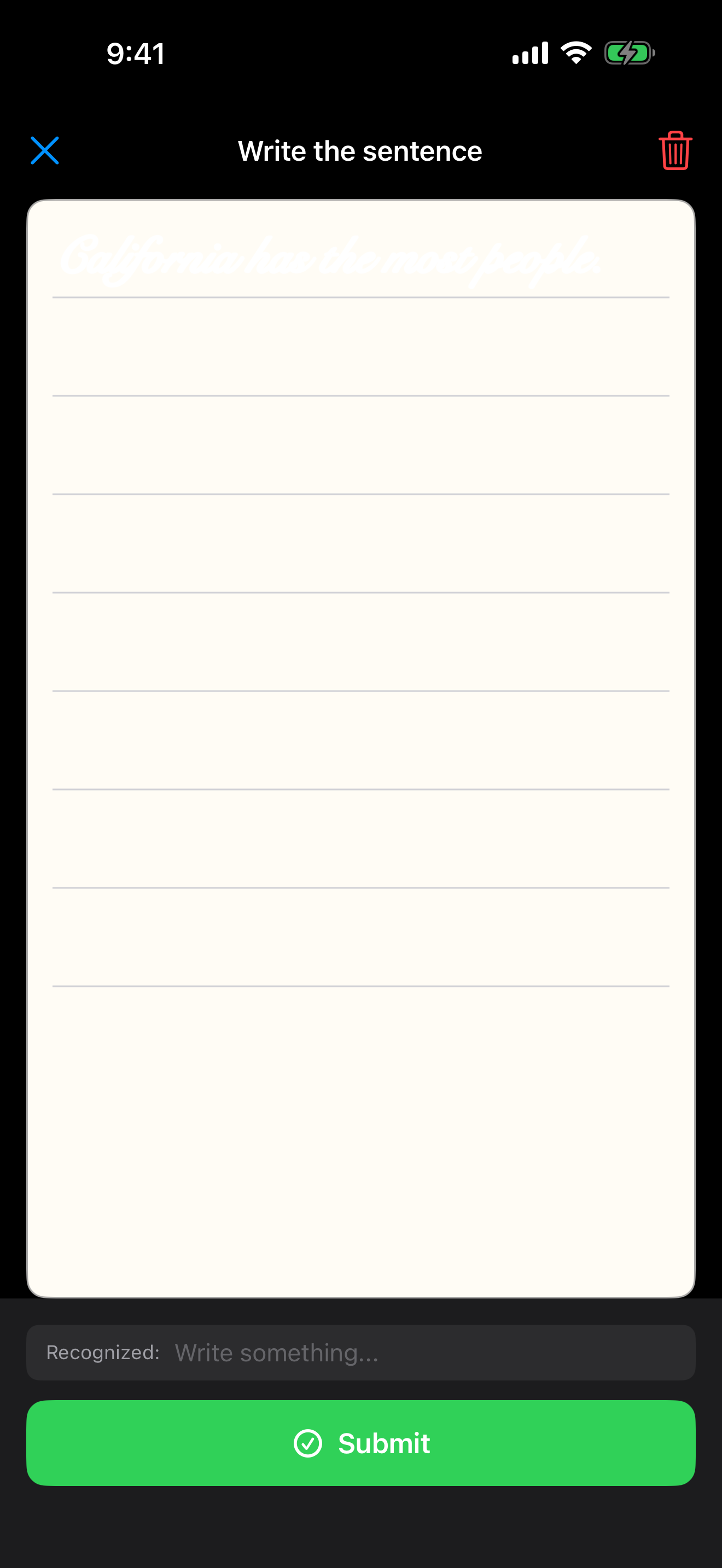
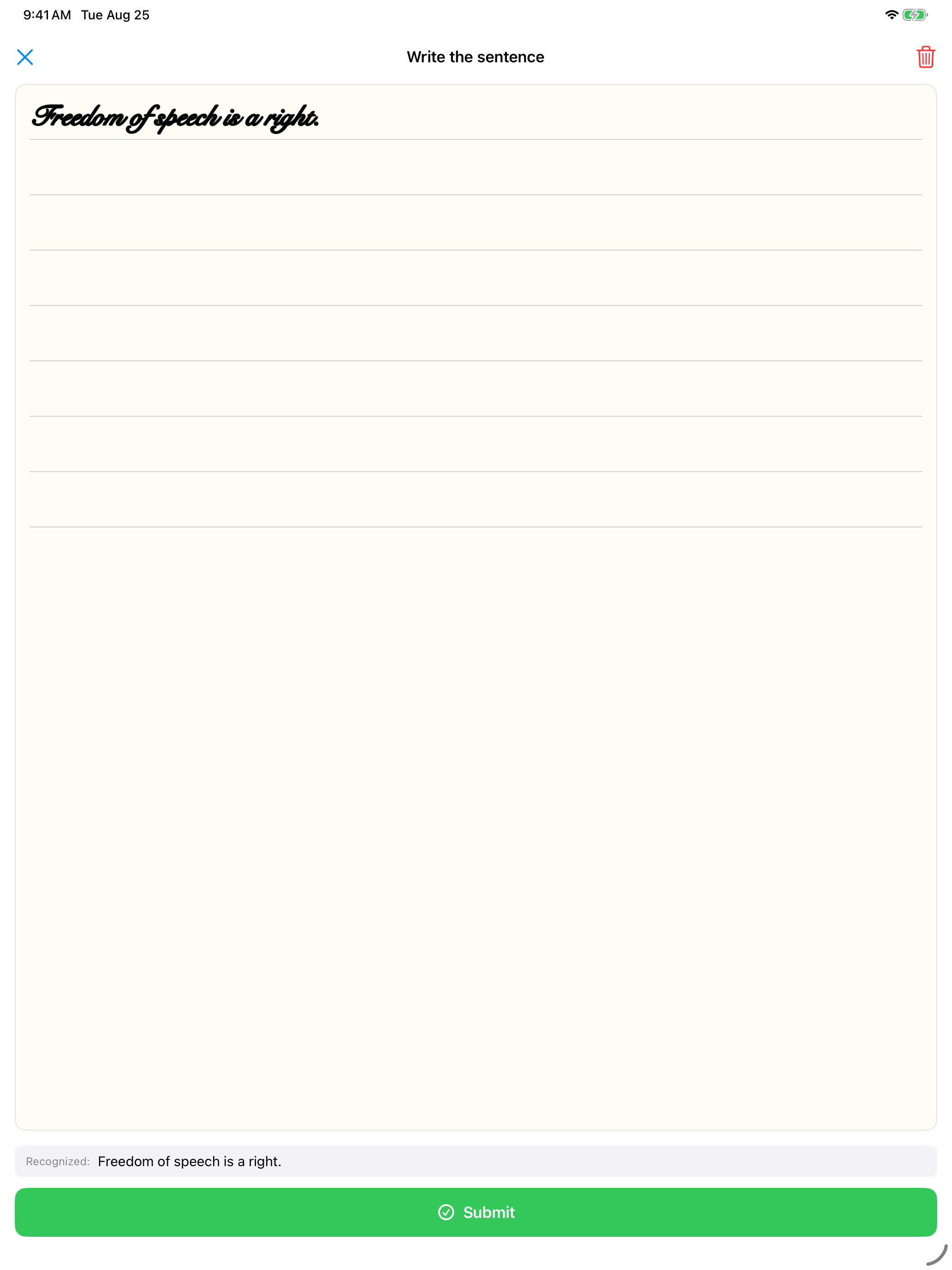
The canvas is short on purpose so the sentence and the audio button stay on screen. Tap the expand button in its top corner for a full page of ruled lines, which helps if your writing runs large or the sentence is a long one. Anything you write there comes straight back to the test.
USCIS Resources
Official writing test materials from U.S. Citizenship and Immigration Services:
- Official Writing Vocabulary Word List (PDF), all 82 vocabulary words
- USCIS Study Materials, the official study page with practice materials
- English Test Policy (USCIS Policy Manual), the official policy on the English reading and writing tests