Reading Test
Overview
During the naturalization interview, you must demonstrate your ability to read English. The USCIS officer will ask you to read up to 3 sentences aloud, one at a time. You must read at least 1 sentence correctly to pass this portion. Nothing is written down. The reading test is spoken. The app helps you practice with the official USCIS reading vocabulary and with practice sentences built from those words.
71 Vocabulary Words
72 Practice Sentences
1 of 3 Sentences to Pass
Unlike the civics test, which has a published list of 100 or 128 specific questions and answers, the reading test has no published test sentences. USCIS only publishes a vocabulary list of 71 words (PDF). The app’s 72 practice sentences are built from these official words. If you can read all 71 words, you can read any sentence on the test.
Vocabulary Browser
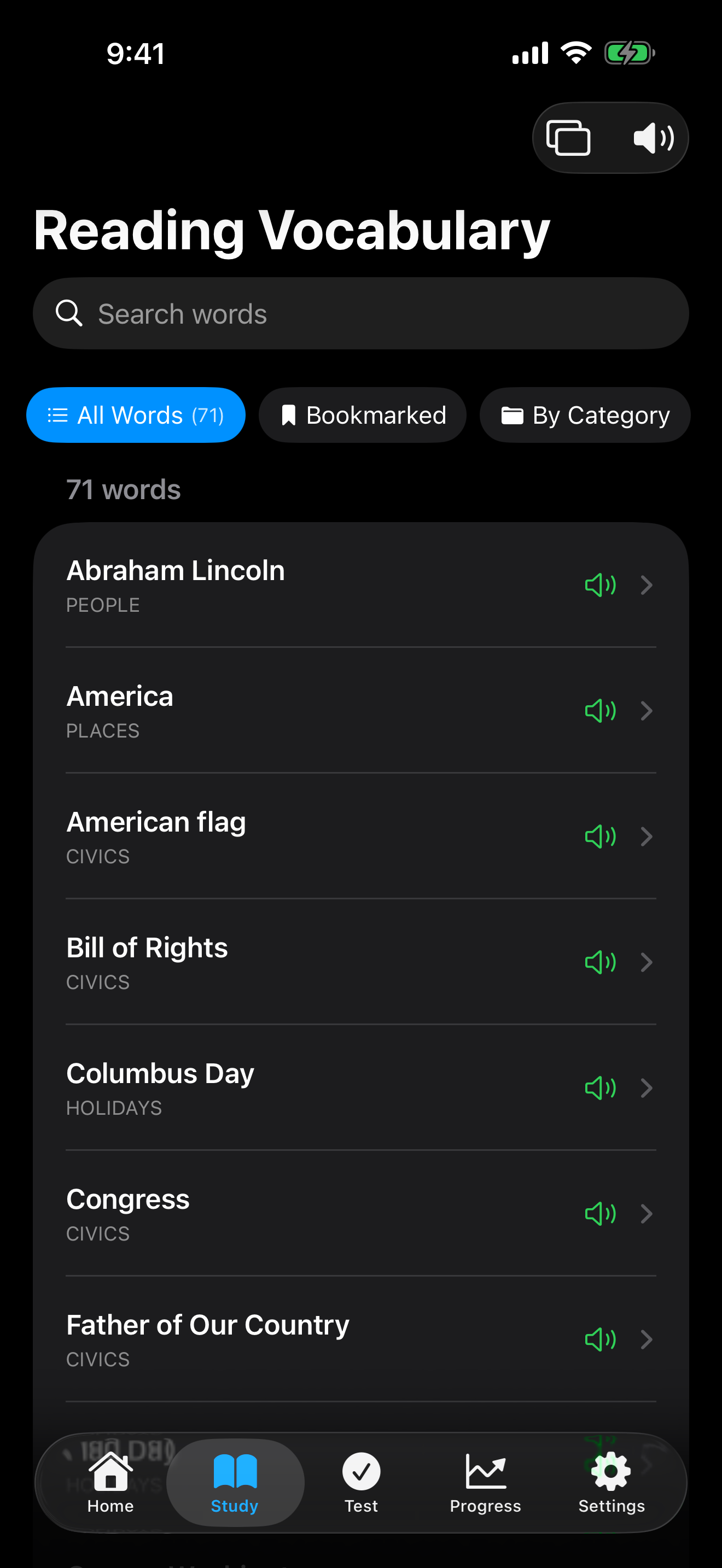
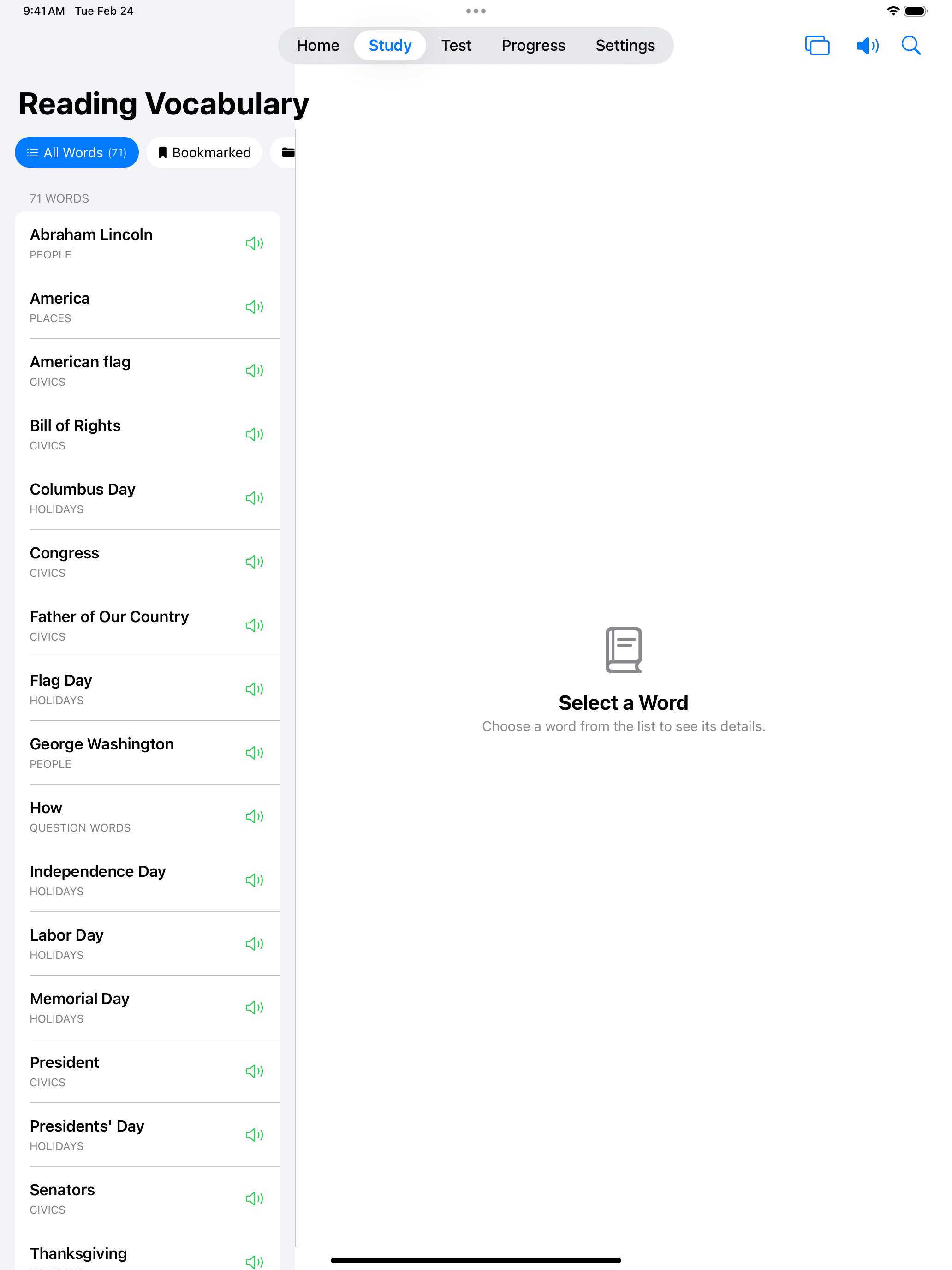
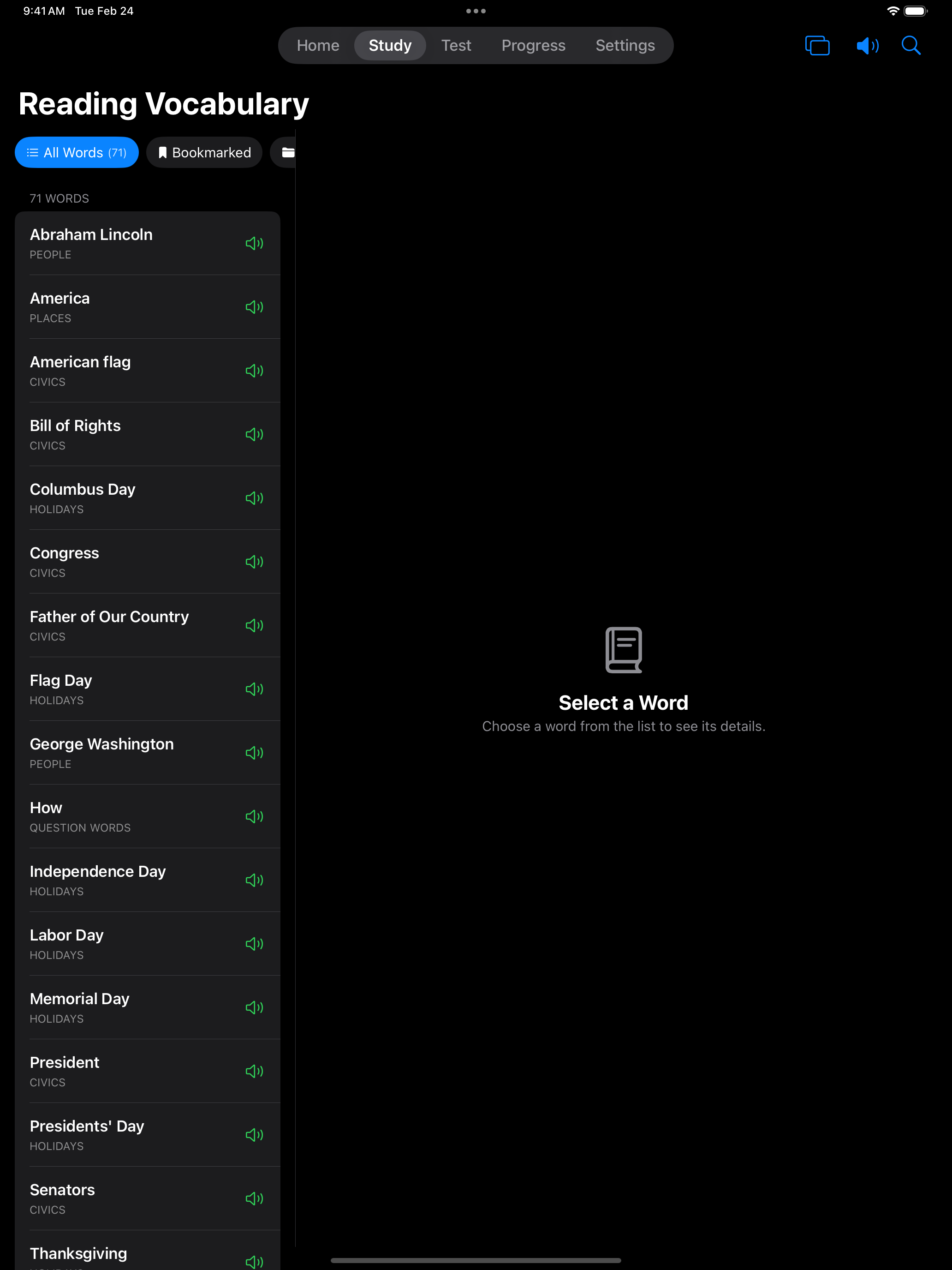
The reading test uses 71 official USCIS vocabulary words. Browse the complete word list to familiarize yourself with every word you might encounter. These are high-frequency words related to civics and everyday life.
Start by browsing the vocabulary list. If you can recognize and read all 71 words, you will be prepared for any reading sentence on the test.
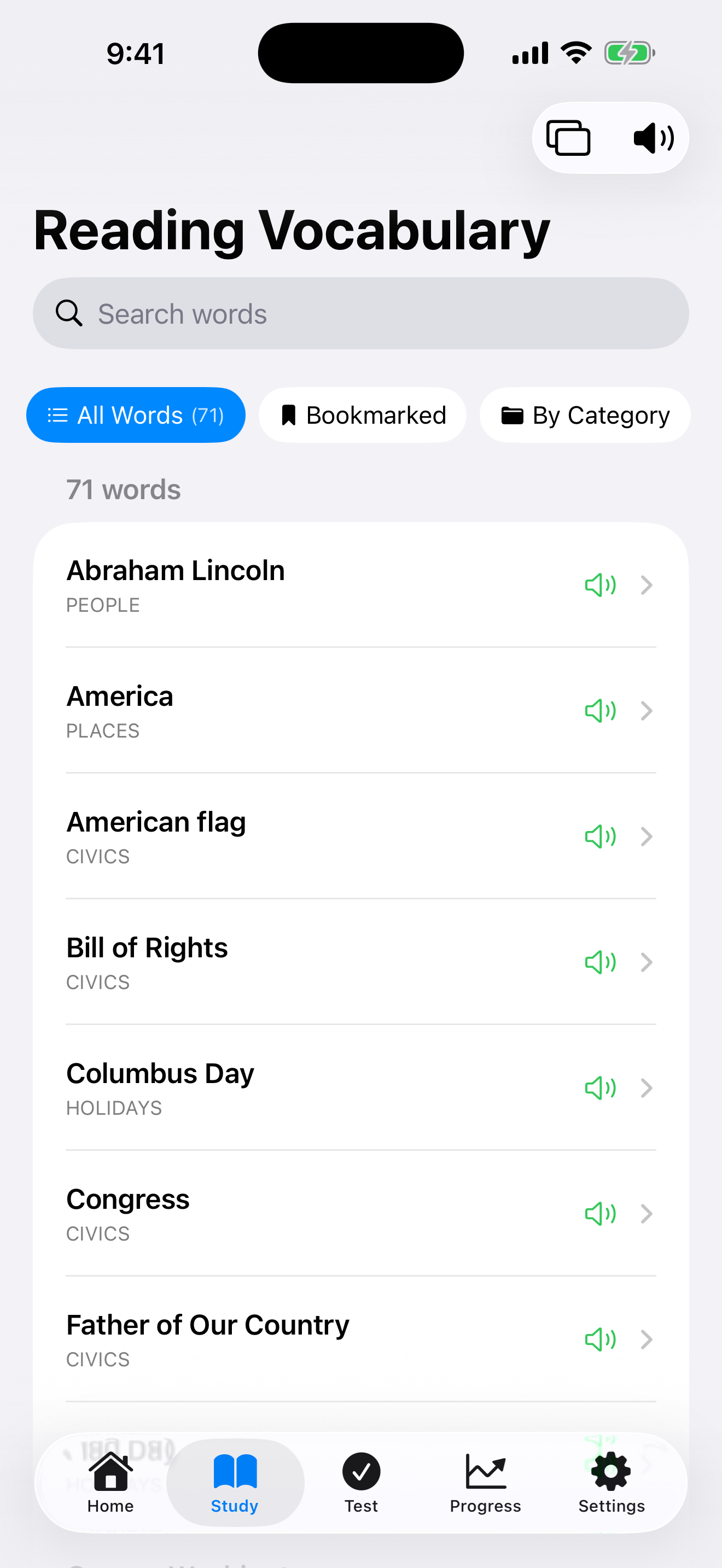

Knowing the vocabulary is half the battle. The next step is reading complete sentences fluently.
Practice Reading
The app includes 72 practice sentences built from the official vocabulary words. Tap Study on the Reading Test Prep screen to go through them. For each sentence:
- The sentence appears on screen
- Read it aloud, then tap I’ve read it aloud. You can hear the pronunciation and mark whether you got it right.
- Tap the arrow buttons to move to the next or previous sentence
These sentences mirror the style and difficulty of what you will encounter during the real interview.
Once you start a reading test, the app presents each sentence clearly and tracks your attempts.
In-Test Experience
Tap Test Mode on the Reading Test Prep screen to take a practice test. The setup screen lets you pick a Question Source and a Grading Method. Turn on Challenge Mode to keep reading sentences until you miss one.
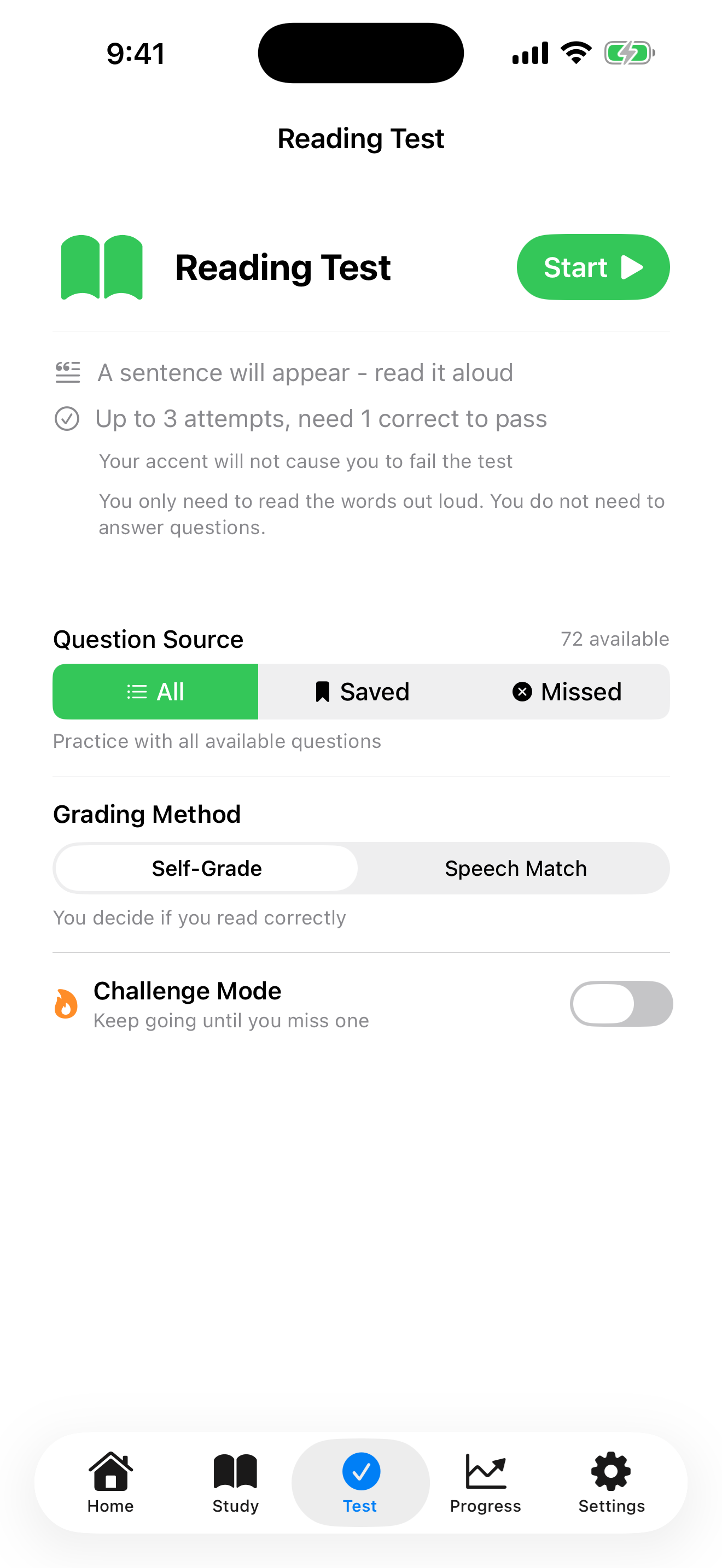
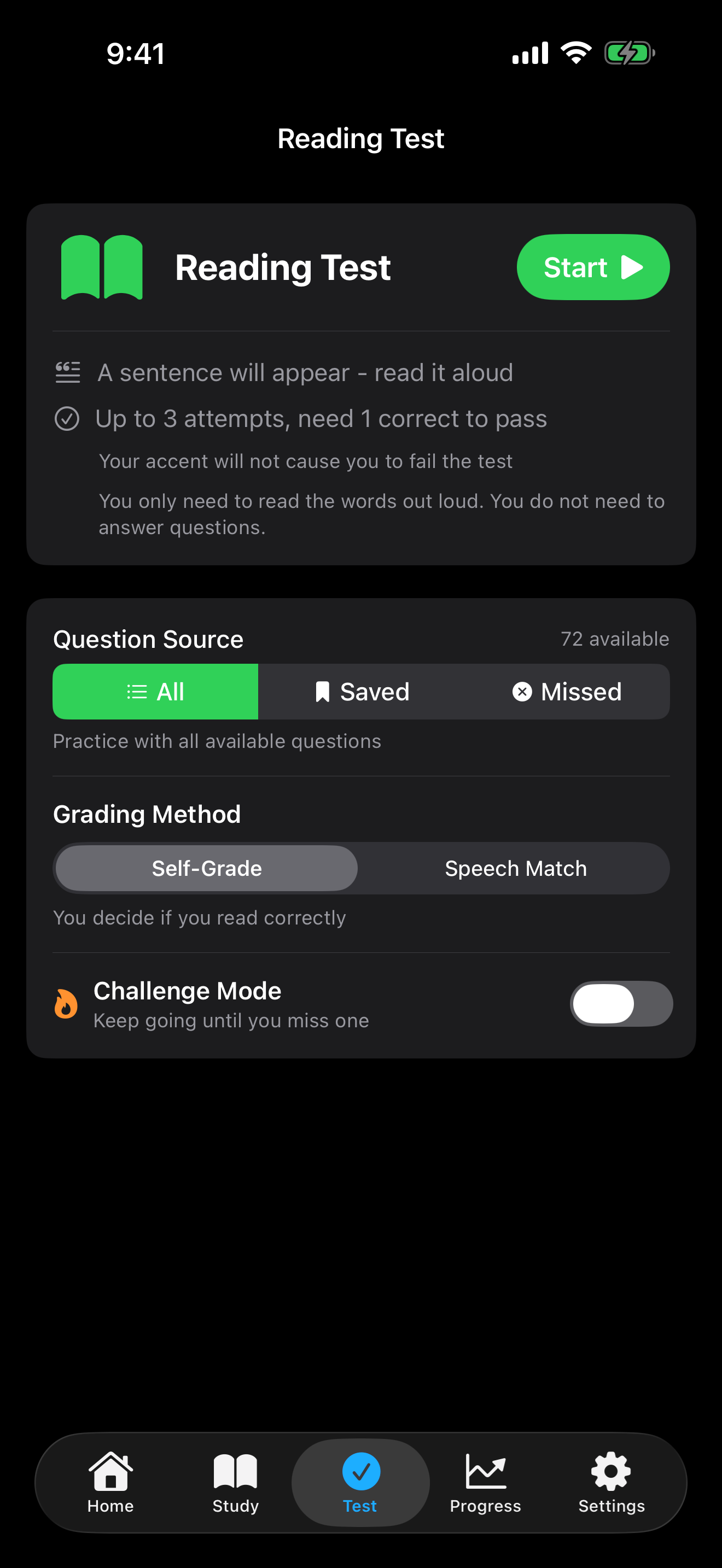
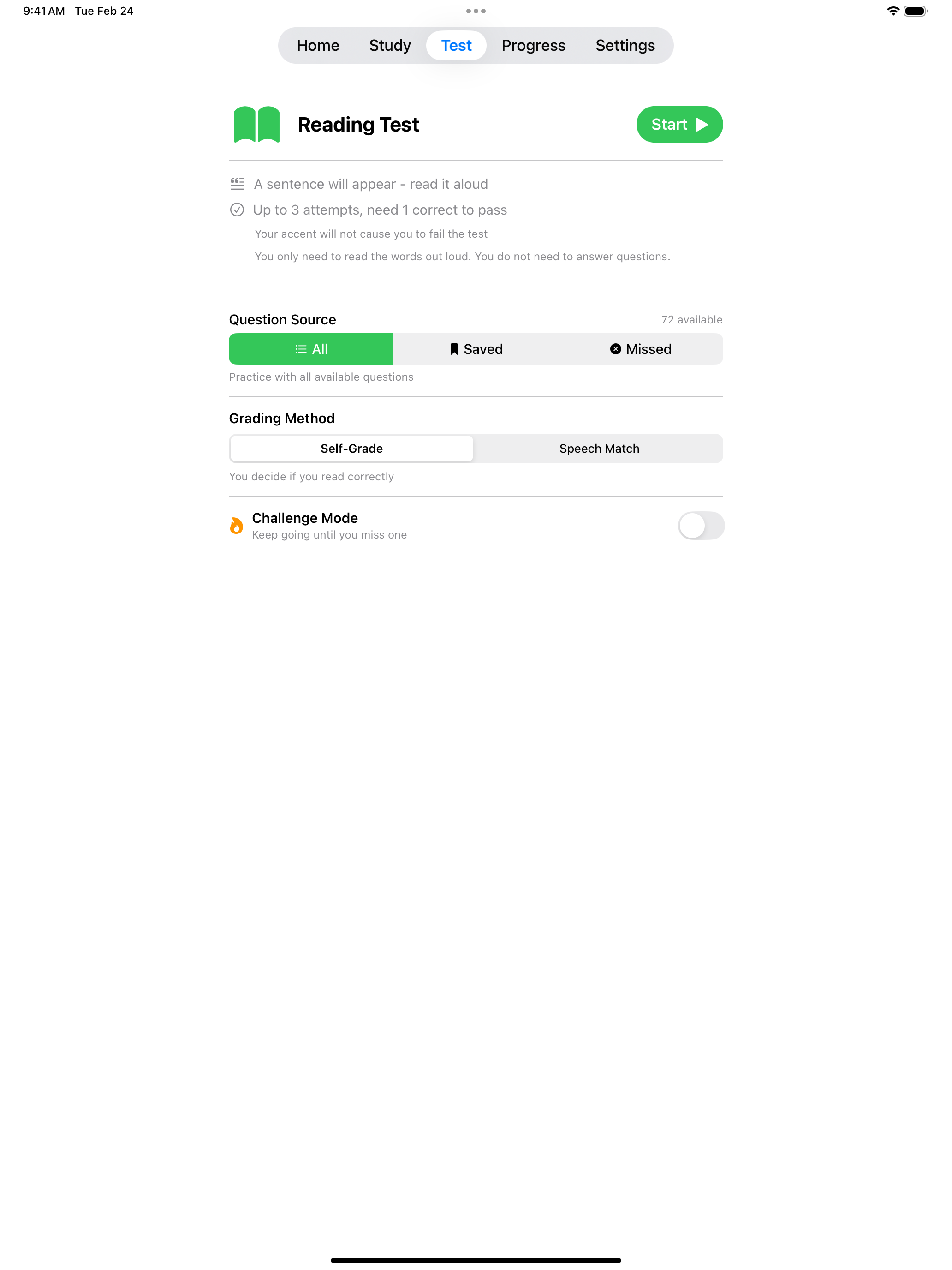
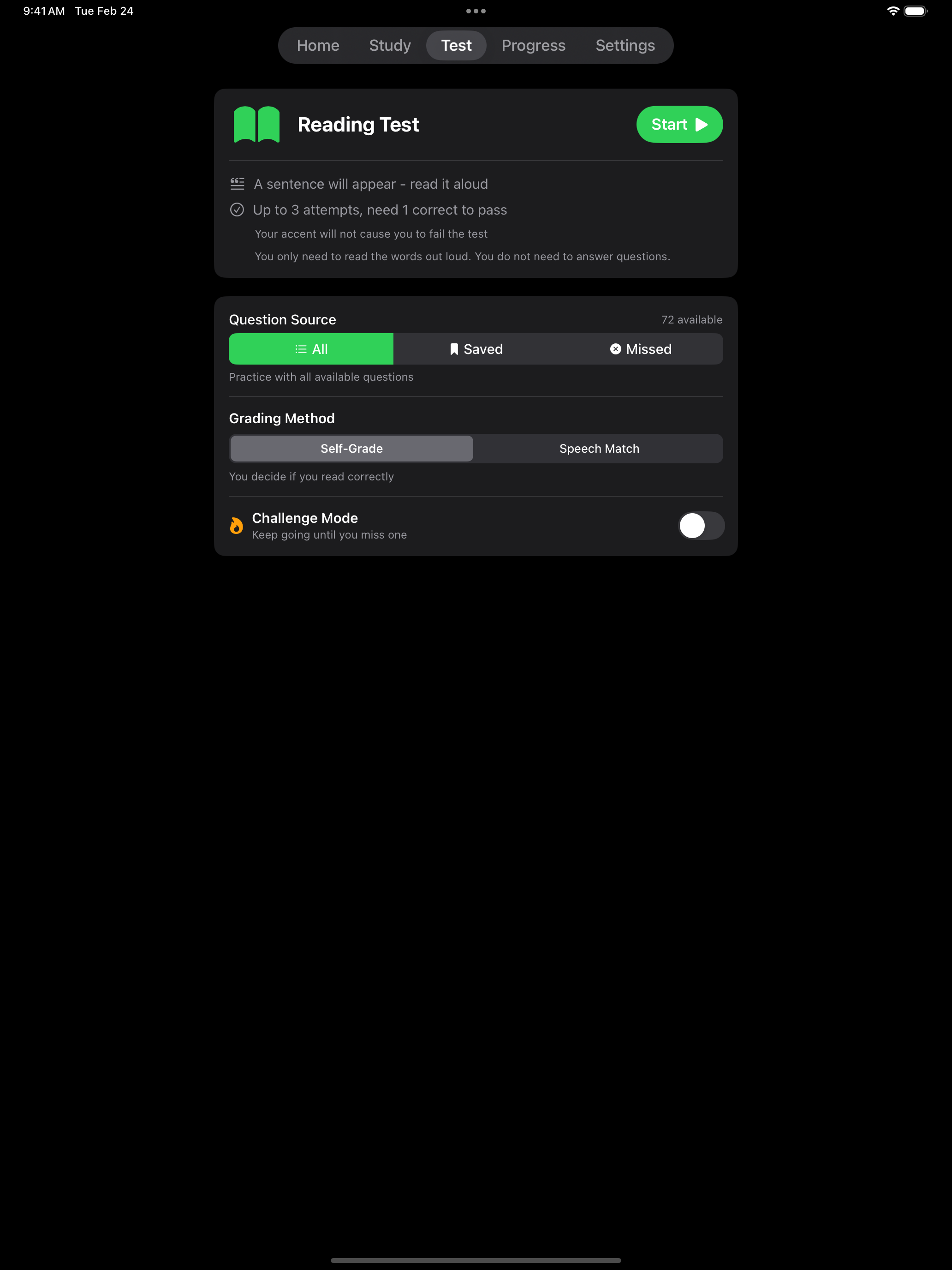
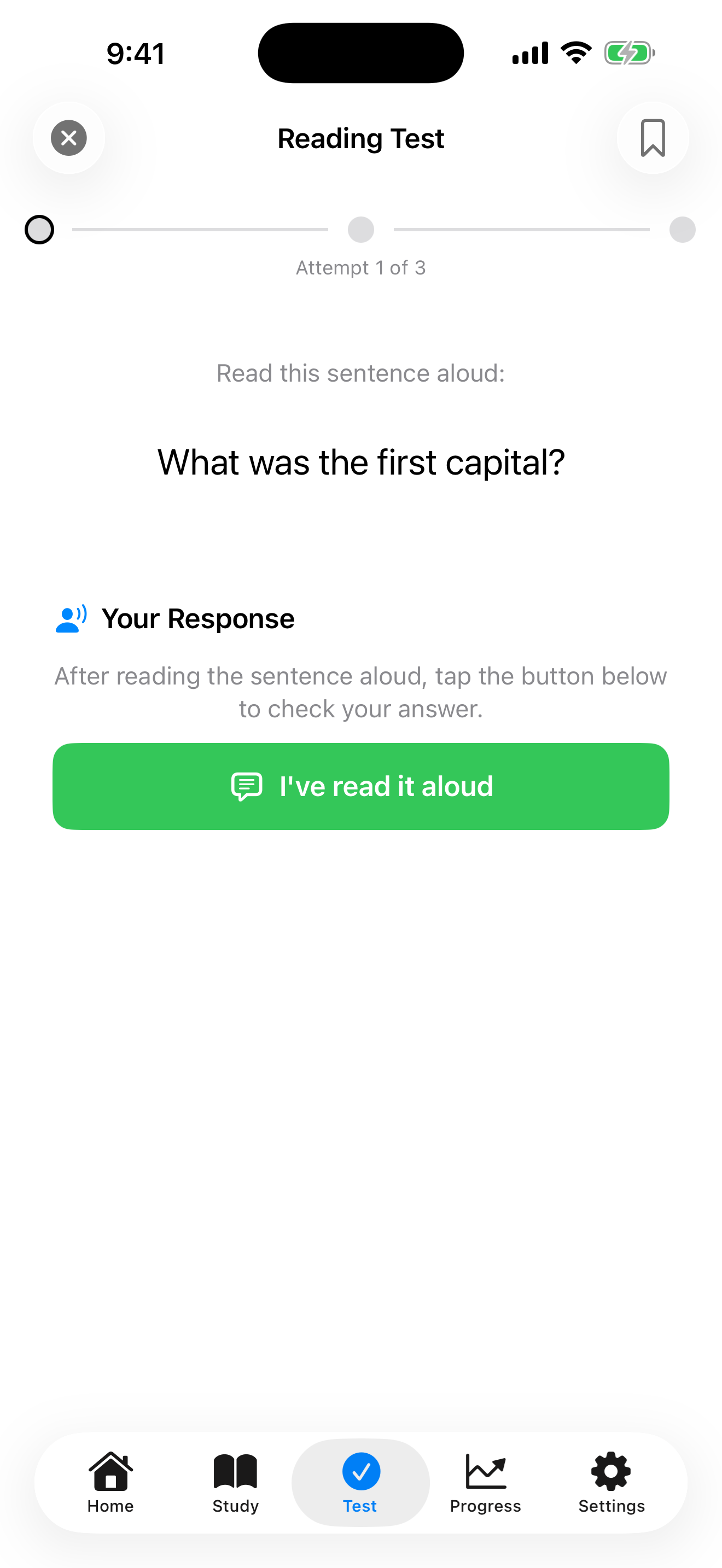
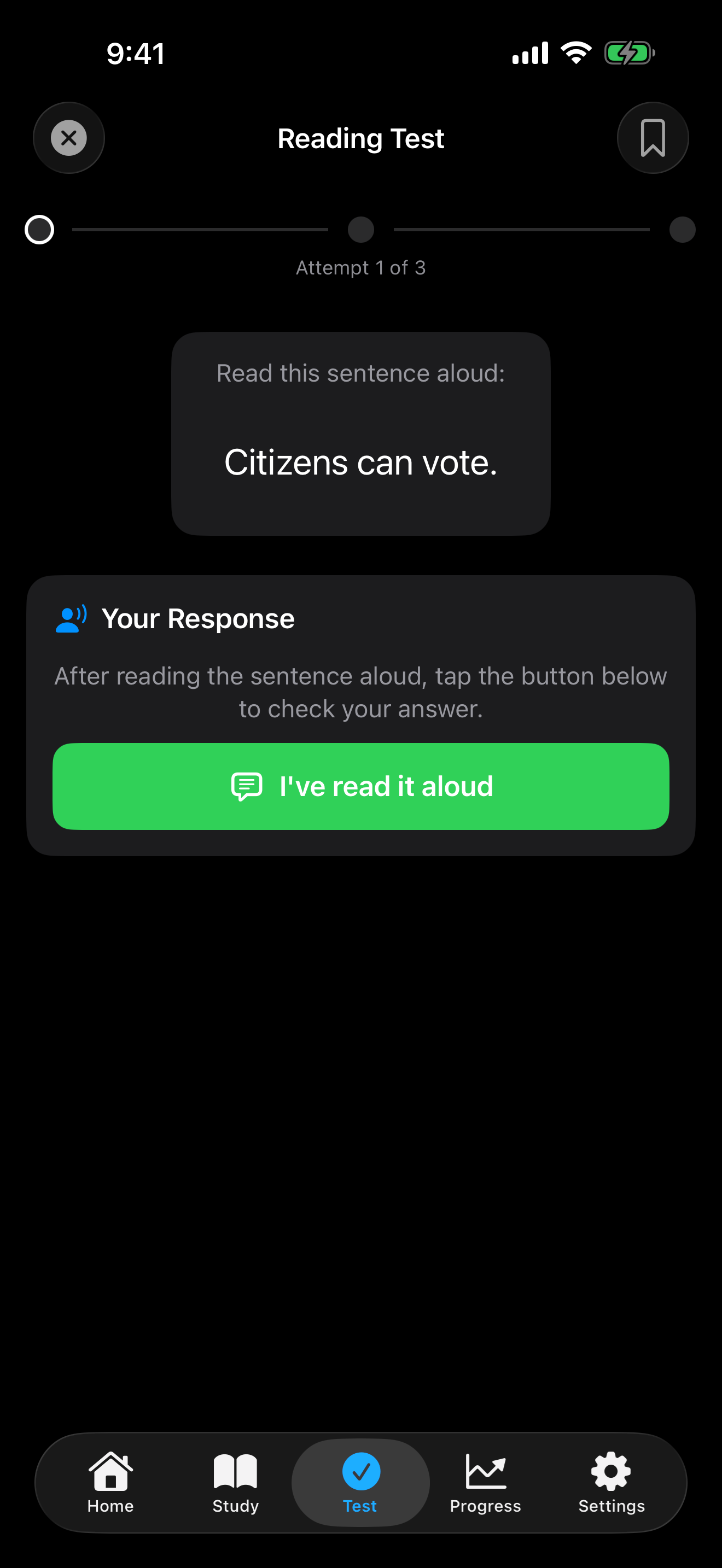
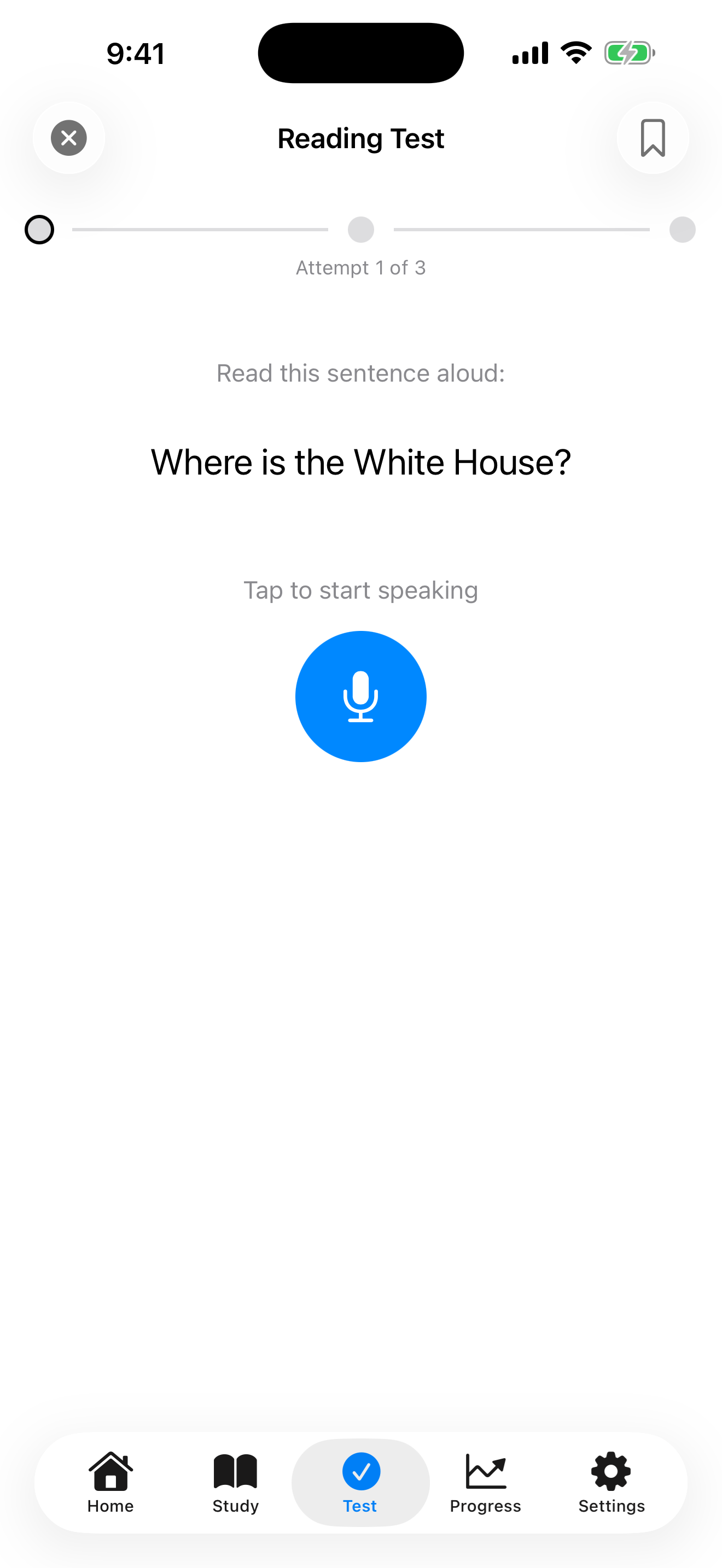
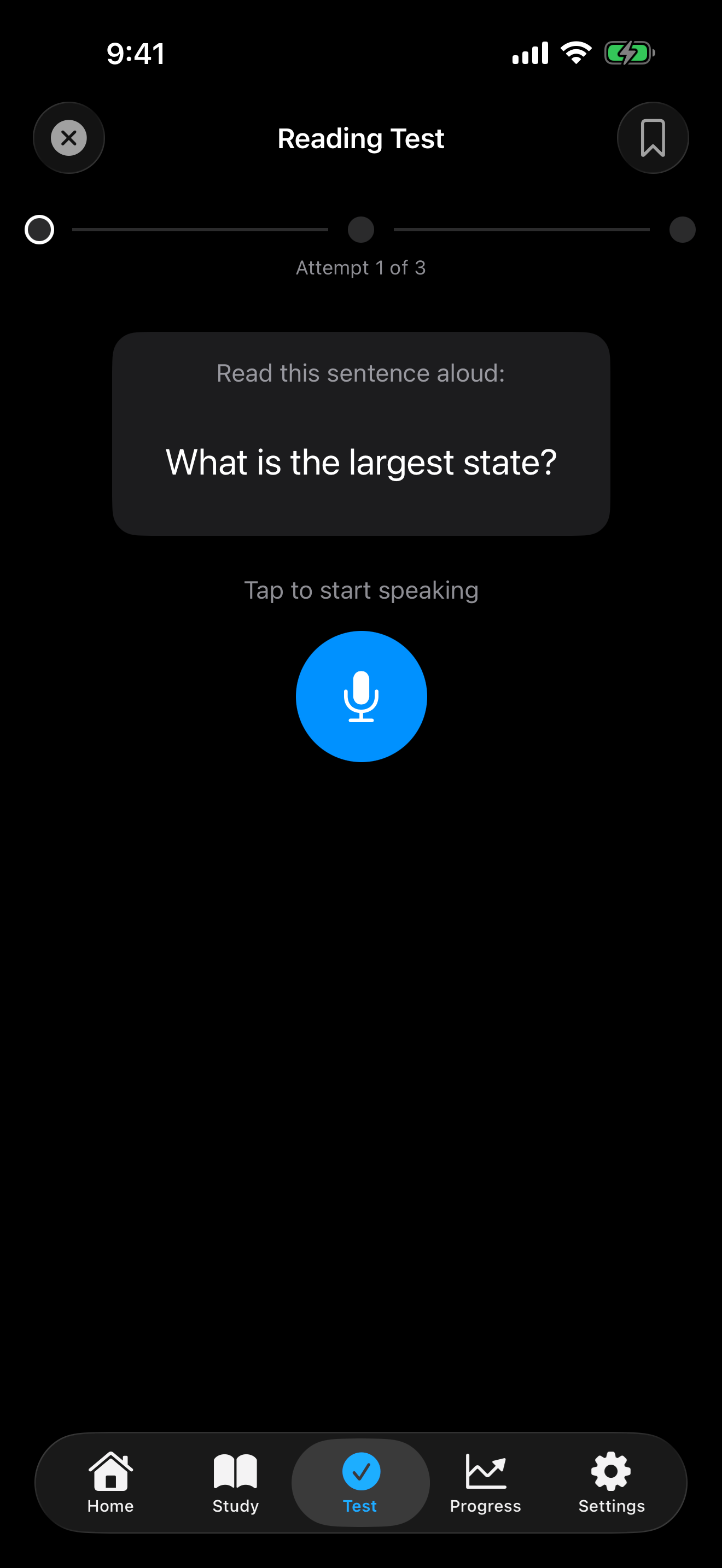
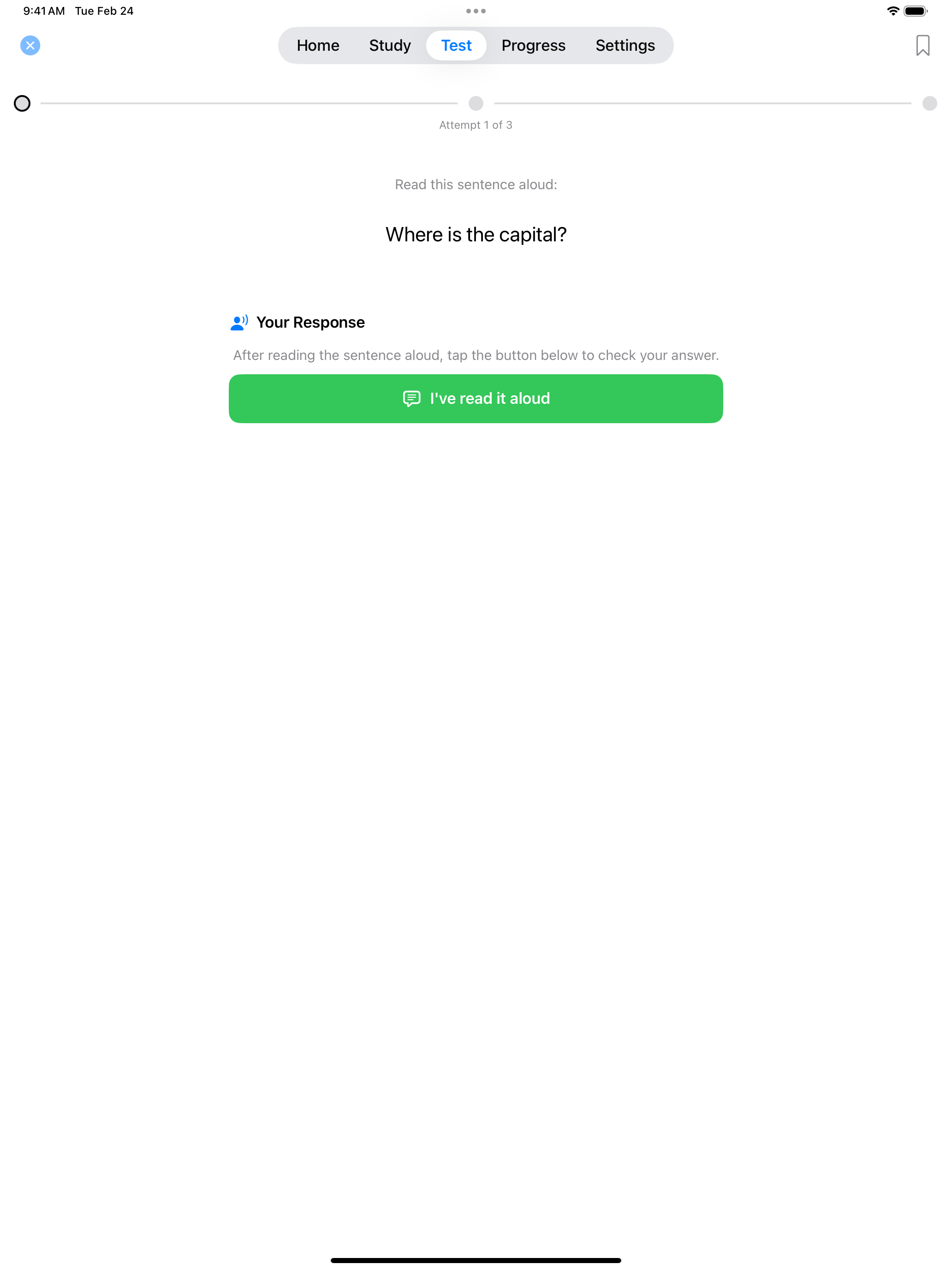
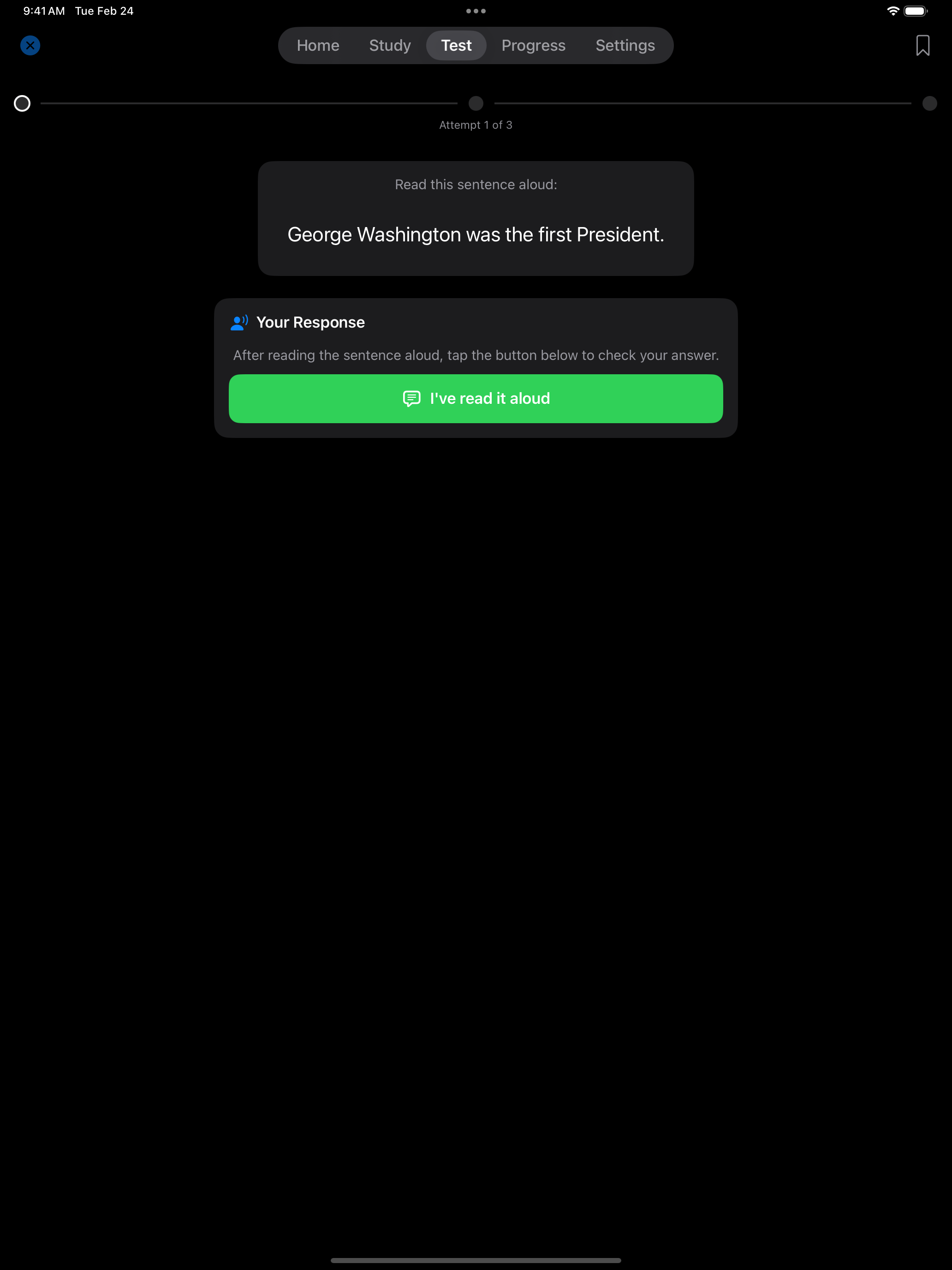
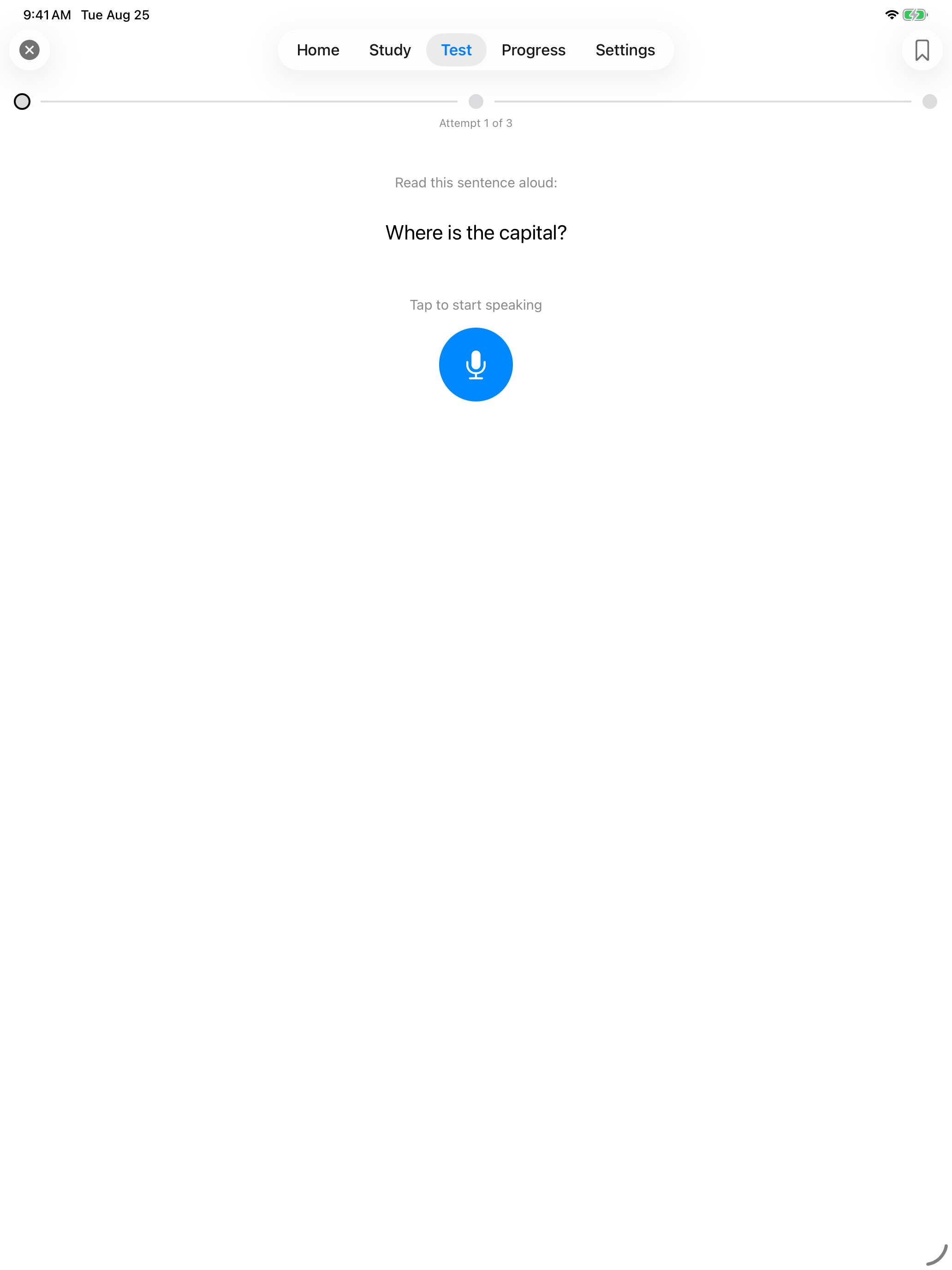
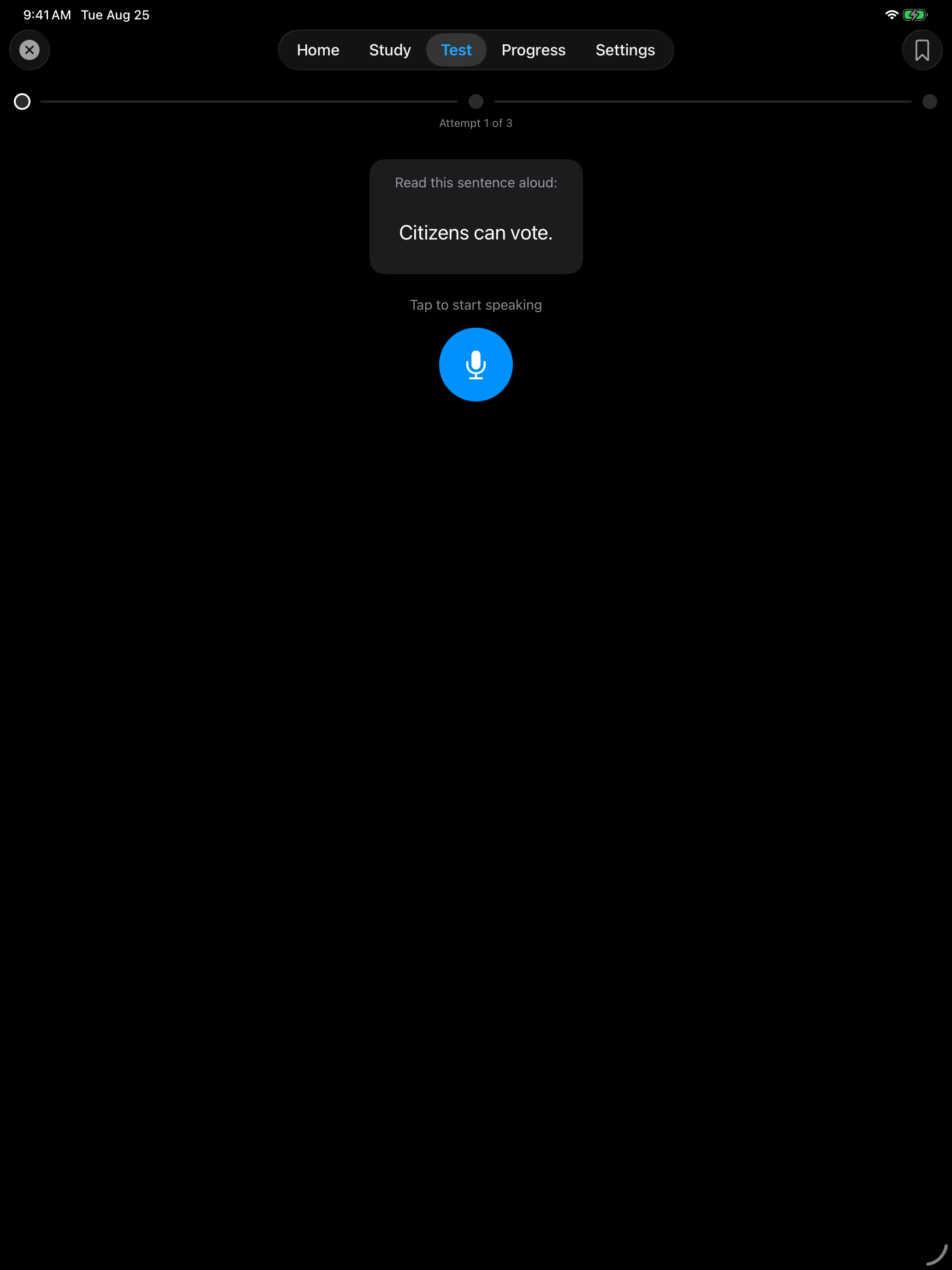
During the reading test, each sentence is displayed with a “Read this sentence aloud:” header. You can choose between two grading methods:
- Self-Grade: read aloud and decide for yourself if you got it right
- Speech Match: the app listens and checks your reading with speech recognition
The test gives you up to 3 sentences. It ends as soon as you read one correctly, which is all you need to pass. In Speech Match, if the app does not recognize your reading, you can tap Try Again on the same sentence before moving on.
In Speech Match, listening stops by itself after a short pause, or after 10 seconds if the microphone hears nothing. If the microphone or speech recognition fails, a Recording failed card says why, with Try Again and Next, rather than scoring the sentence 0%. Next counts that sentence as not read, because a test cannot switch to Self-Grade partway through. With VoiceOver on, a two-finger double tap (Magic Tap) anywhere on the screen starts and stops recording.
When the test ends, Try Again goes back to the setup screen for another test. So does Done, unless you opened the test from Home, where it goes back to Home.
Speech Match needs speech recognition and microphone access. Until speech recognition is allowed, Speech Match shows an Enable Speech Recognition button. iOS asks for the microphone the first time you tap the microphone button, before anything is recorded. Recognition happens on your device when iOS supports it for your device and language. Otherwise iOS sends the audio to Apple for processing under Apple’s privacy policy. The app does not store or upload recordings.
If you would rather not grant it, Self-Grade works with no permissions at all and is just as valid for practice. You can pick either one from the grading picker before you start a test.
Self-Grade. You read the sentence aloud and mark yourself. No microphone needed.
Speech Match. The app listens and checks the sentence for you.
Self-Grade. You read the sentence aloud and mark yourself. No microphone needed.
Speech Match. The app listens and checks the sentence for you.
Leaving a Test
Tap the close button at the top left during a test to leave it early:
- Save & Exit keeps the sentences you have answered and adds the test to your history
- Discard & Exit throws the attempt away. It is not added to your history and does not count as a study day, but a sentence you got wrong stays on your Missed list
- Tap outside the dialog to go back to the test
Either way you return to the test’s start screen, or to Home if you opened the test from there. Leaving with Save & Exit before answering anything does not count as a study day.
The dialog is the same as in the writing test. See Leaving a Test for a picture of it.
USCIS Resources
Official reading test materials from U.S. Citizenship and Immigration Services:
- Official Reading Vocabulary Word List (PDF), all 71 vocabulary words
- USCIS Study Materials, the official study page with practice materials
- English Test Policy (USCIS Policy Manual), the official policy on the English reading and writing tests