Interview Mode
Overview
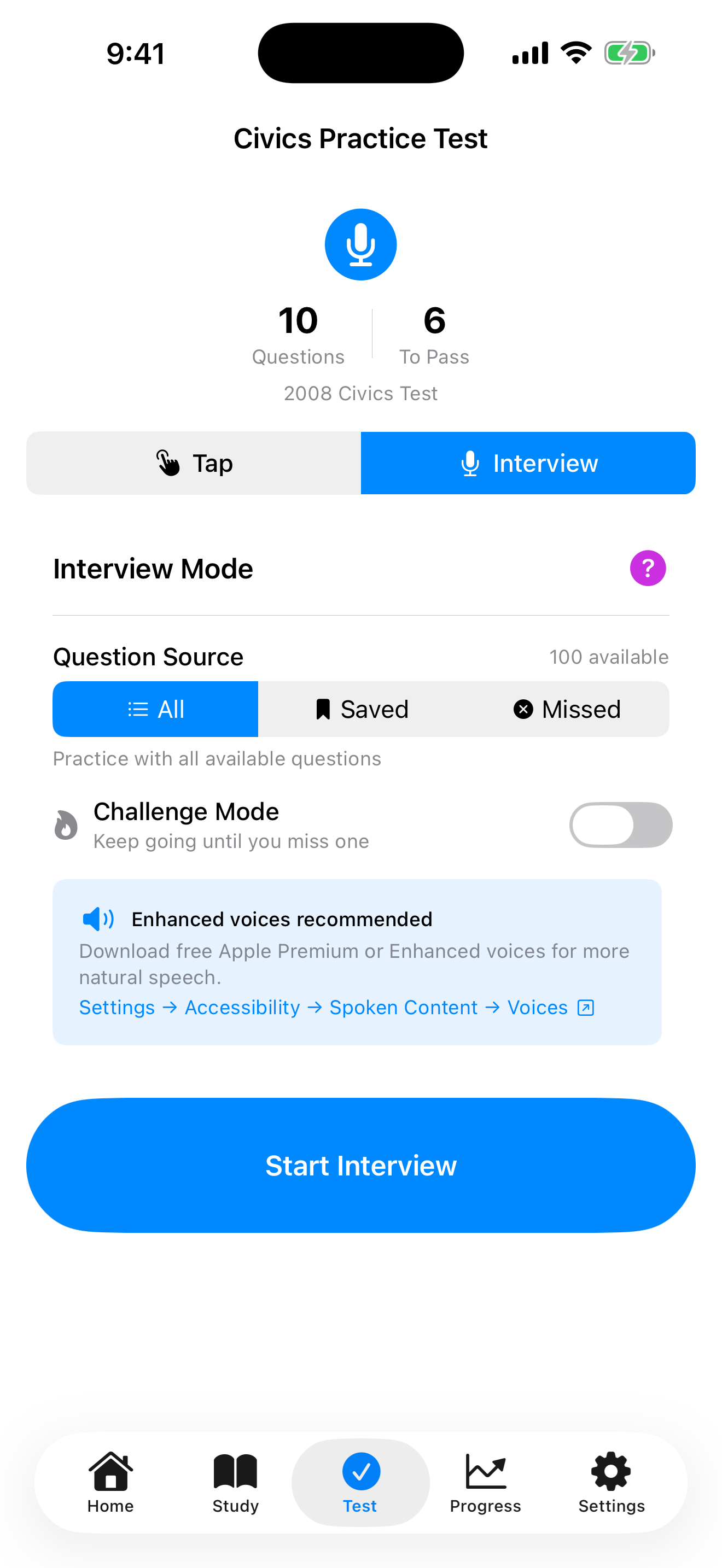
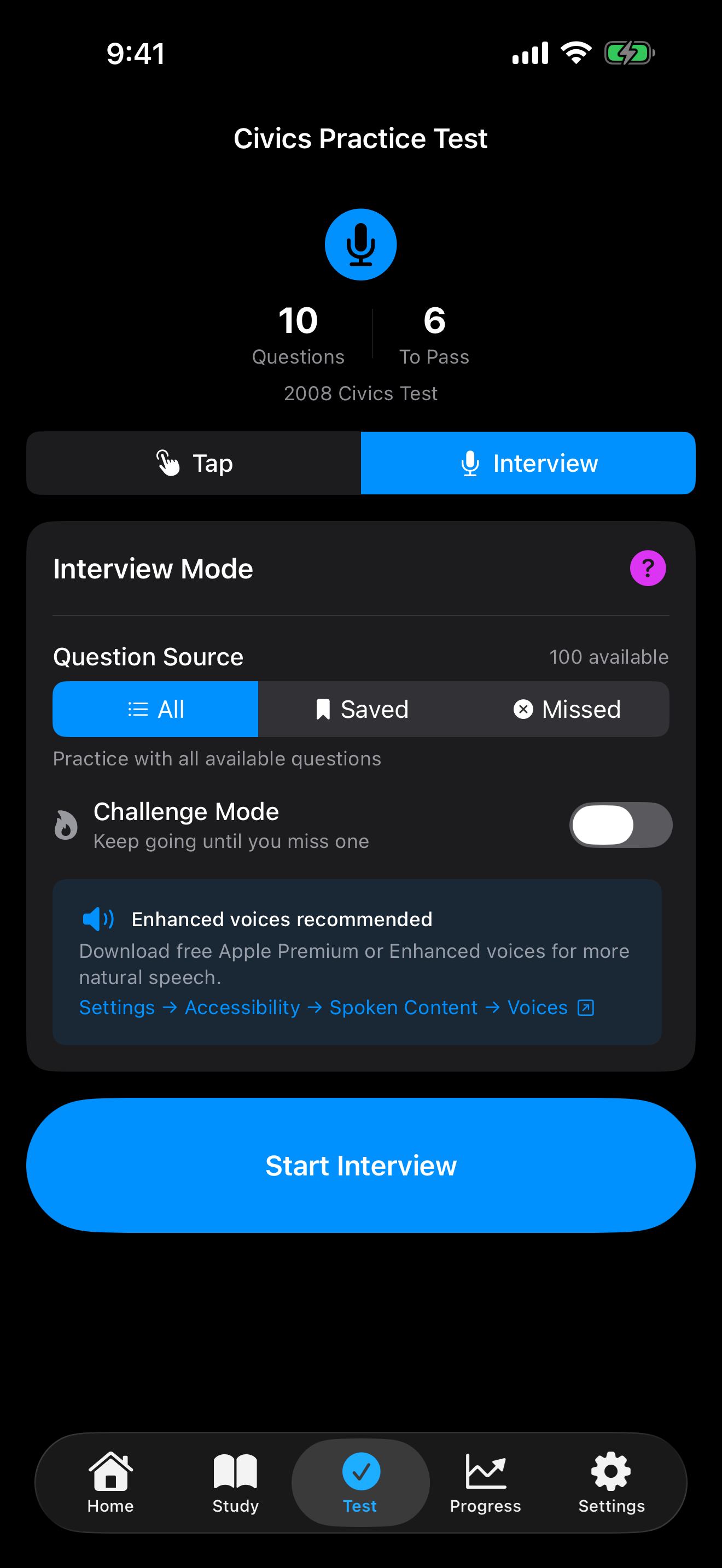
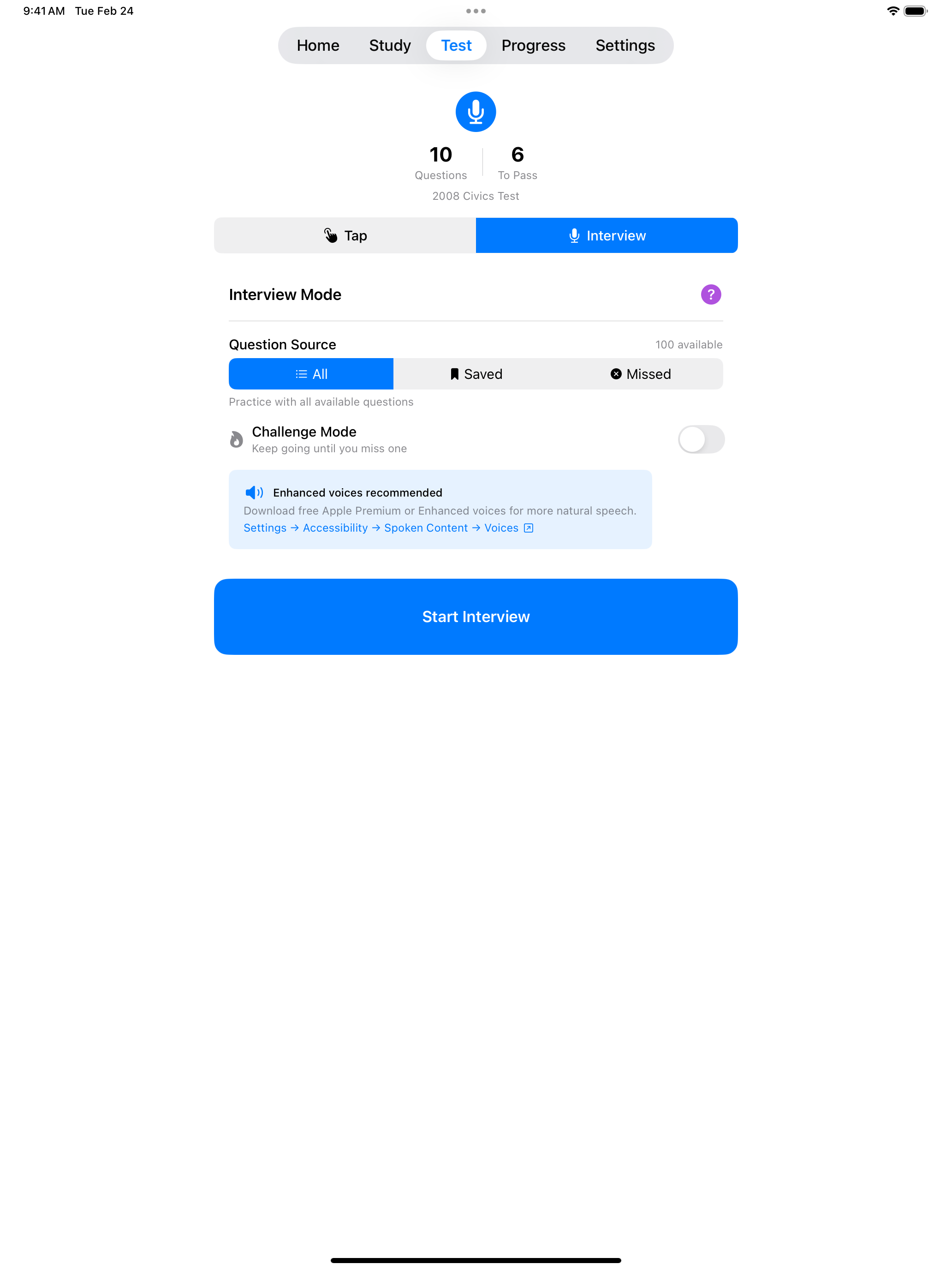
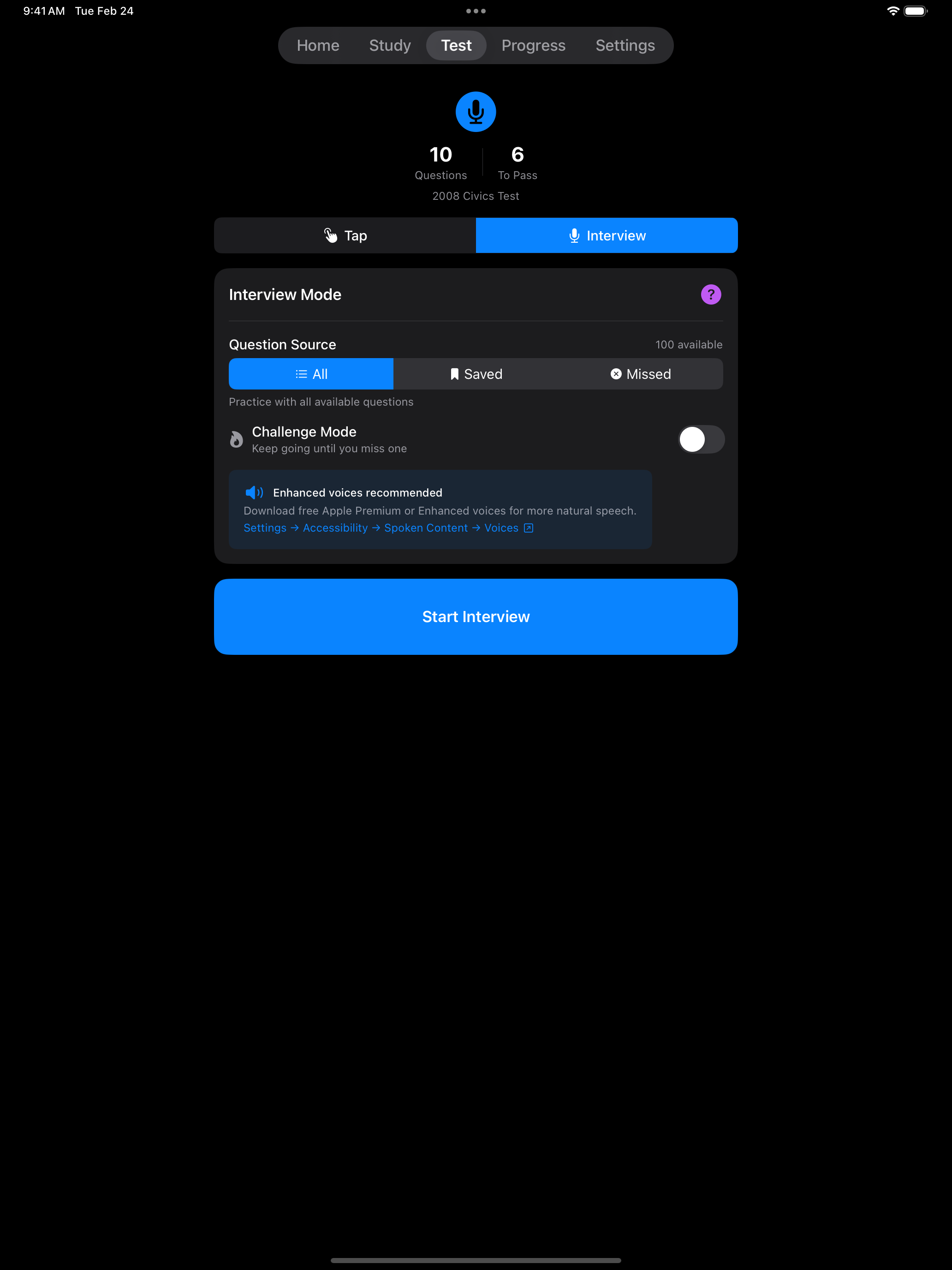
Interview Mode provides the most realistic preparation for your naturalization test. It simulates the actual USCIS interview experience where an officer reads questions aloud and you respond verbally.
How It Works
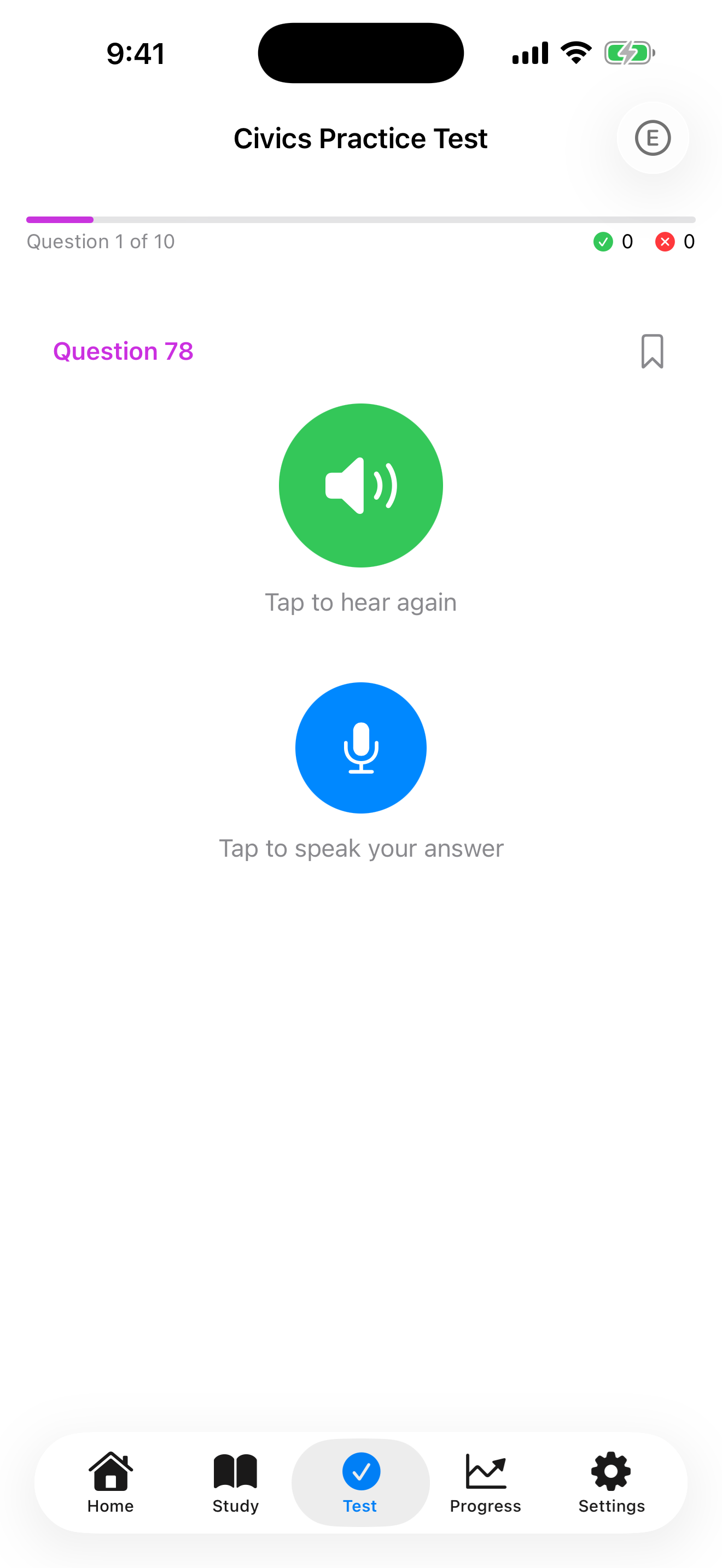
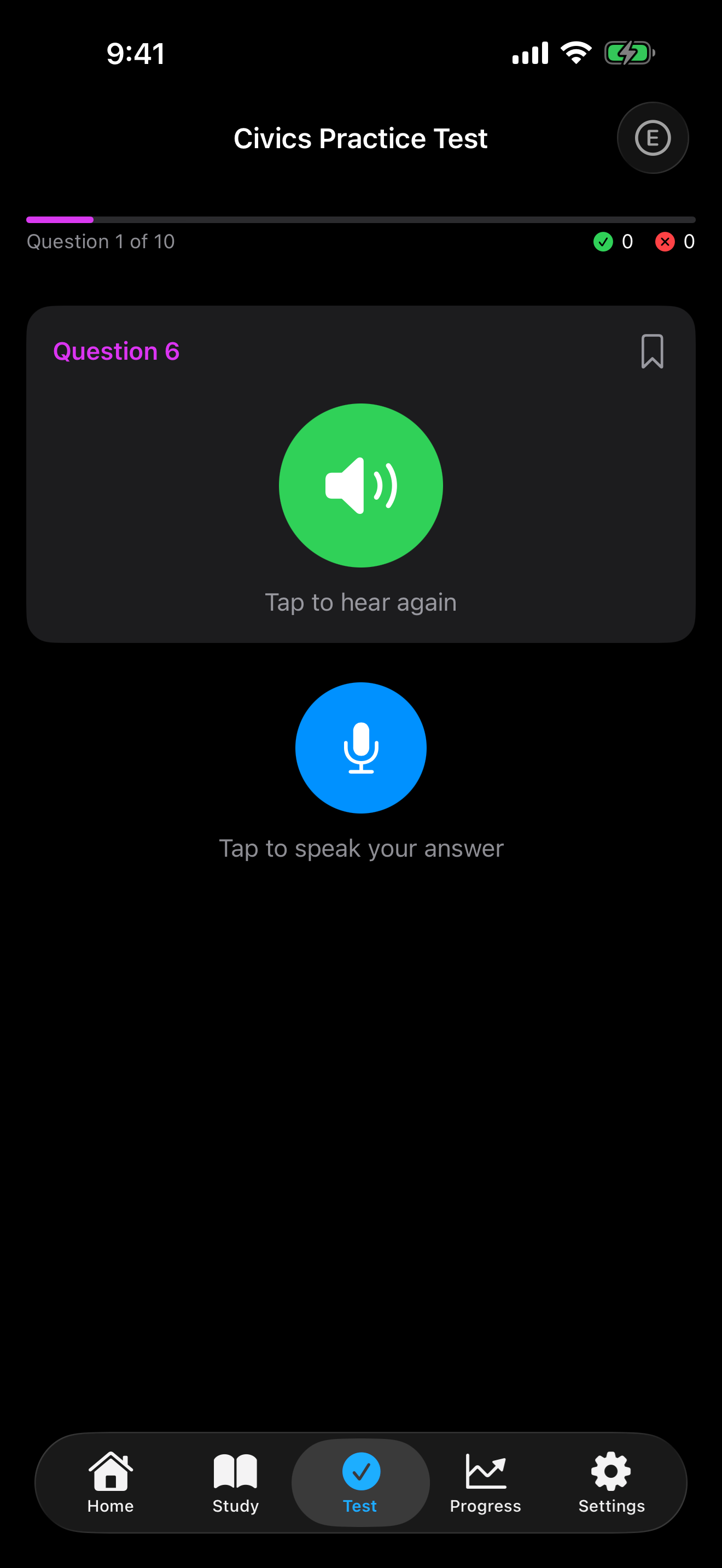
Here is what happens during each question in Interview Mode:
- The app picks a civics question at random.
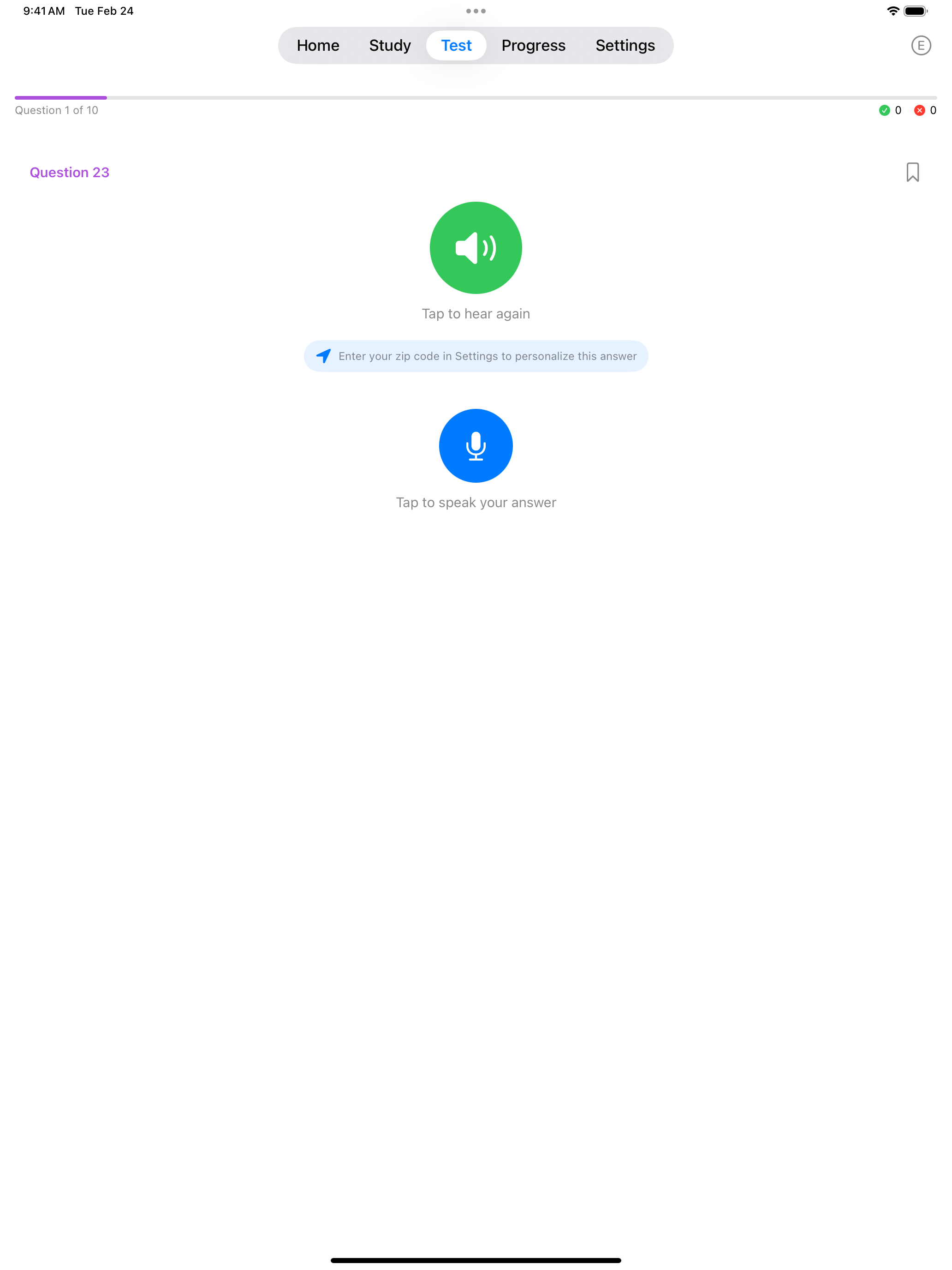
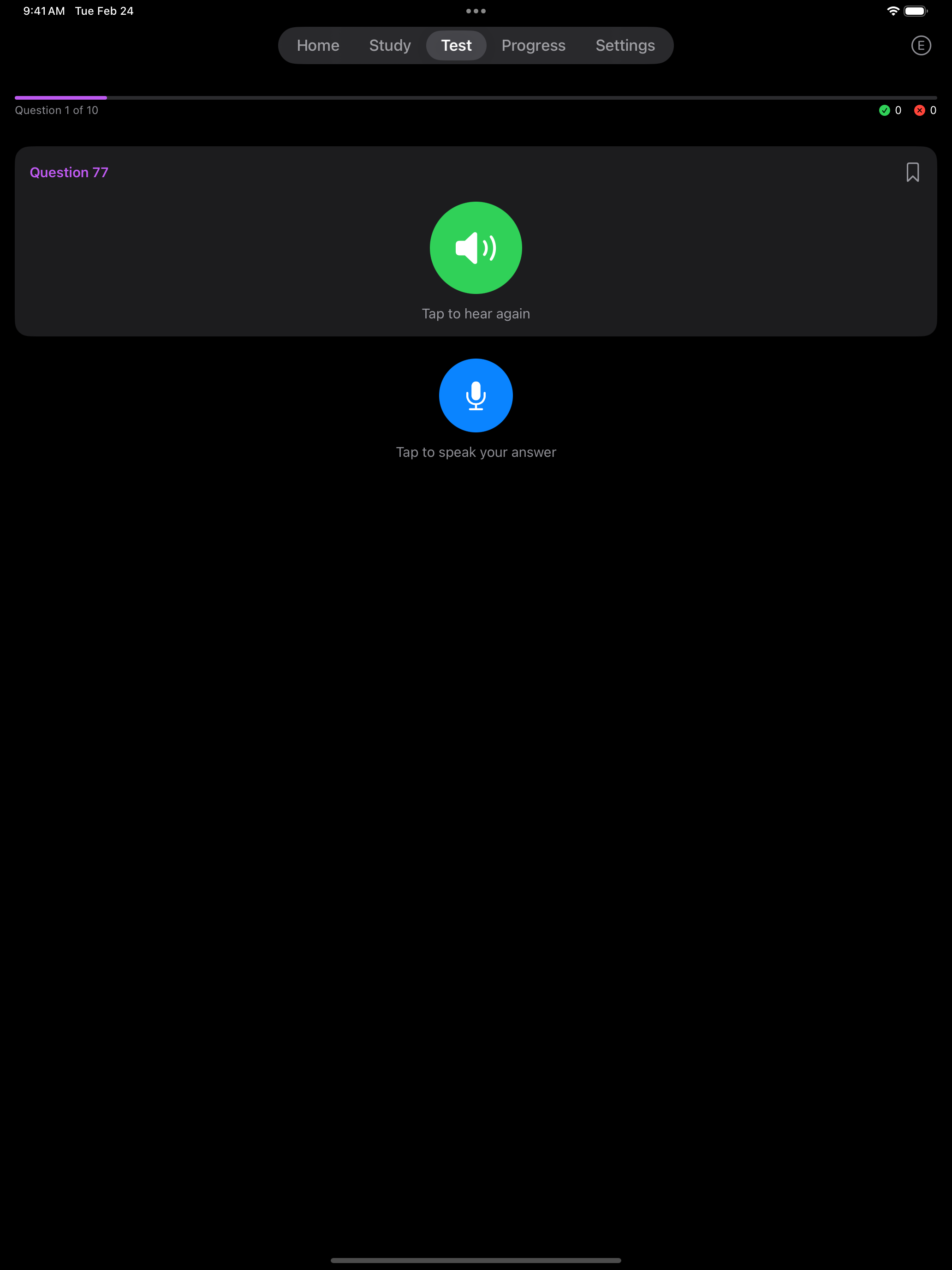
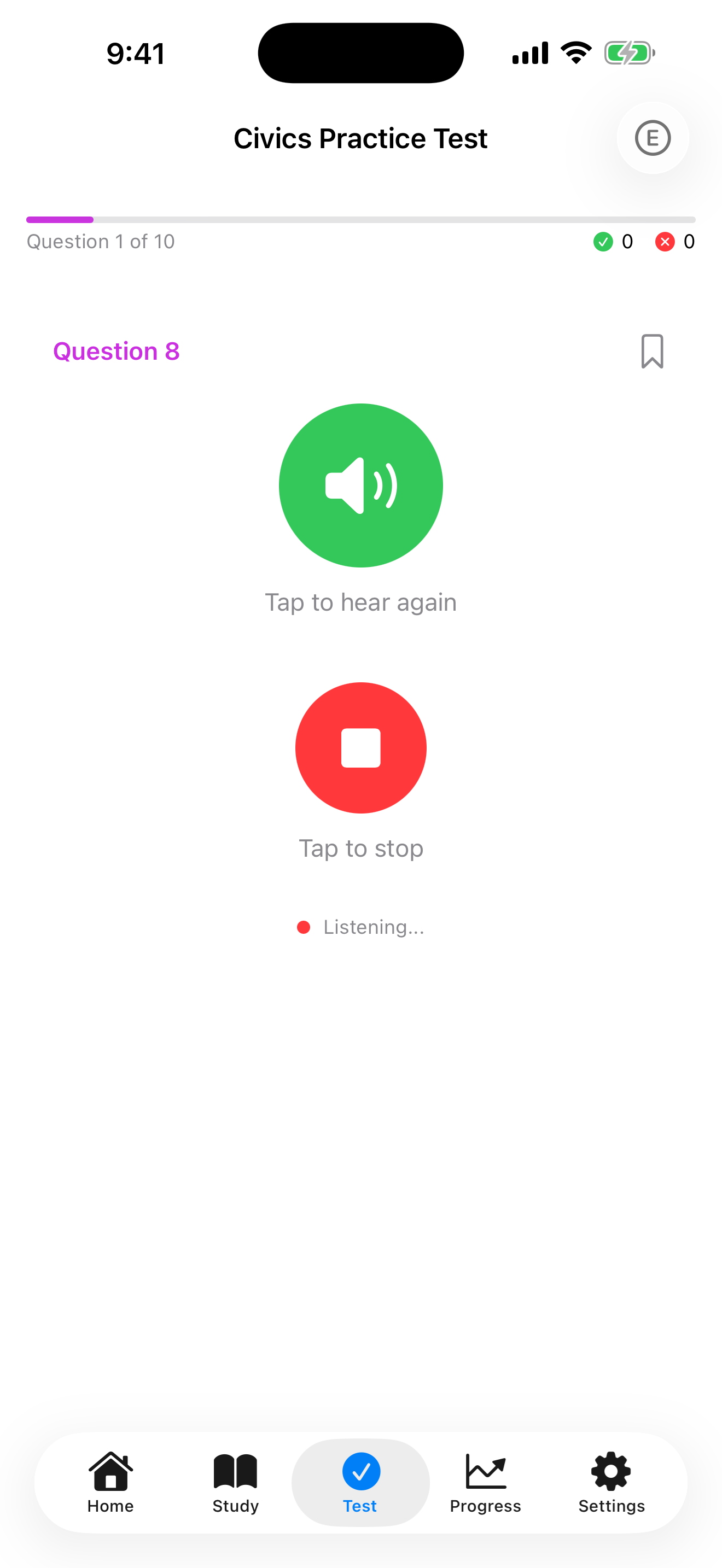
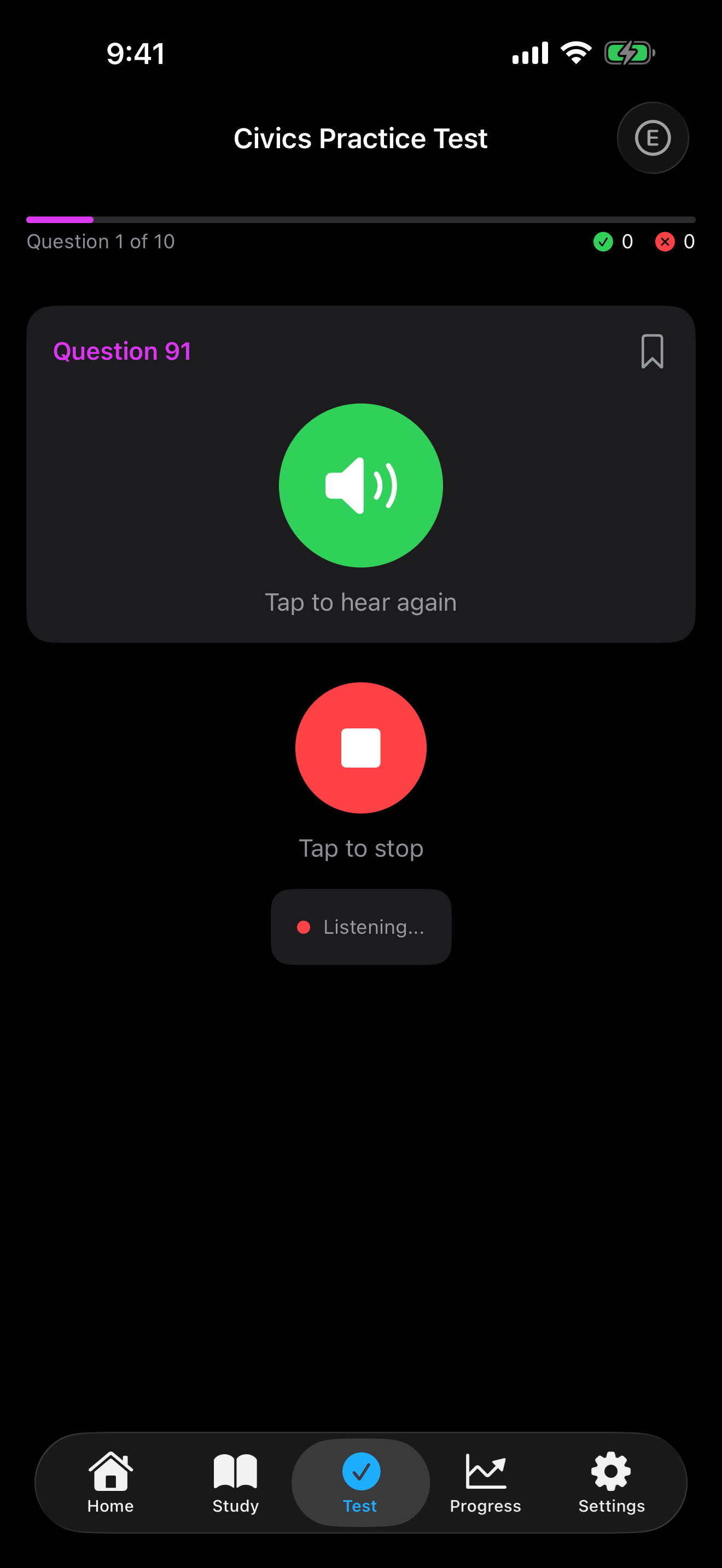
- Tap the speaker to hear the question read aloud using text-to-speech (TTS). The question text is not shown.
- Tap the microphone and say your answer. Listening stops by itself after a short pause.
- Apple’s speech recognition turns your answer into text. Check what the app heard, then tap Submit or Try Again.
- Your answer is compared with the accepted answers using fuzzy matching.
- You see whether your answer was accepted, along with the expected answer.
- Each question allows three attempts. After two tries, you can type your answer instead.


Speech recognition runs on your device wherever iOS supports it. Where it cannot, iOS sends your audio to Apple for processing. The app does not store or upload recordings. See Accessibility for details.
Text-to-Speech
The app uses Apple’s built-in speech synthesizer to read questions aloud:
- Natural-sounding voice delivery
- Voice and speech rate are set in Settings → Audio
- Questions are read at a clear, moderate pace by default
- You can replay the question if needed
Speech Recognition
Your spoken answers are processed by Apple’s speech recognition.
- Where iOS can run it on your device, it works without a connection
- Otherwise iOS sends your audio to Apple for processing, which needs a connection
- Fuzzy matching accounts for slight pronunciation differences
- The app is forgiving of minor speech variations
Speech recognition works best in a quiet environment. Background noise can interfere with accuracy.


One thing that surprises many test takers is that most civics questions have more than one correct answer.
Multiple Acceptable Answers
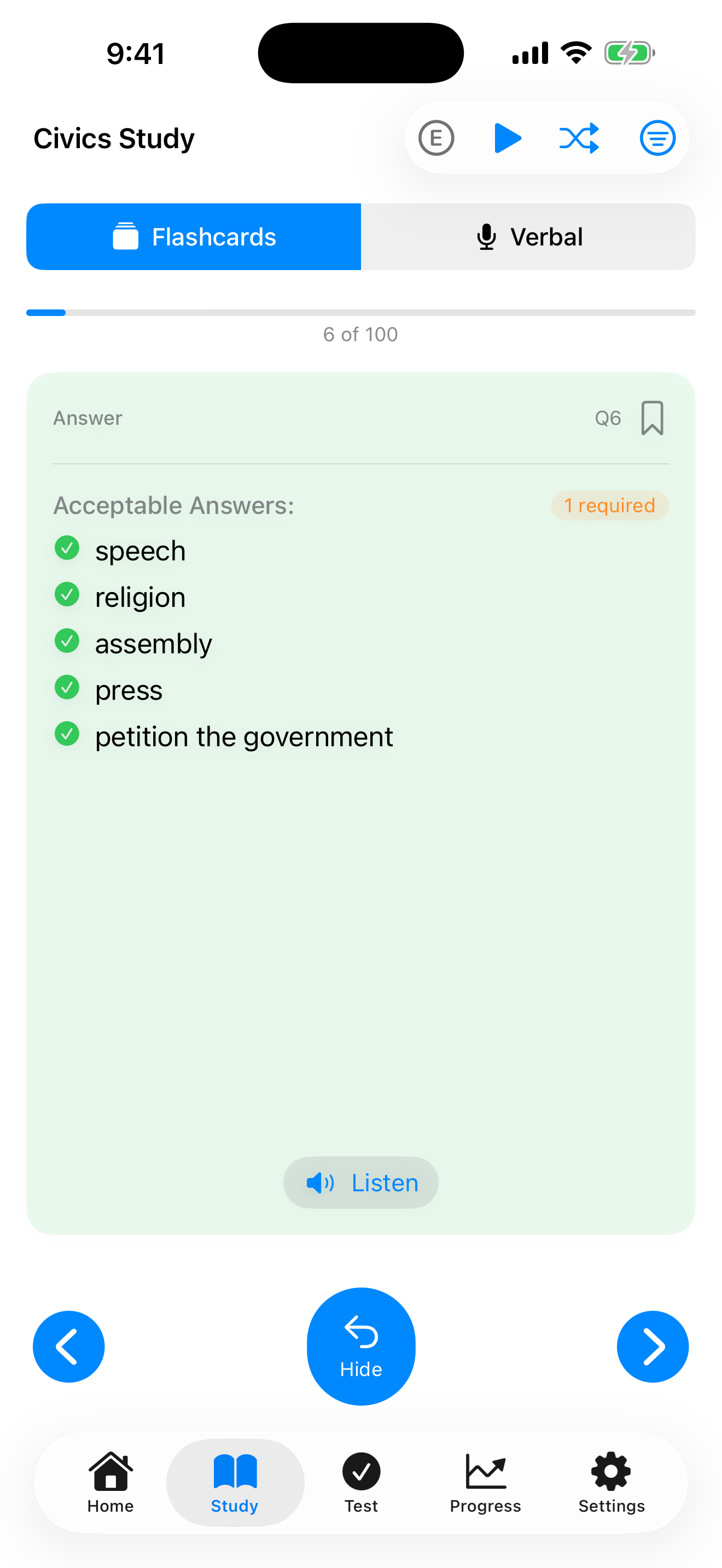
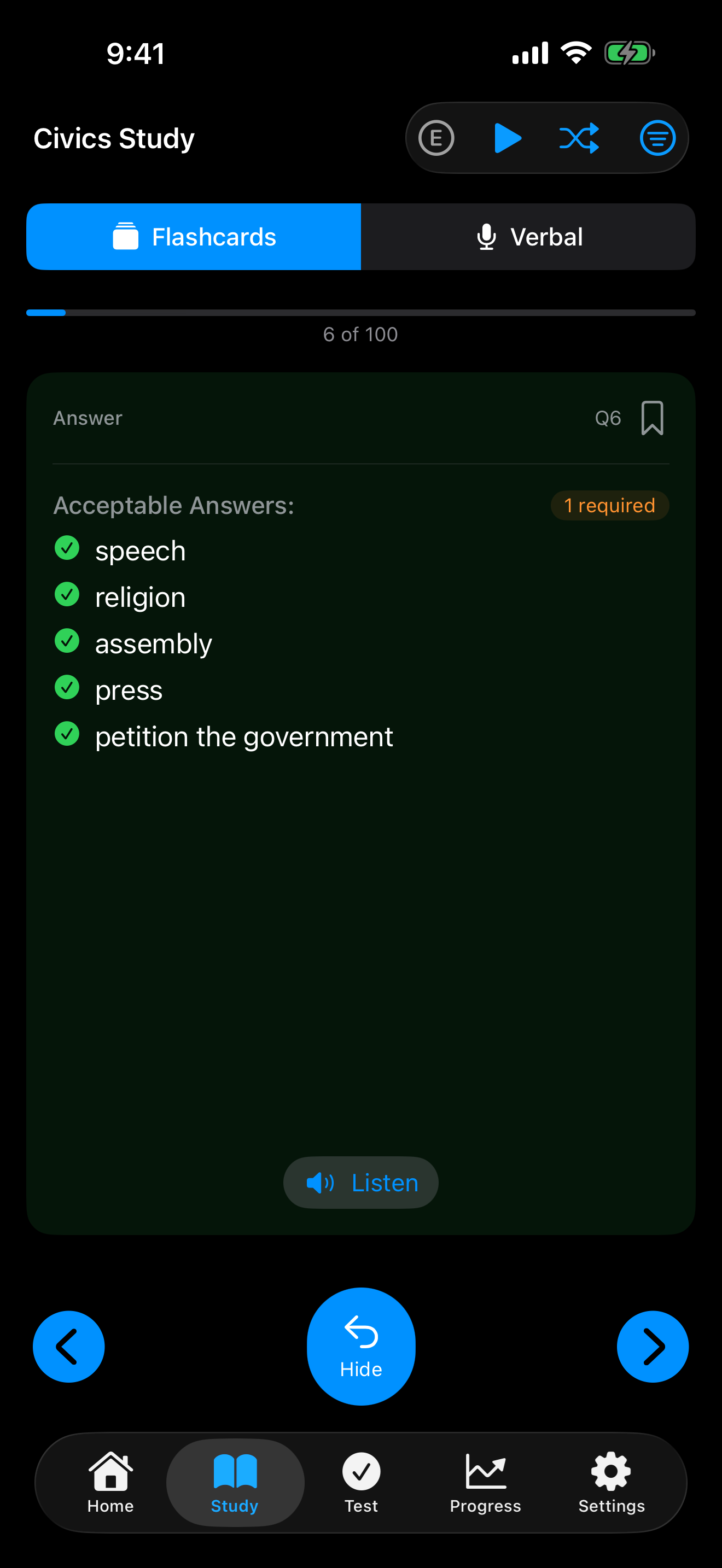
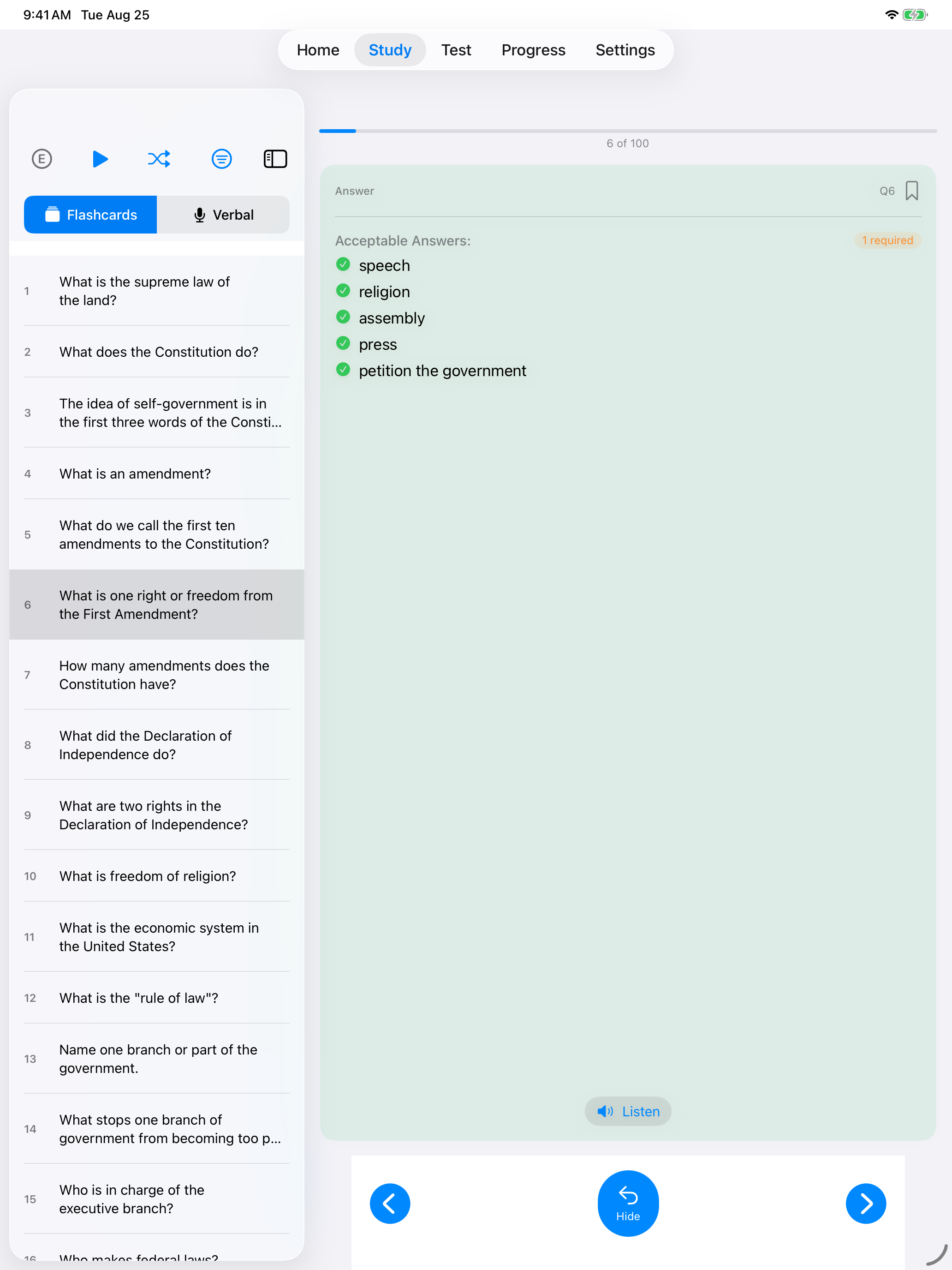
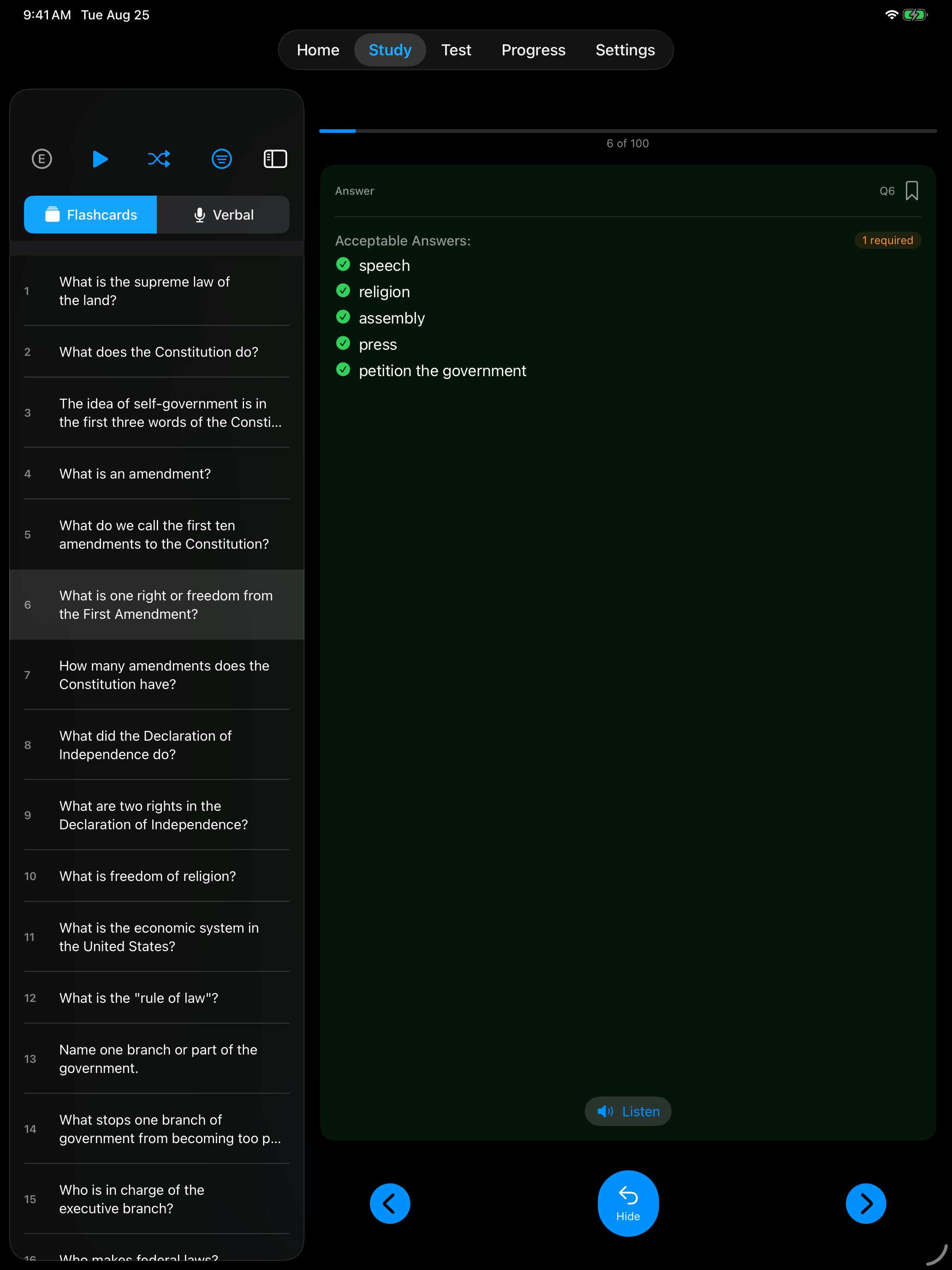
Many civics questions have more than one correct answer. For example, “What is one right or freedom from the First Amendment?” accepts: speech, religion, assembly, press, or petition. The app accepts ANY valid answer from the official USCIS answer list.
For the President, Vice President, Speaker of the House and Chief Justice, a surname alone is marked correct. For your governor, senators and representative, give the full name.
When a question asks for one thing, any single answer from the official list counts, so give the one you are most sure of. Some questions ask for two or three, such as “What are two Cabinet-level positions?” Those need that many correct answers. Interview Mode shows Answer 1 of 2 and asks for another answer until you have given enough.
Tips for Best Results
- Practice in a quiet room
- Hold your device at a comfortable distance (not too close to your mouth)
- Speak clearly at a natural, unhurried pace
- Wait for the microphone indicator before speaking
- If the app doesn’t recognize your answer, try speaking more slowly
- Start with Tap Mode to learn the answers, then switch to Interview Mode