Accessibility
The app is designed around a multi-modal learning approach: read it, hear it, speak it, write it. These overlapping modes mean that regardless of your learning style or ability level, there is a way to study that works for you.
Text-to-Speech
Hearing questions and vocabulary read aloud reinforces what you see on screen and helps you practice pronunciation before the real interview.
| Feature | Details |
|---|---|
| Coverage | Civics questions, reading sentences, writing dictation, vocabulary words |
| Engine | Apple’s built-in speech synthesizer |
| Connectivity | Generated on your device, with no internet required |
| Benefit | Useful for auditory learners and for hearing how words sound before you say them |
You choose the voice and the speed during setup, and can change both later under Settings → Audio.
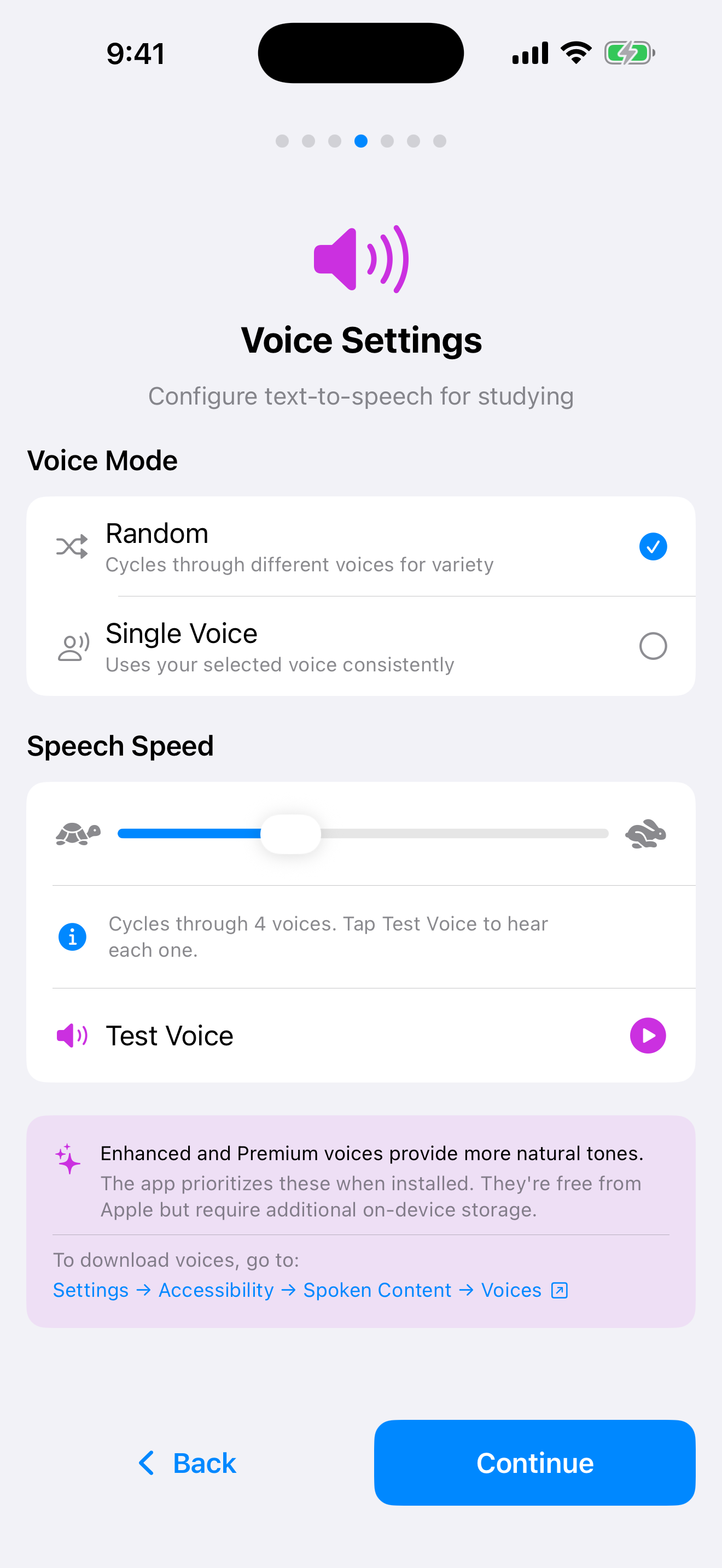
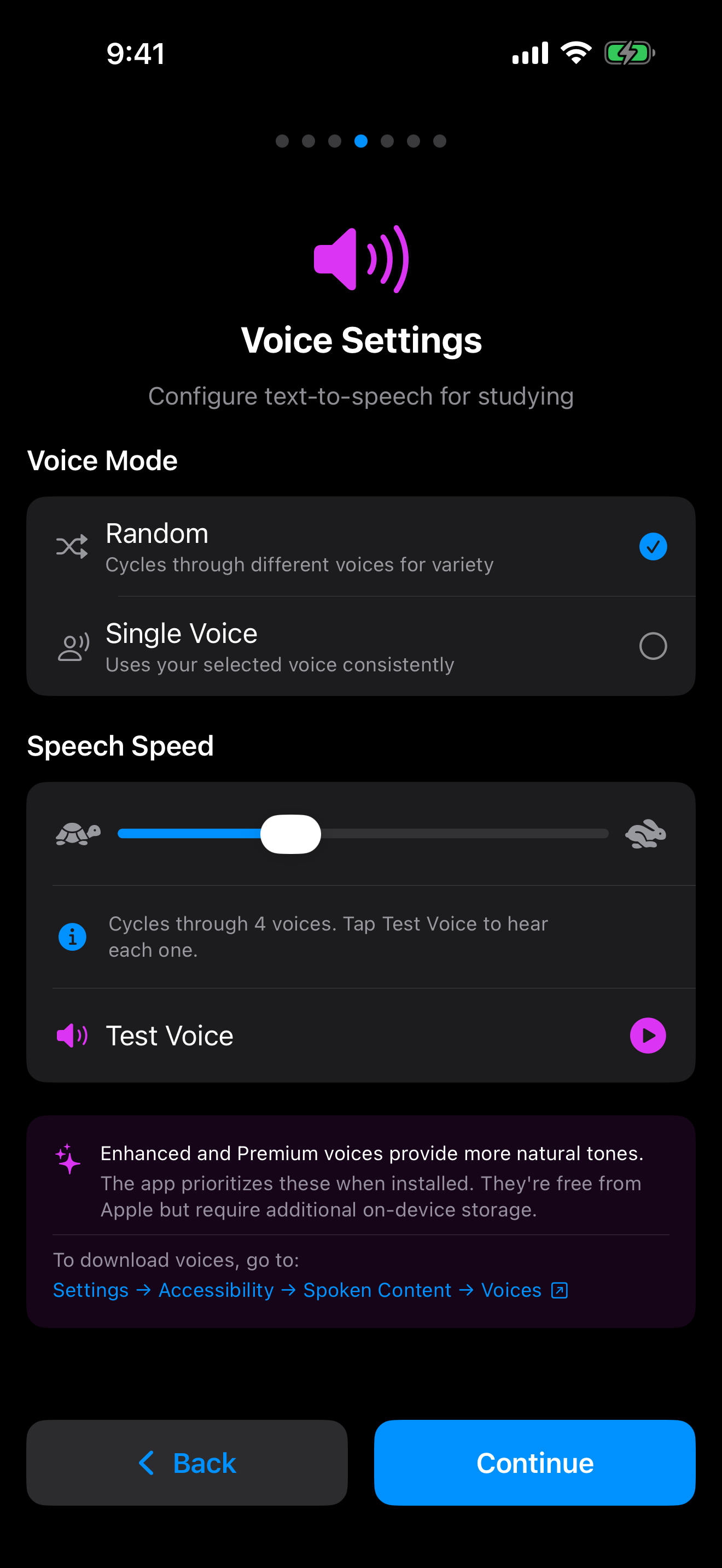

Apple’s free Enhanced and Premium voices sound noticeably more natural than the default. Installing them is a one-time download in iOS Settings → Accessibility → Spoken Content → Voices, and the app picks them up automatically. Without them the app still speaks, using the compact voice that ships with iOS.
Speech Recognition
Speaking your answers out loud is the best way to prepare for the verbal interview. The app listens to your response and tells you whether it matches an accepted answer.
| Feature | Details |
|---|---|
| Used in | Interview Mode, reading practice, verbal study and the setup microphone check |
| Processing | On-device wherever iOS supports it. See the note below |
| Matching | The transcript is normalized for case, punctuation and number words, then compared by edit distance. Anything at least 80 percent similar to an accepted answer counts as correct |
| Requirement | iOS 17 or later |
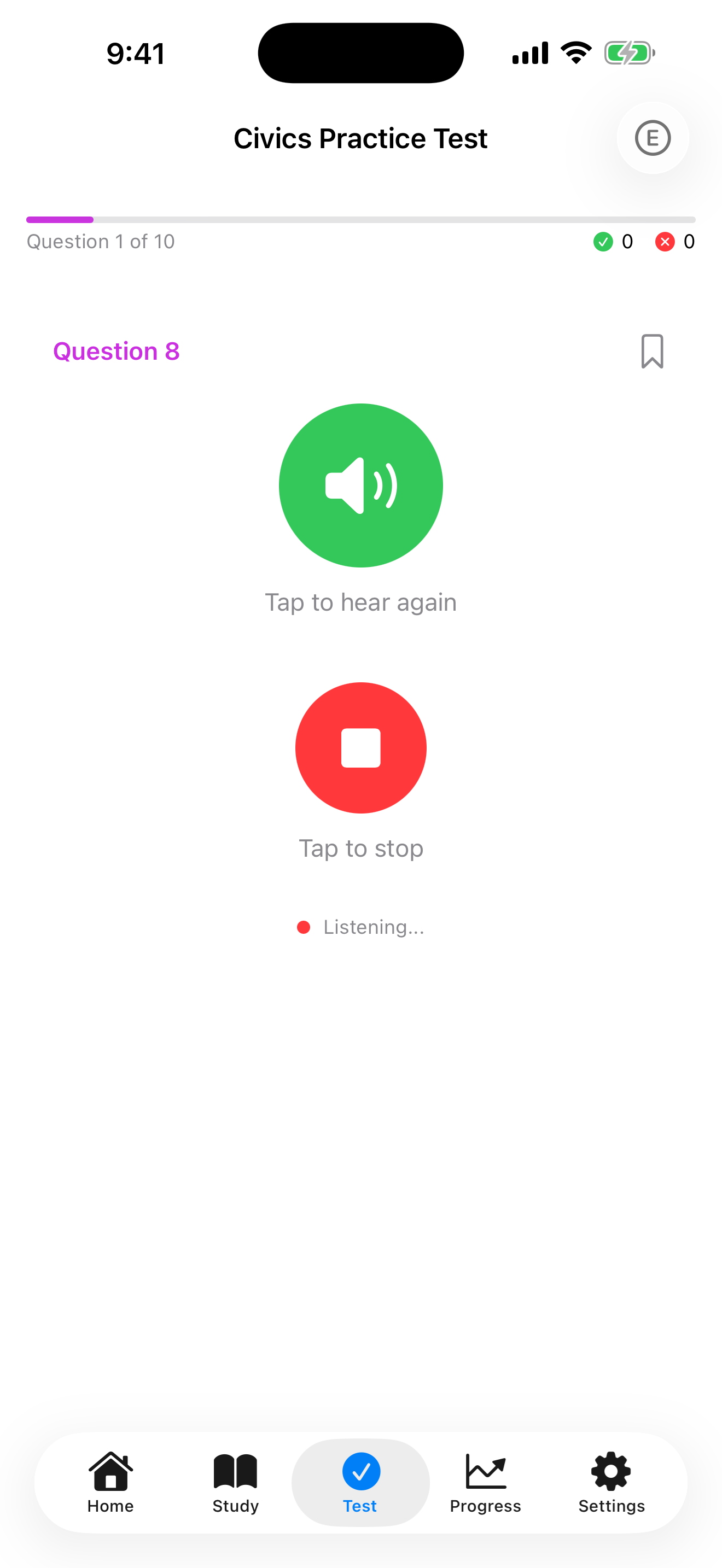
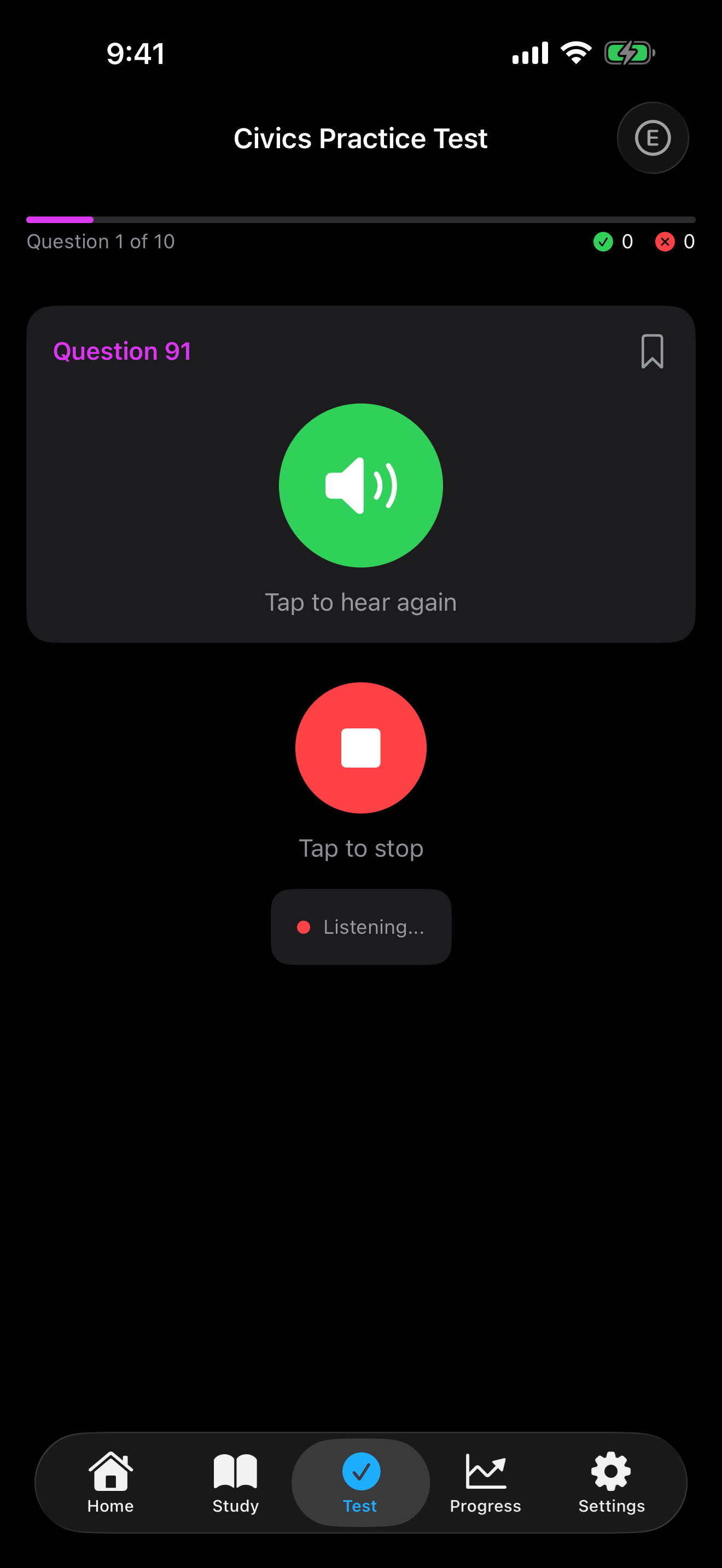
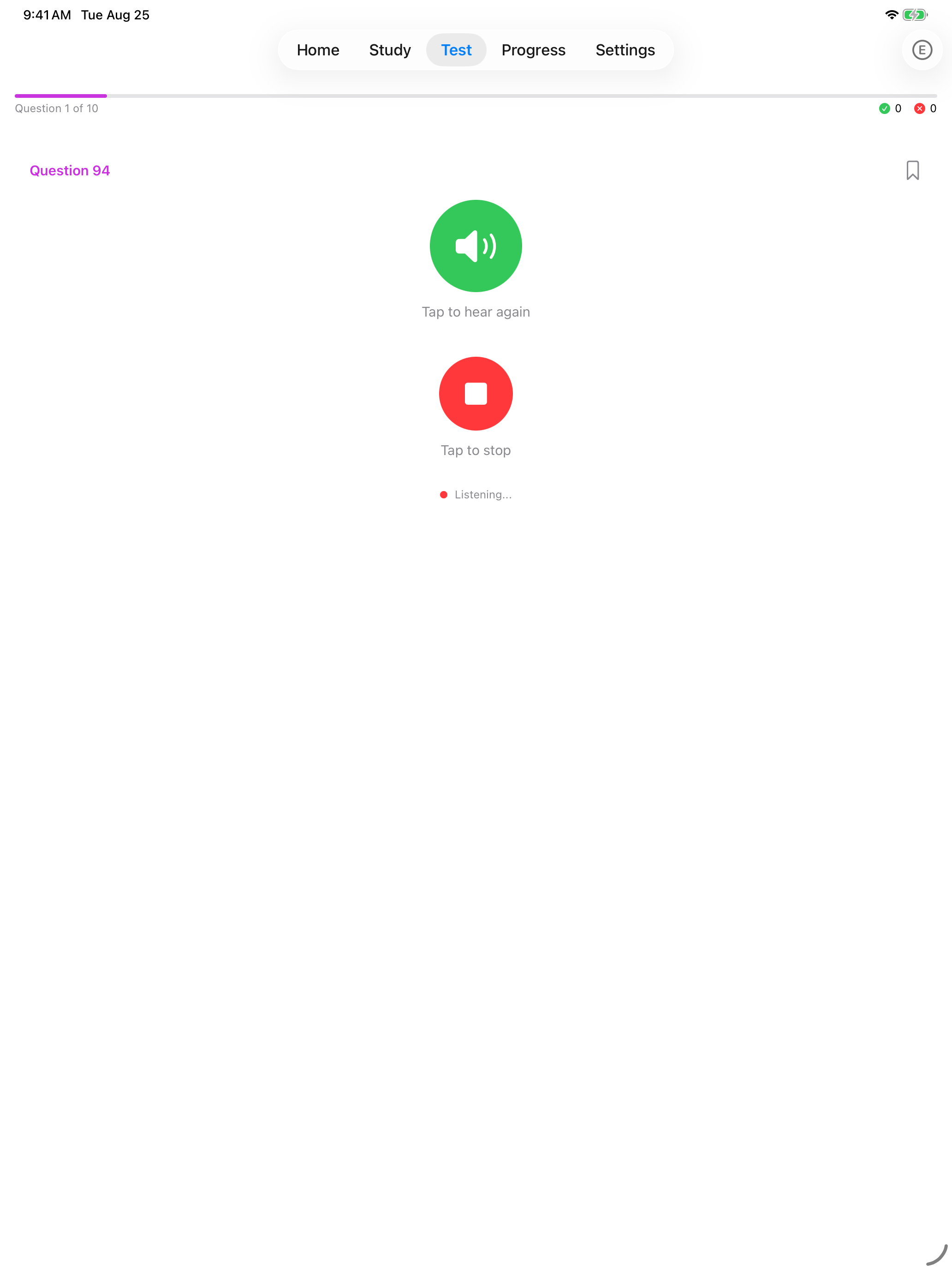
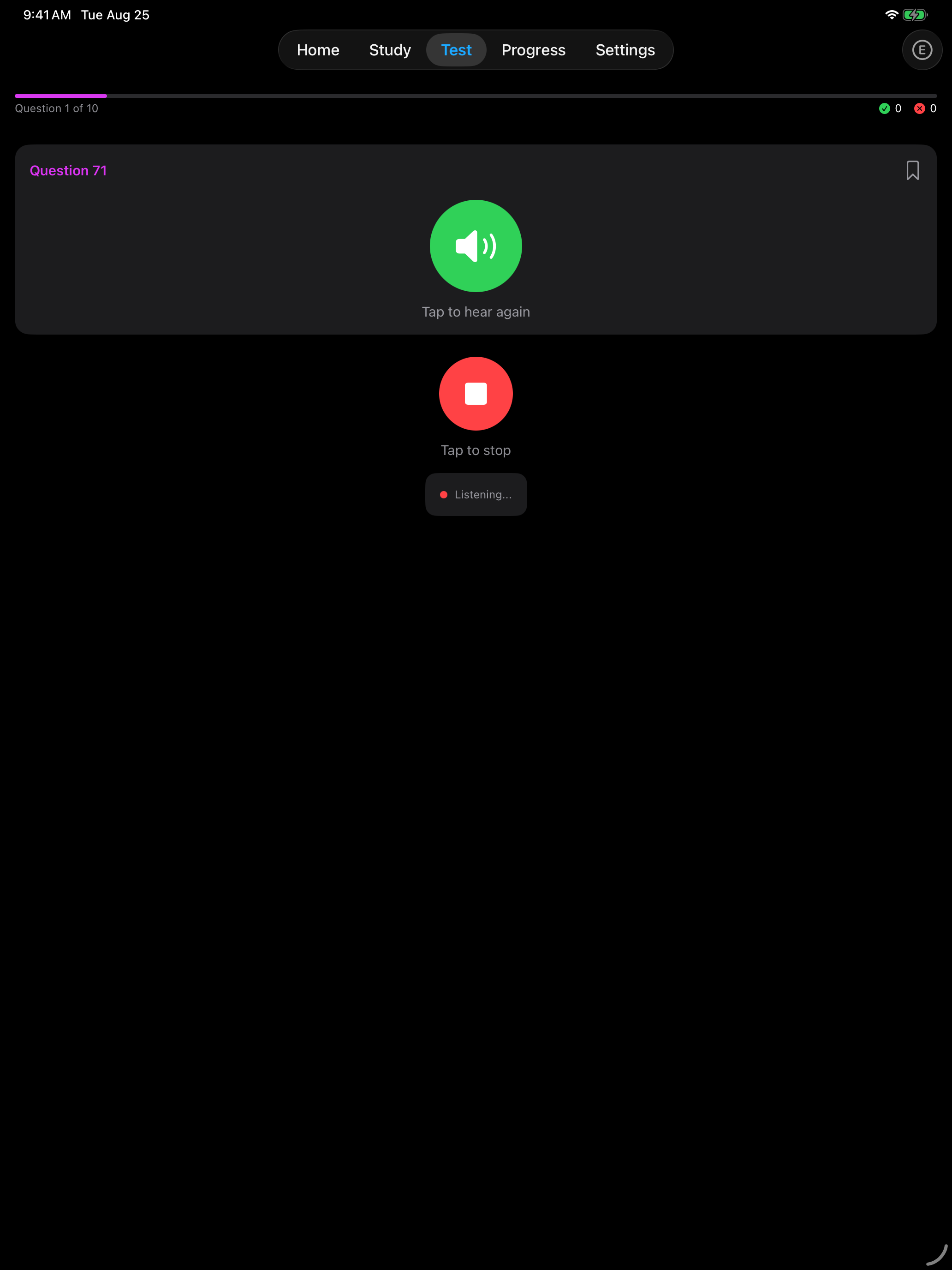
The app listens in U.S. English. When iOS supports on-device recognition for your device and that language, the app uses it and your audio stays on your phone.
Otherwise iOS sends the audio to Apple for processing under Apple’s privacy policy. The app does not store or upload recordings.
The in-app Privacy Policy covers the same point. Open Settings and tap Privacy Policy in the About section.
Matching is deliberately forgiving of accent and pronunciation, and it accepts a surname on its own where USCIS does.
Handwriting Input
The writing portion of the naturalization test requires you to write a sentence by hand. Practicing on the app’s canvas builds the muscle memory you need for test day.
| Feature | Details |
|---|---|
| Input | Finger or Apple Pencil, on both iPhone and iPad |
| Engine | A PencilKit canvas read by Vision OCR |
| Feedback | In Auto-Check mode your handwriting is converted to text and compared to the correct sentence |
| Best for | Practicing the writing test and reinforcing spelling |
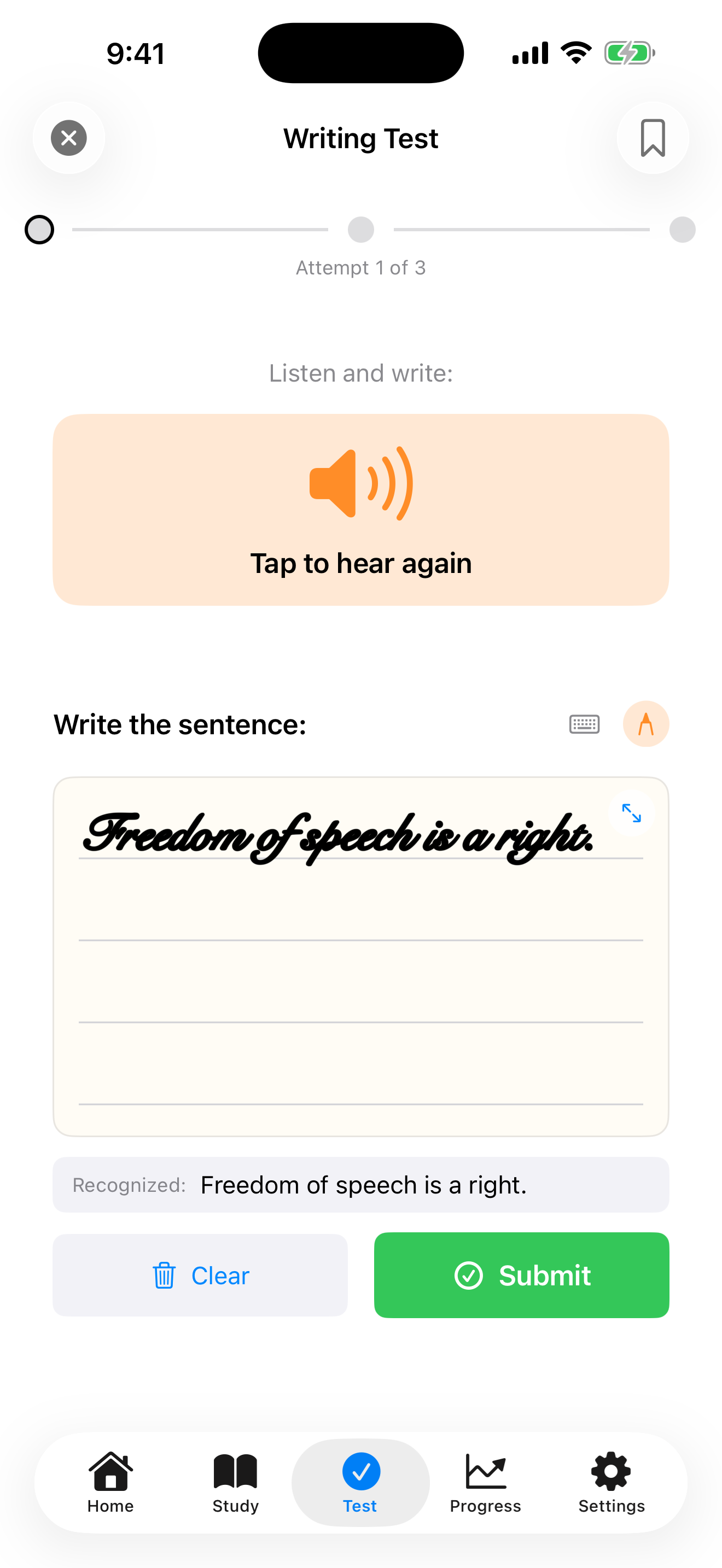
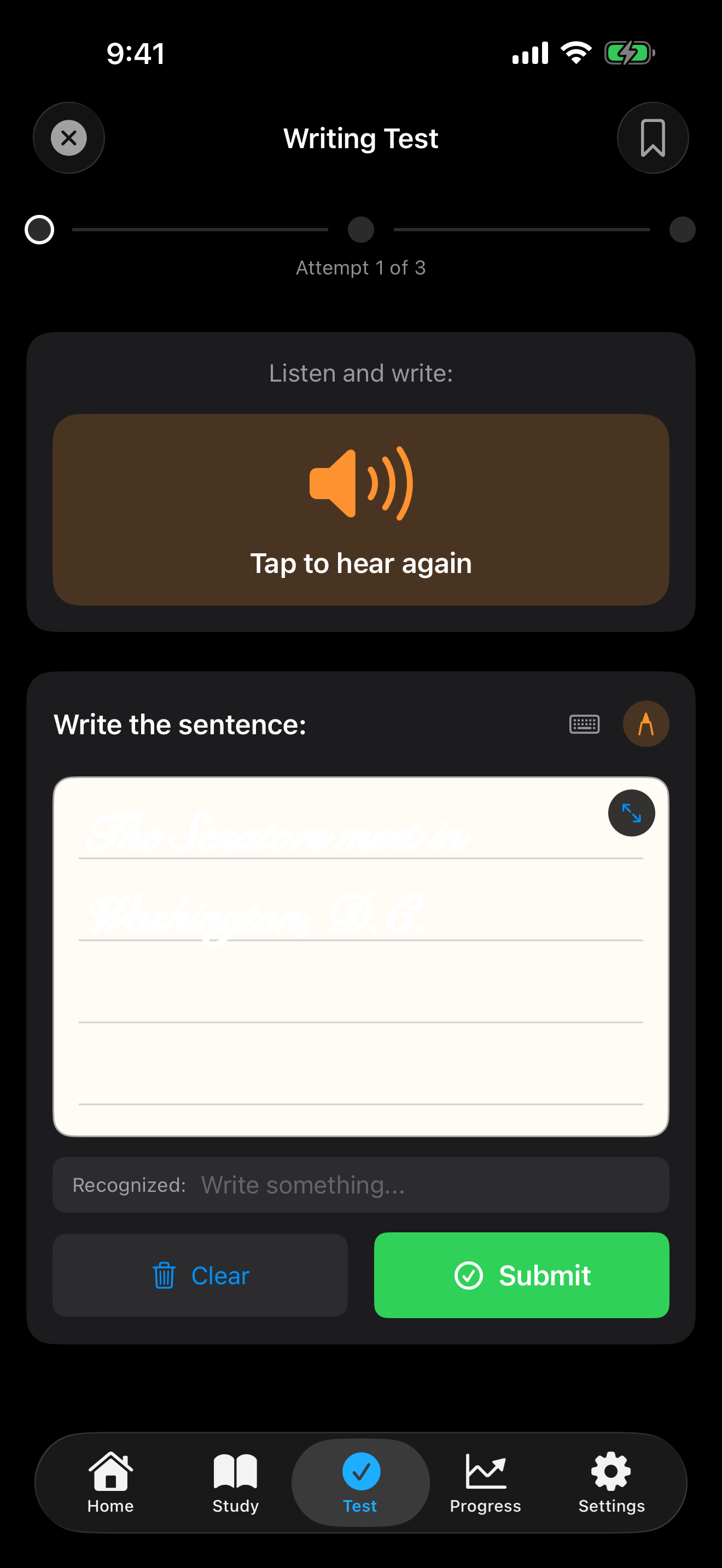
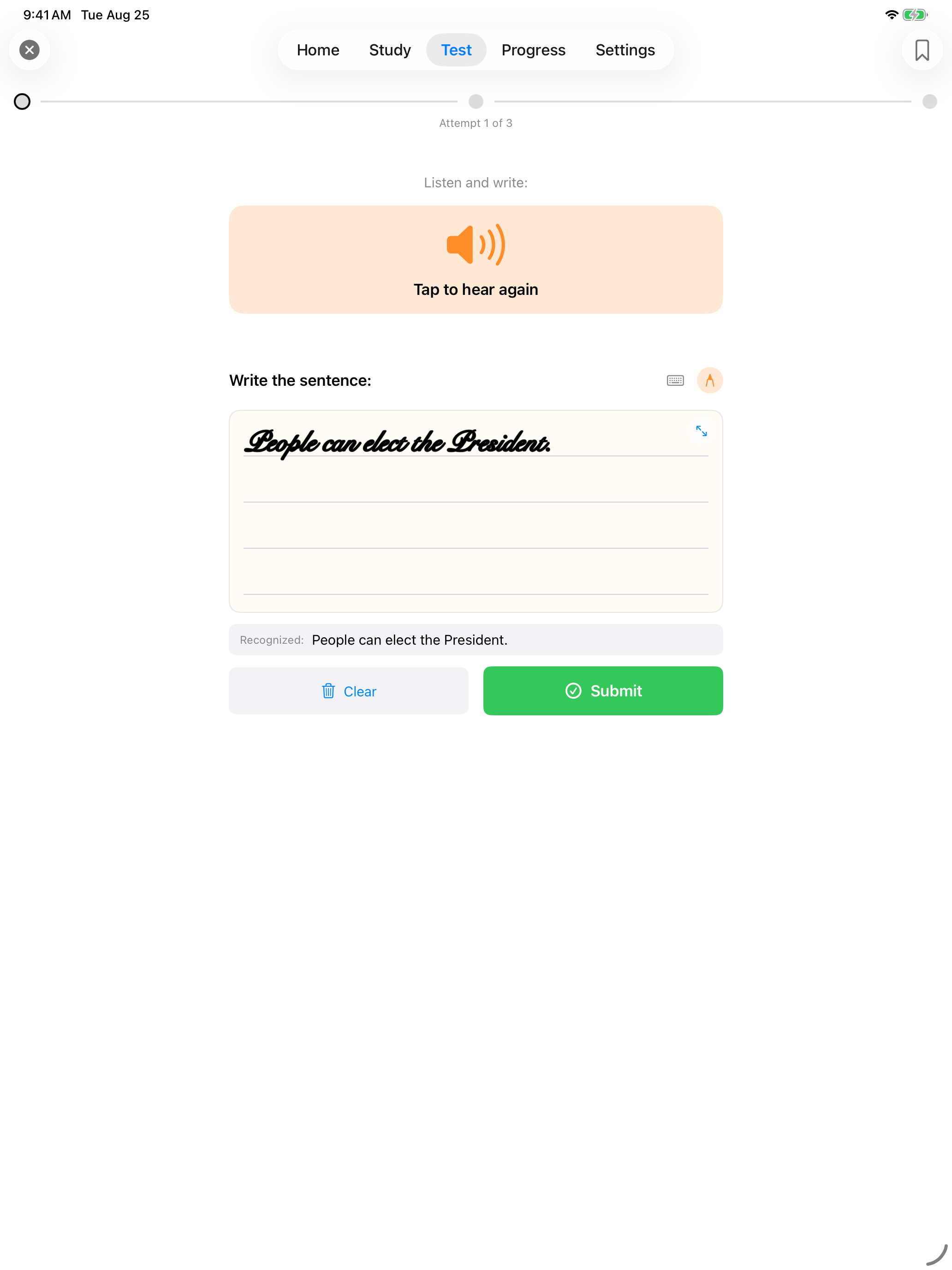
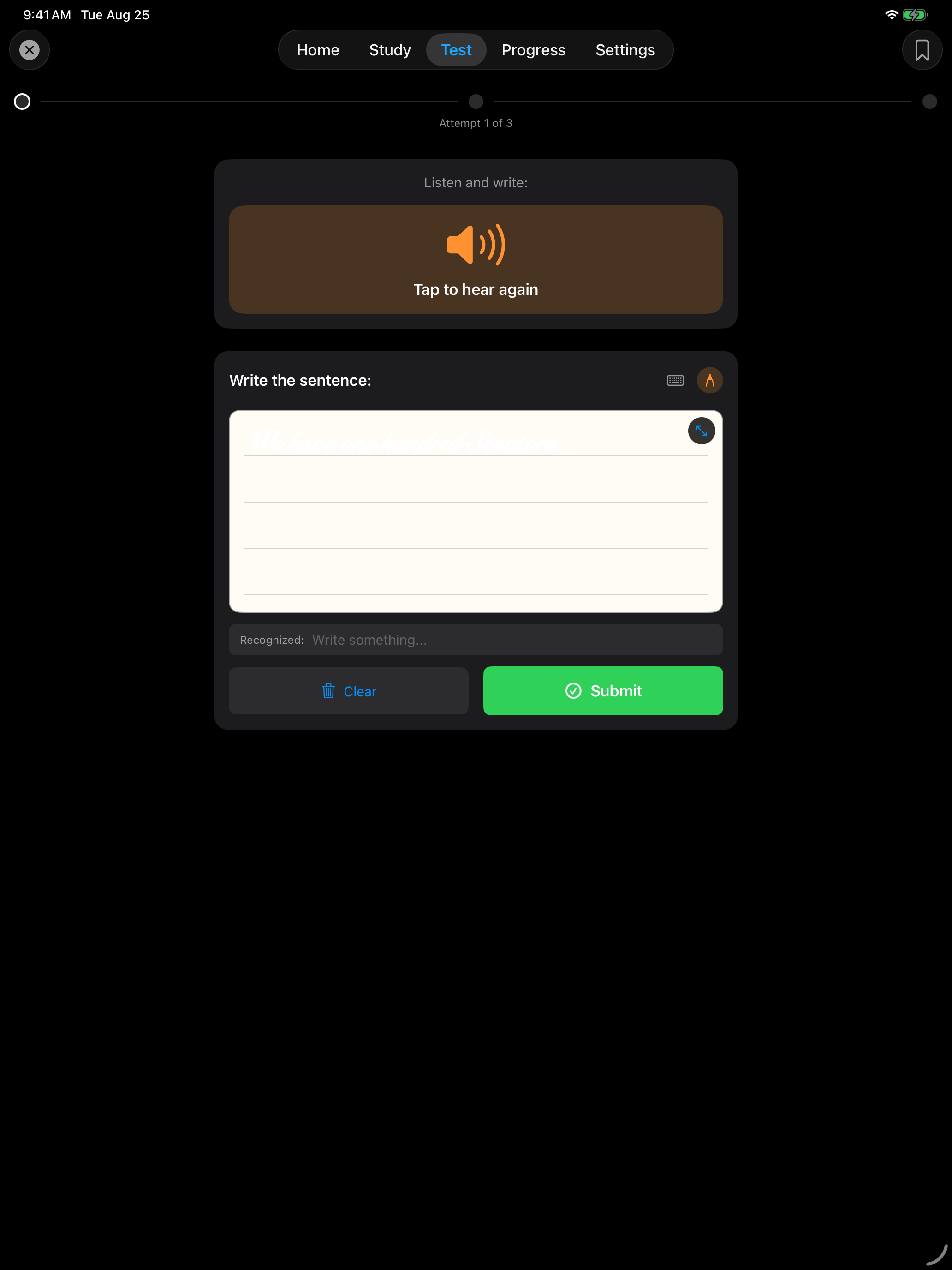
Both canvases accept any input, so a finger works on iPad and an Apple Pencil works wherever you have one. Self-Grade mode skips recognition and asks you to mark yourself, which is useful if OCR struggles with your handwriting.
VoiceOver Support
The app works with iOS VoiceOver. Every button that shows only an icon carries a written label, so controls are announced by what they do rather than by their symbol name.
| Area | State |
|---|---|
| Buttons | Every icon-only button carries a written label. Controls that toggle announce their current state, so the bookmark button reads “Add bookmark” or “Remove bookmark” |
| Selected controls | Filters, study modes and input modes announce which option is active |
| Locked options | Options that need Pro announce “Requires Pro”, and lock icons read “Pro feature” |
| Setup | Onboarding announces which step you are on, for example “Setup progress, step 3 of 7” |
| Progress rings and readiness bars | The number is spoken, not just drawn. A readiness row reads its name and its value together |
| Tab bar, Settings and lists | Built from standard controls, which iOS describes automatically |
Labels are written in English and go through the same translation process as the rest of the app, so they may read in English until a translation lands for your language.
If you hit something that VoiceOver announces poorly, tell us which screen it was on.
Dynamic Type
Nearly all text in the app uses the iOS text styles, so it grows and shrinks with your iOS Settings → Accessibility → Display & Text Size setting.
| Feature | Details |
|---|---|
| Control | iOS Settings → Accessibility → Display & Text Size |
| Coverage | Text scales across the app |
| Layout | Cards wrap onto more lines rather than cutting text off |
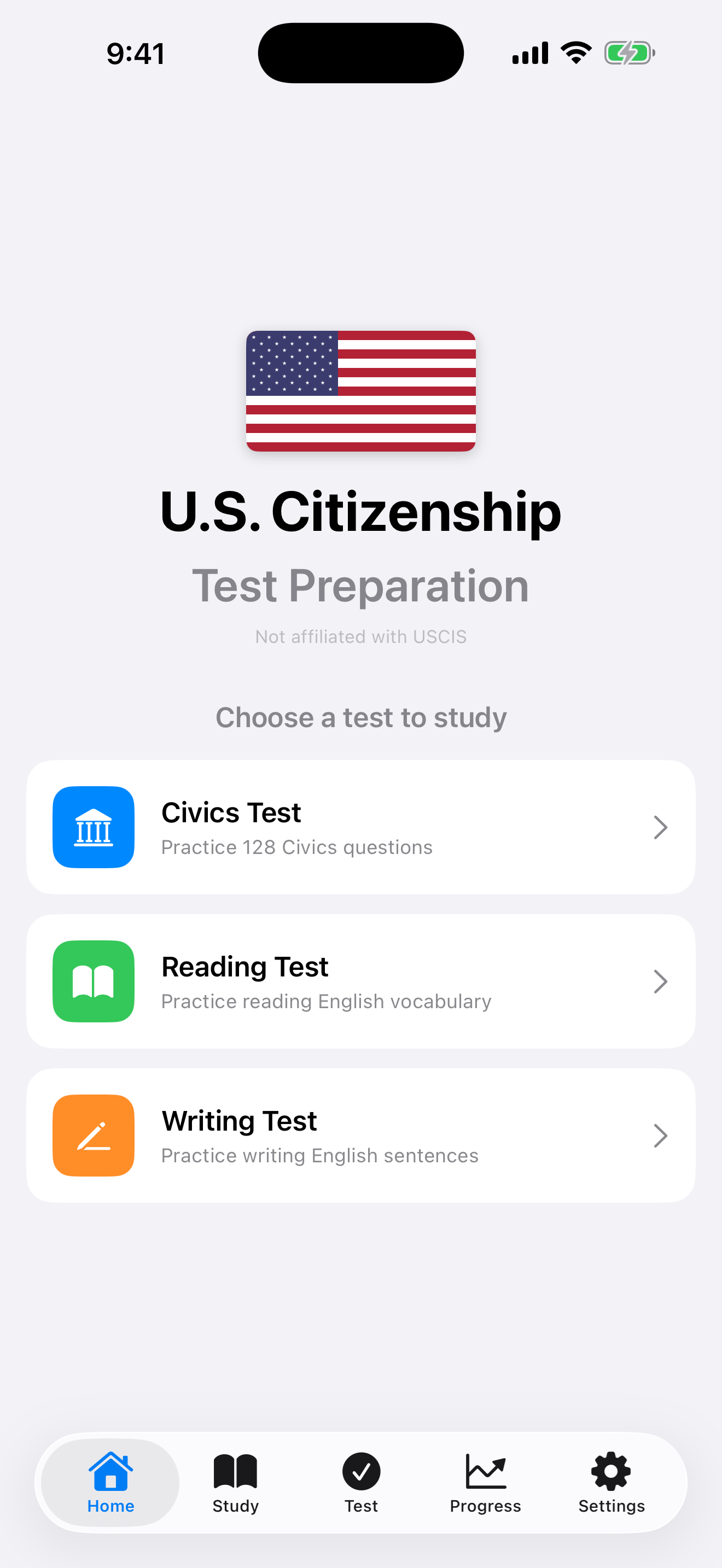
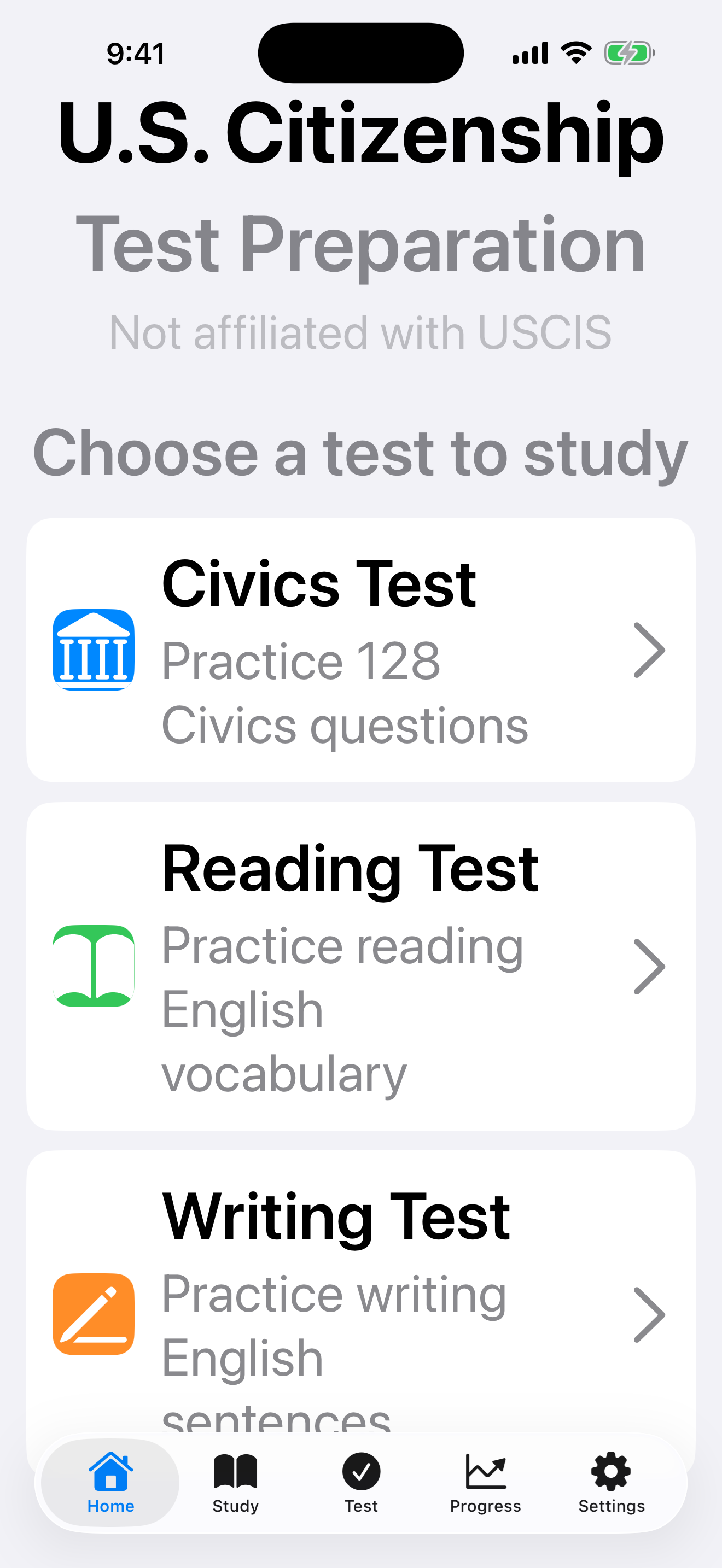
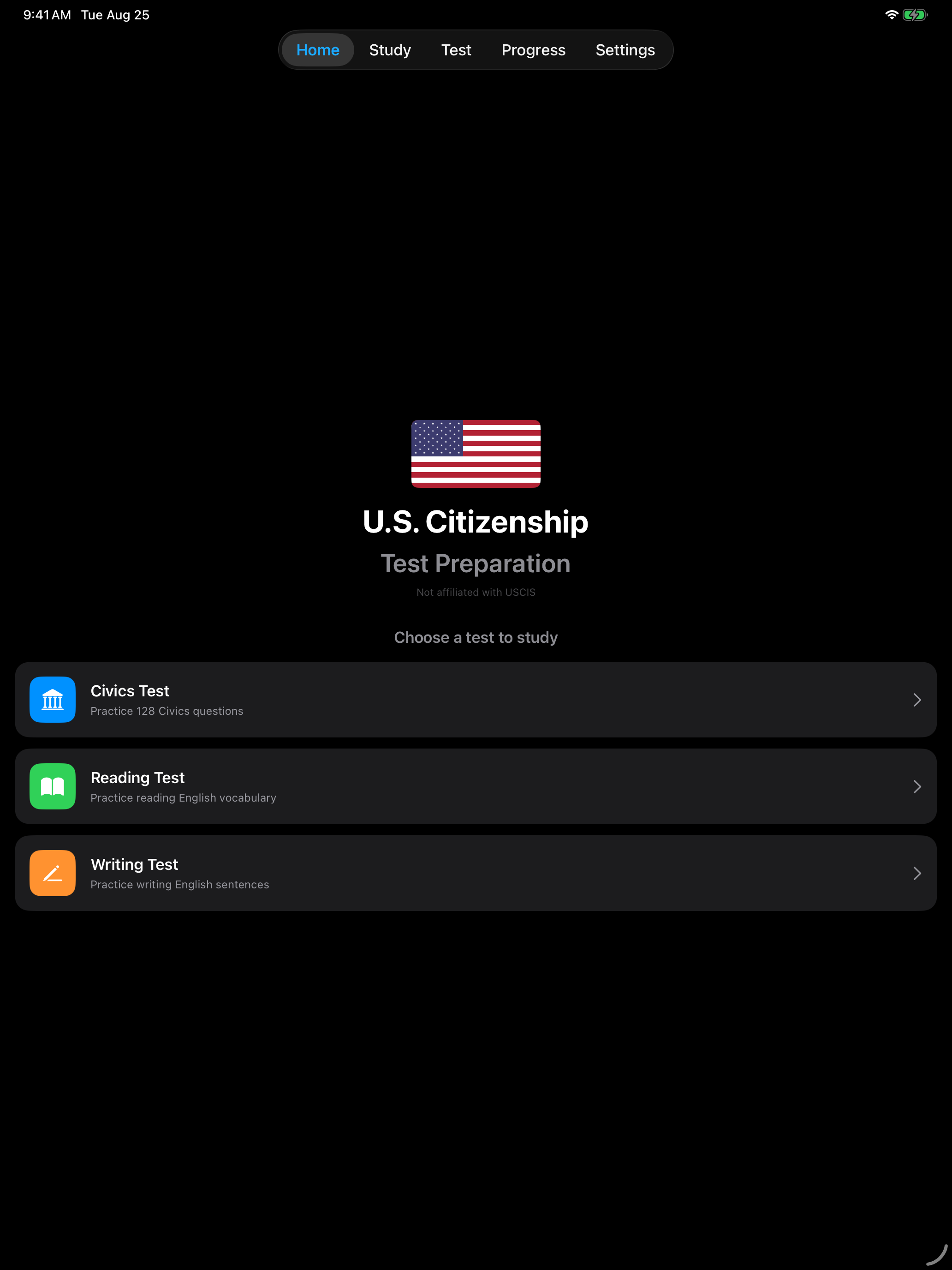
The screenshots above are the same screen at the default size and at Accessibility Extra Large. The card subtitles wrap onto extra lines instead of being cut off, and the study flashcard scrolls when a question outgrows the card.