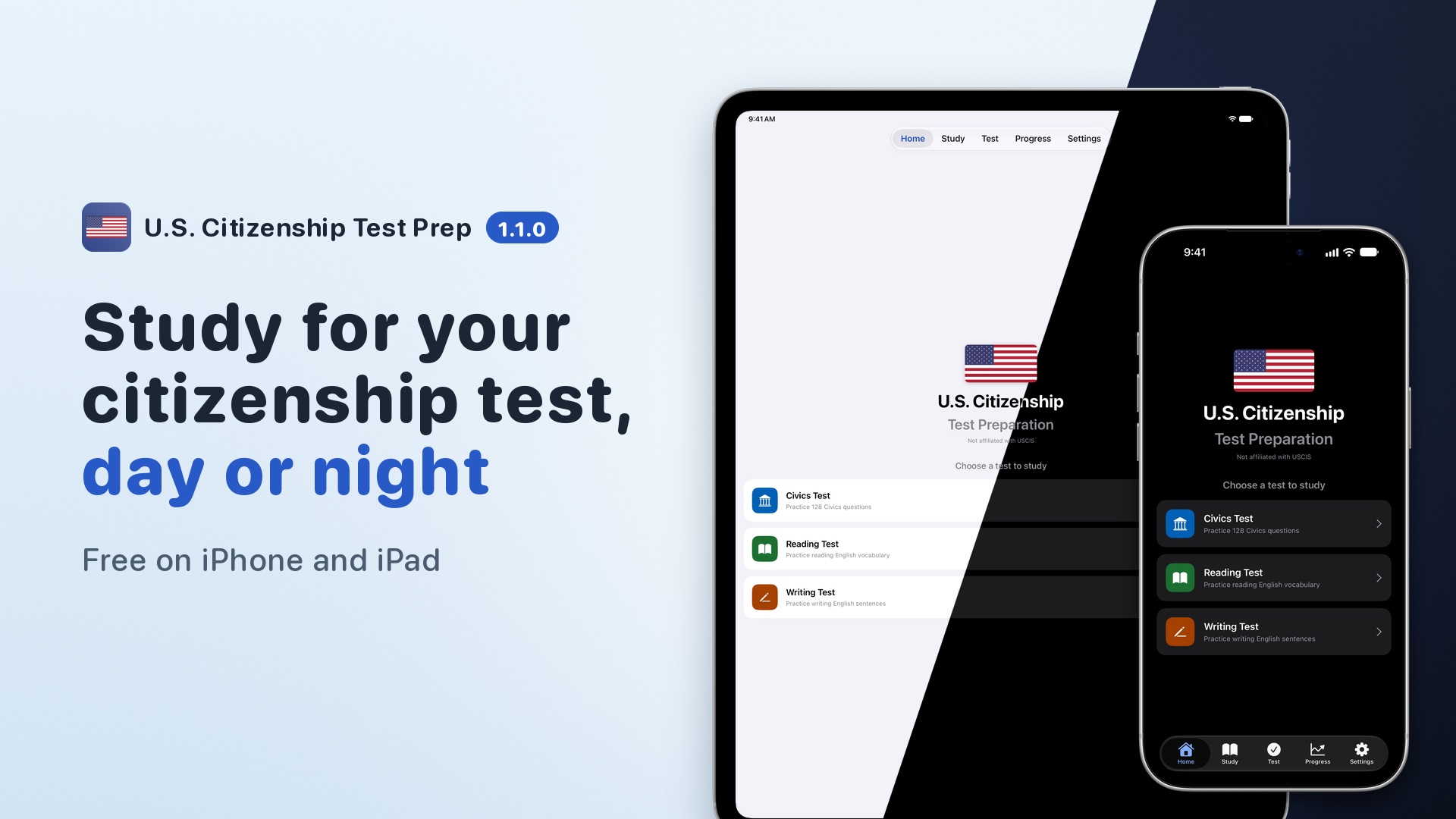
U.S. Citizenship Test Prep on iPhone and iPad, in motion and up close. The videos come first, then the screenshots, grouped by what they show.
Videos
Watch the app at work: a tour of what’s new in 1.1.0 on YouTube, the short videos from the guide, and the marketing videos for YouTube and the App Store. The vertical What’s New video has captions you can turn on in the player.
Multiple Choice in your language0:06A question in Spanish, switched to English with the globe button and back.Used in Civics Test › Multiple Choice ModeInterview Mode0:07A question is read aloud, then the app listens for the answer.Used in Interview Mode › How It WorksStudy activity grid0:07The Pro activity grid on the Progress screen, scrolled back through a year of study.Used in Progress & Achievements › Study Activity GridFinding your district0:09Use My Current Location finds the district and names its Representative.Used in Settings › Choosing Your DistrictThe U.S. territories0:10Guam is picked from the Your State menu, and Settings shows its governor.Used in Settings › State SelectionLarger text and dark paper0:09The largest text size beside handwriting on dark paper in dark mode.Used in Accessibility › Larger Text
Marketing videos for YouTube and the App Store
What's new in 1.1.0, vertical0:28Your Representative, your language, Pro (2026-2027) and larger text, in a vertical cut.For YouTube ShortsApp preview, iPhone0:30Questions in your language, your district, the territories, the interview, handwriting and streaks, recorded on iPhone.For the App Store product page, as the iPhone 6.9-inch previewApp preview, iPad0:29Questions in your language, flashcards, your district, handwriting, the interview and streaks, recorded on iPad.For the App Store product page, as the iPad 13-inch preview
Screenshots
Pick a device and a theme, select an image to see it full size, then walk the set with the arrow keys or the buttons beside it. Each caption is followed by the pages that explain the screen.
Device
Theme
Home and study
The home screen, the flashcards, and the filters that pick what to study.
Home screen on iPhoneHomeAppearanceHome screen on iPhoneHomeAppearanceStudy flashcard front on iPadFlashcardsStudy flashcard front on iPadFlashcardsStudy flashcard on iPhoneHomeFlashcardsStudy flashcard on iPhoneHomeFlashcardsStudy flashcard back on iPadFlashcardsStudy flashcard back on iPadFlashcardsStudy flashcard back on iPhoneFlashcardsStudy flashcard back on iPhoneFlashcardsVerbal practice in study mode on iPadVerbal PracticeVerbal practice in study mode on iPadVerbal PracticeVerbal practice in study mode on iPhoneVerbal PracticeVerbal practice in study mode on iPhoneVerbal PracticeThe Missed filter combined with the American Government section, showing the questions missed in that section, on iPadFiltering QuestionsThe Missed filter combined with the American Government section, showing the questions missed in that section, on iPadFiltering QuestionsThe Missed filter combined with the American Government section, showing the questions missed in that section, on iPhoneFiltering QuestionsThe Missed filter combined with the American Government section, showing the questions missed in that section, on iPhoneFiltering Questions
Civics test
Setting up a practice test, answering questions, and the score at the end.
Civics practice test setup in Tap mode on iPadTap ModeCivics practice test setup in Tap mode on iPadTap ModeCivics practice test setup in Tap mode on iPhoneTap ModeCivics practice test setup in Tap mode on iPhoneTap ModeCivics multiple choice mode on iPadMultiple Choice ModeCivics multiple choice mode on iPadMultiple Choice ModeCivics multiple choice mode on iPhoneMultiple Choice ModeCivics multiple choice mode on iPhoneMultiple Choice ModeCivics test results on iPadTips for SuccessCivics test results on iPadTips for SuccessCivics test results on iPhoneTips for SuccessCivics test results on iPhoneTips for SuccessThe dialog for leaving a civics test early, with Save & Exit and Discard & Exit on iPadLeaving a TestThe dialog for leaving a civics test early, with Save & Exit and Discard & Exit on iPadLeaving a TestThe dialog for leaving a civics test early, with Save & Exit and Discard & Exit on iPhoneLeaving a TestThe dialog for leaving a civics test early, with Save & Exit and Discard & Exit on iPhoneLeaving a Test
Reading and writing
The reading and writing sections, including the handwriting canvas.
The Pro page with Remove Ads beside it, and the offer that can follow a full-screen ad.
The Pro page showing the one-time unlock and the Remove Ads option on iPadProThe Pro page showing the one-time unlock and the Remove Ads option on iPadProThe Pro page showing the one-time unlock and the Remove Ads option on iPhoneProThe Pro page showing the one-time unlock and the Remove Ads option on iPhoneProThe Prefer no ads? card on the civics test start screen, offering Remove Ads and Get Pro on iPadRemove AdsThe Prefer no ads? card on the civics test start screen, offering Remove Ads and Get Pro on iPadRemove AdsThe Prefer no ads? card on the civics test start screen, offering Remove Ads and Get Pro on iPhoneRemove AdsThe Prefer no ads? card on the civics test start screen, offering Remove Ads and Get Pro on iPhoneRemove Ads
Settings
Every settings screen, including the add-ons list in both editions.
Settings screen on iPadSettingsSettings screen on iPadSettingsSettings screen on iPhoneSettingsSettings screen on iPhoneSettingsThe Add-ons section with Pro active, with the Streak Repairs row, on iPadWhat the section showsThe Add-ons section with Pro active, with the Streak Repairs row, on iPadWhat the section showsThe Add-ons section with Pro active, with the Streak Repairs row, on iPhoneWhat the section showsThe Add-ons section with Pro active, with the Streak Repairs row, on iPhoneWhat the section showsThe Add-ons section before any purchase, with the Streak Repairs row, on iPadWhat the section showsThe Add-ons section before any purchase, with the Streak Repairs row, on iPadWhat the section showsThe Add-ons section before any purchase, with the Streak Repairs row, on iPhoneWhat the section showsThe Add-ons section before any purchase, with the Streak Repairs row, on iPhoneWhat the section showsTest version and 65/20 settings on iPadTest SettingsTest version and 65/20 settings on iPadTest SettingsTest version and 65/20 settings on iPhoneTest SettingsTest version and 65/20 settings on iPhoneTest SettingsState and zip code settings, with your officials listed on iPadState SelectionState and zip code settings, with your officials listed on iPadState SelectionState and zip code settings, with your officials listed on iPhoneState SelectionState and zip code settings, with your officials listed on iPhoneState SelectionAppearance and language settings on iPadLanguageAppearance and language settings on iPadLanguageAppearance and language settings on iPhoneLanguageAppearance and language settings on iPhoneLanguageThe district picker, with Use My Current Location above the three congressional districts that cover a zip code, on iPadChoosing Your DistrictThe district picker, with Use My Current Location above the three congressional districts that cover a zip code, on iPadChoosing Your DistrictThe district picker, with Use My Current Location above the three congressional districts that cover a zip code, on iPhoneChoosing Your DistrictThe district picker, with Use My Current Location above the three congressional districts that cover a zip code, on iPhoneChoosing Your DistrictThe Elected Officials screen listing a governor, two senators and three candidate districts on iPadElected OfficialsThe Elected Officials screen listing a governor, two senators and three candidate districts on iPadElected OfficialsThe Elected Officials screen listing a governor, two senators and three candidate districts on iPhoneElected OfficialsThe Elected Officials screen listing a governor, two senators and three candidate districts on iPhoneElected OfficialsThe district picker after Use My Current Location, naming the district the location is in, on iPadChoosing Your DistrictThe district picker after Use My Current Location, naming the district the location is in, on iPadChoosing Your DistrictThe district picker after Use My Current Location, naming the district the location is in, on iPhoneChoosing Your DistrictThe district picker after Use My Current Location, naming the district the location is in, on iPhoneChoosing Your DistrictThe state picker in Settings, with the U.S. territories listed after the states and D.C. on iPadState SelectionThe state picker in Settings, with the U.S. territories listed after the states and D.C. on iPadState SelectionThe state picker in Settings, with the U.S. territories listed after the states and D.C. on iPhoneState SelectionThe state picker in Settings, with the U.S. territories listed after the states and D.C. on iPhoneState Selection
Accessibility
Larger text and the other accommodations the app supports.
The home screen at the default text sizeLarger TextThe home screen at an accessibility text size, with card subtitles wrapping onto extra linesLarger Text