Getting Started
This guide walks you through setting up the app for the first time. In about five minutes, you will have it configured for your specific test requirements and be ready to start studying.
Download the App


Tap the icon and you are studying. The app works completely offline, so no internet connection is required at any point.
Open it for the first time and onboarding takes over. Seven screens, under a minute, and every one of them can be skipped. By the end the app knows your state, your language, and which of the two civics tests you are actually sitting.
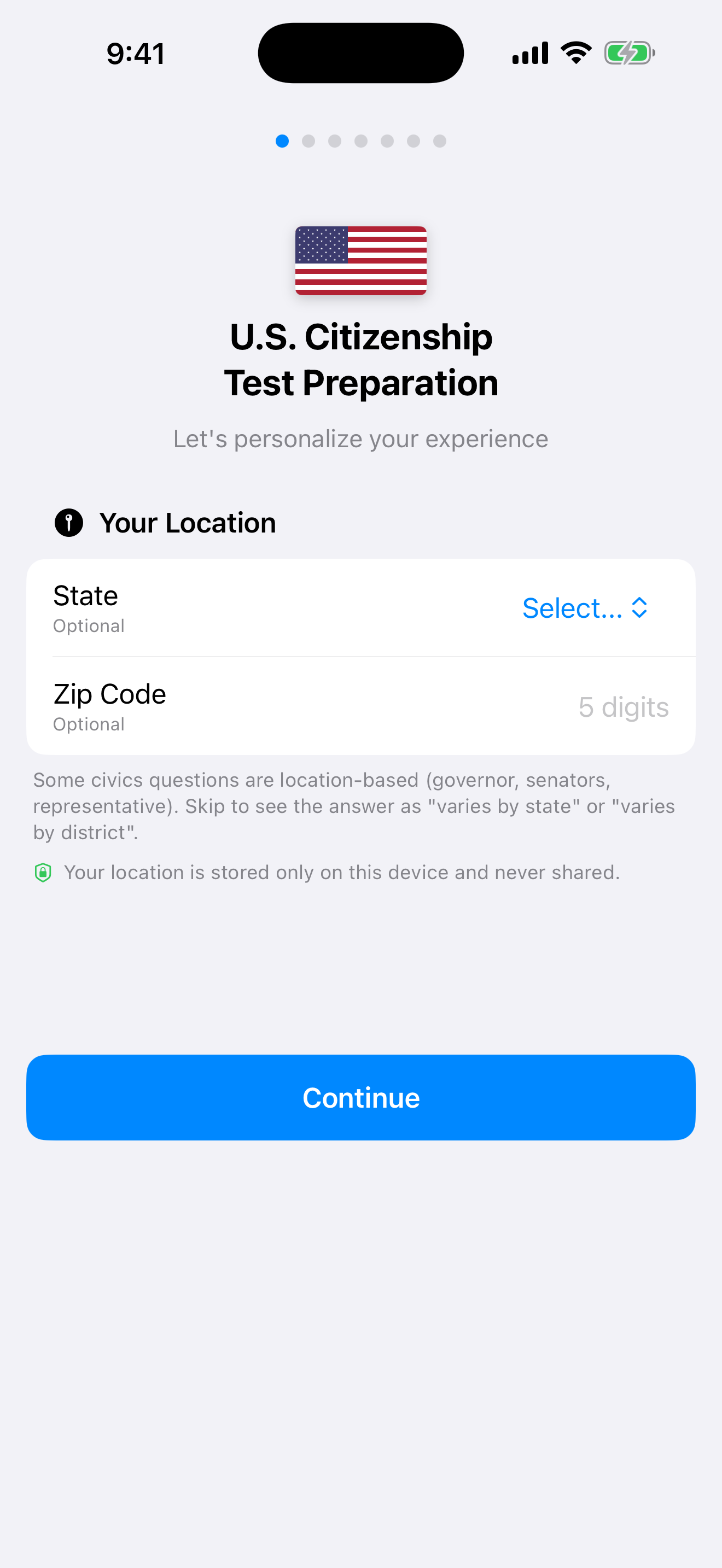
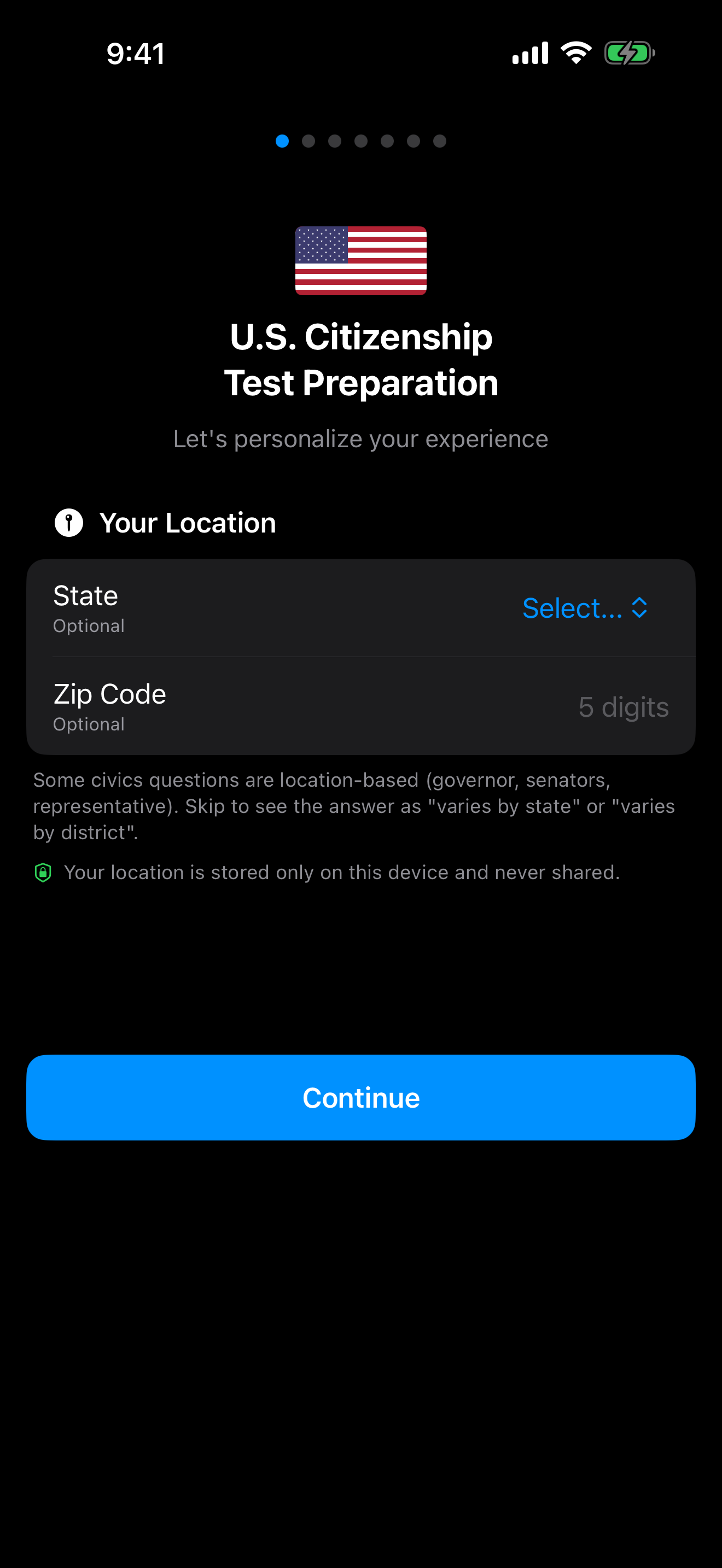
Your State, Your Officials
Several civics questions have answers that depend on where you live. Who your governor is. Who your two U.S. Senators are. Who represents you in the House.
Pick your state and the first two are answered for you, with names checked against official sources before every release. A zip code works as well, since the app reads your state from it.
The House question is the awkward one, because representatives are elected by district rather than by state. Rather than guess, the app shows your state’s full delegation for “Name your U.S. Representative” so you can find yours. If your state has a single at-large seat, you get the one name outright.
Skip all of it if you would rather. The app asks again the moment a question needs it, and Settings → State sets it later.


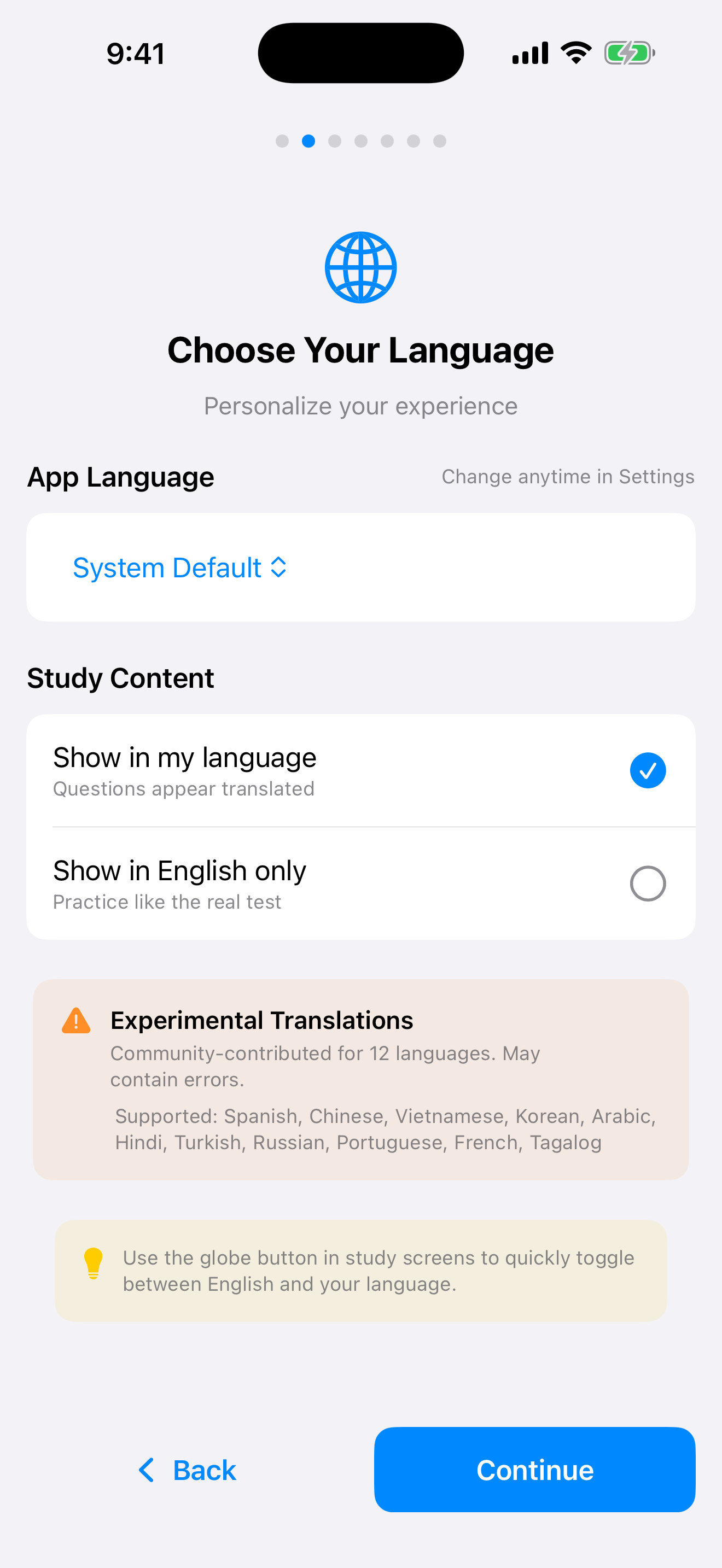
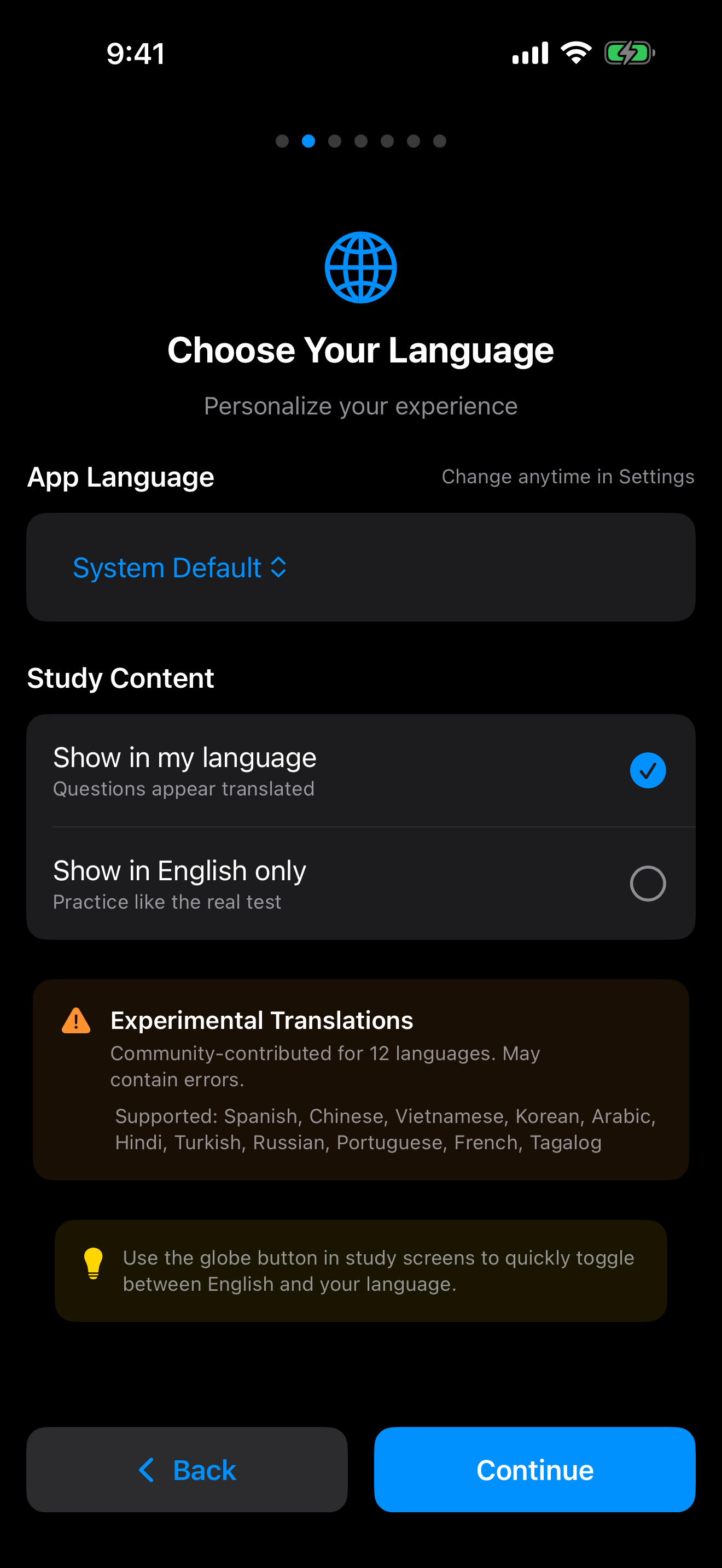
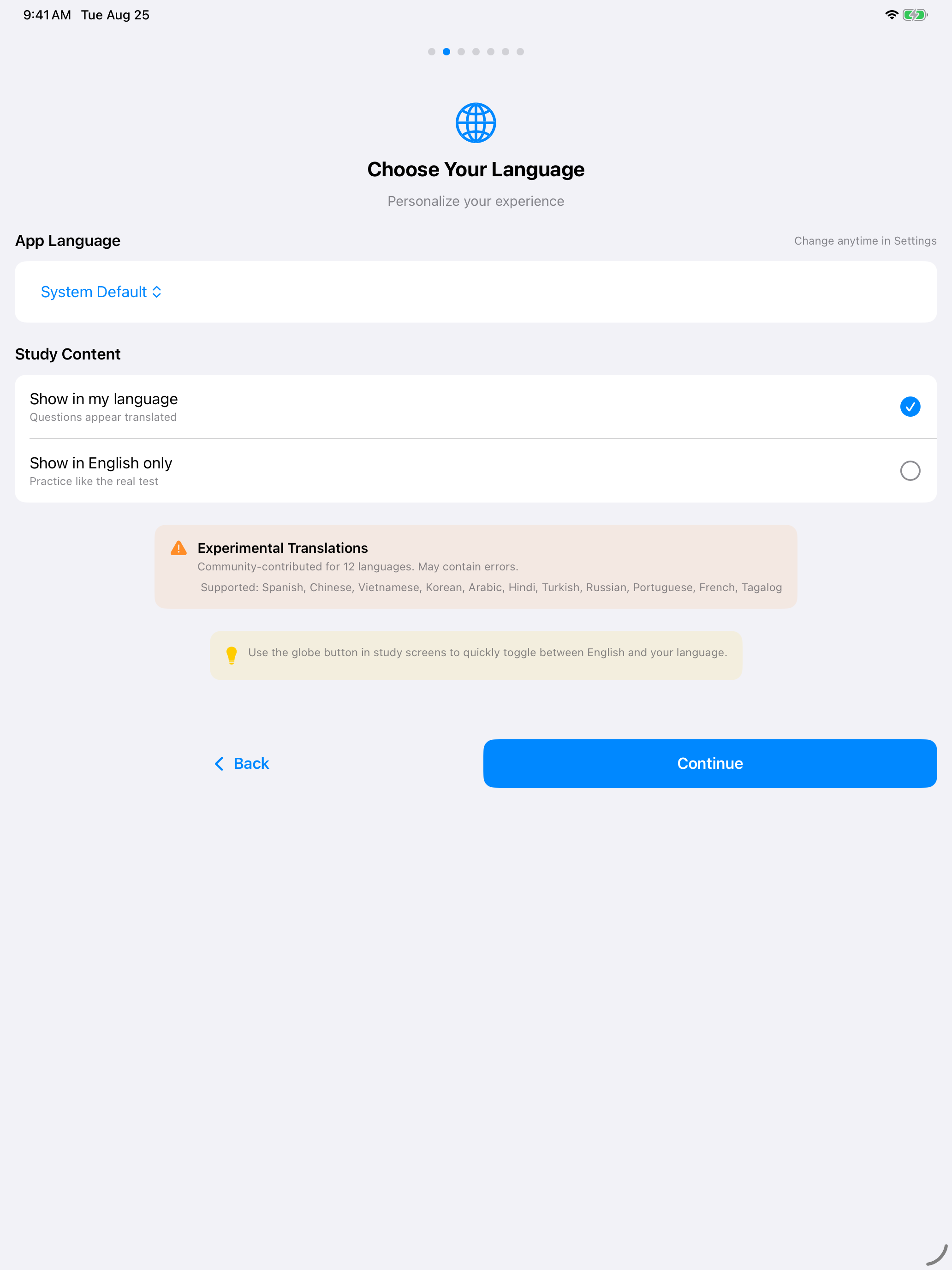
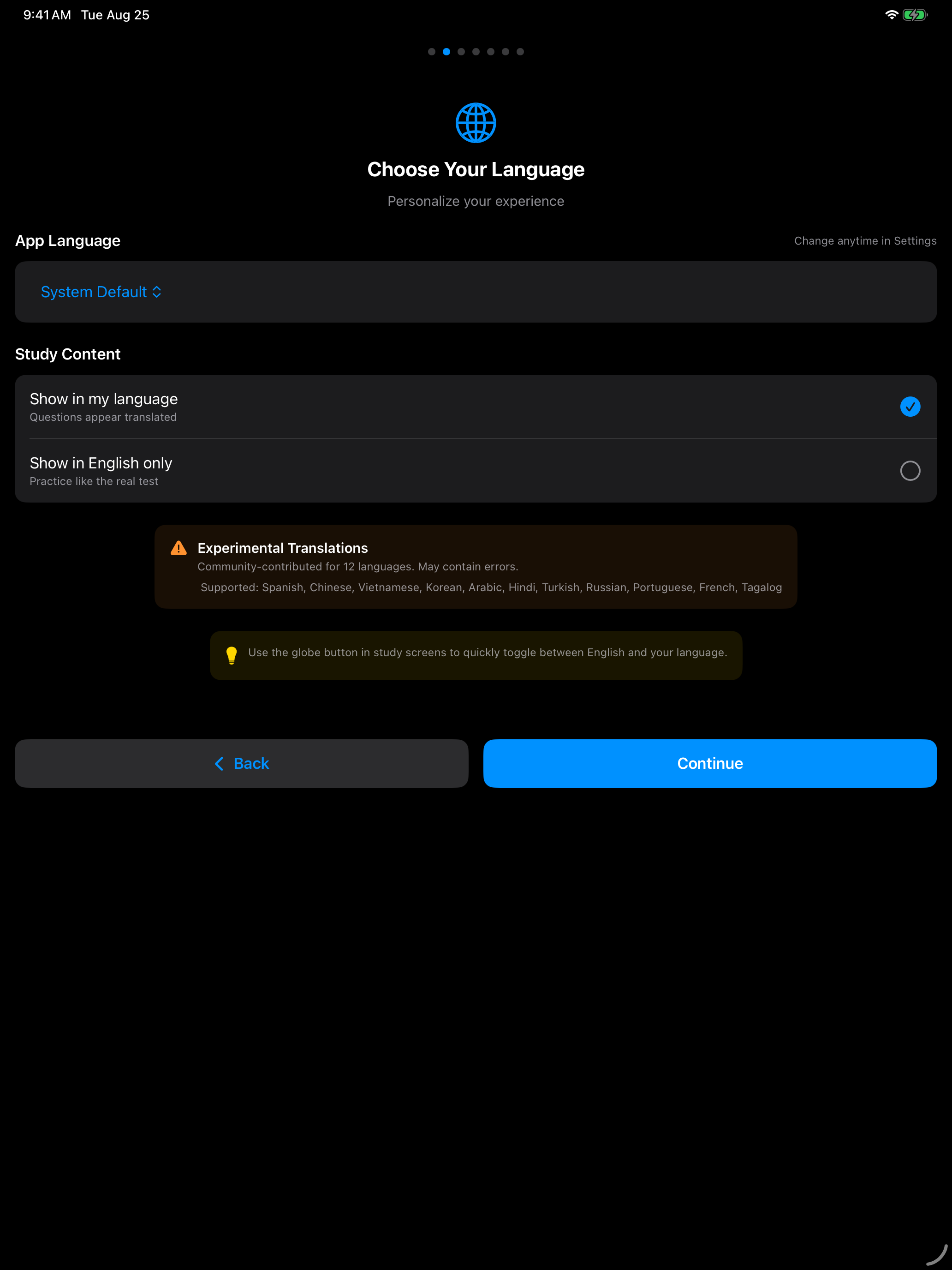
Study in Your Language
The app interface and civics material are available in Spanish, Portuguese, French, Chinese (Simplified and Traditional), Korean, Vietnamese, Arabic, Hindi, Turkish, Russian and Tagalog.
Pick yours and the entire interface follows, along with the civics study material. Settings → Language changes it whenever you like.
The reading and writing tests stay in English, because English ability is exactly what USCIS is testing there. Everything else follows your choice.
Pick Your Test Version
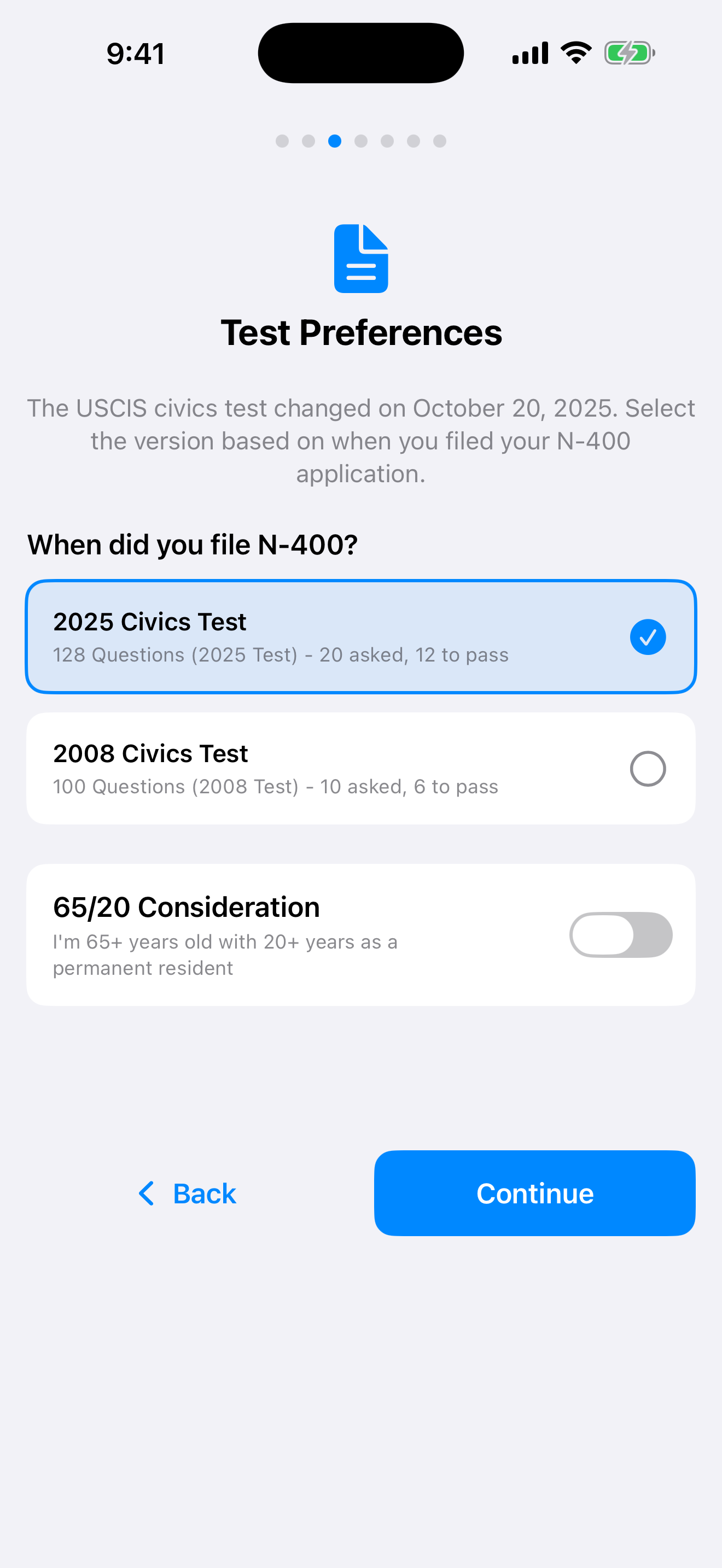
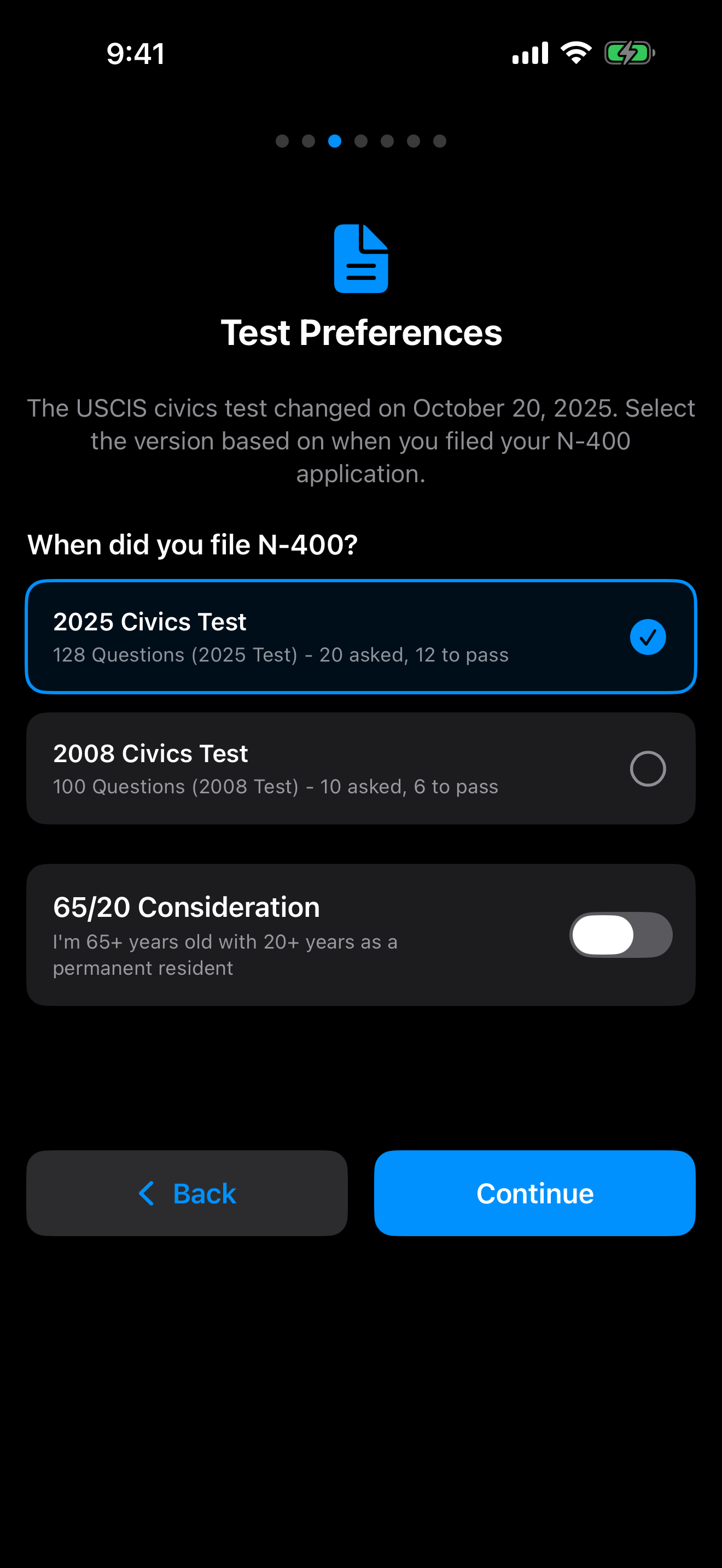
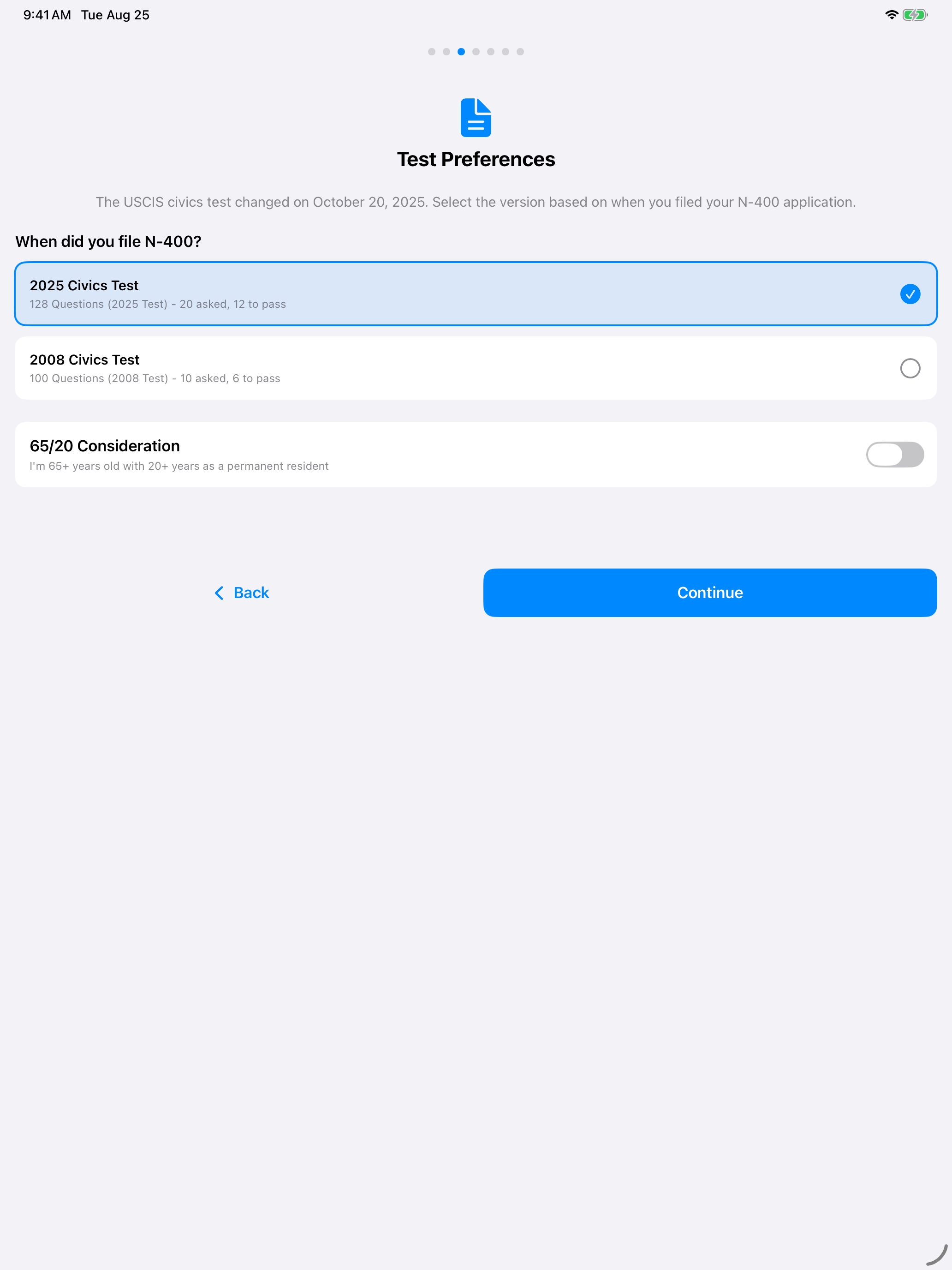
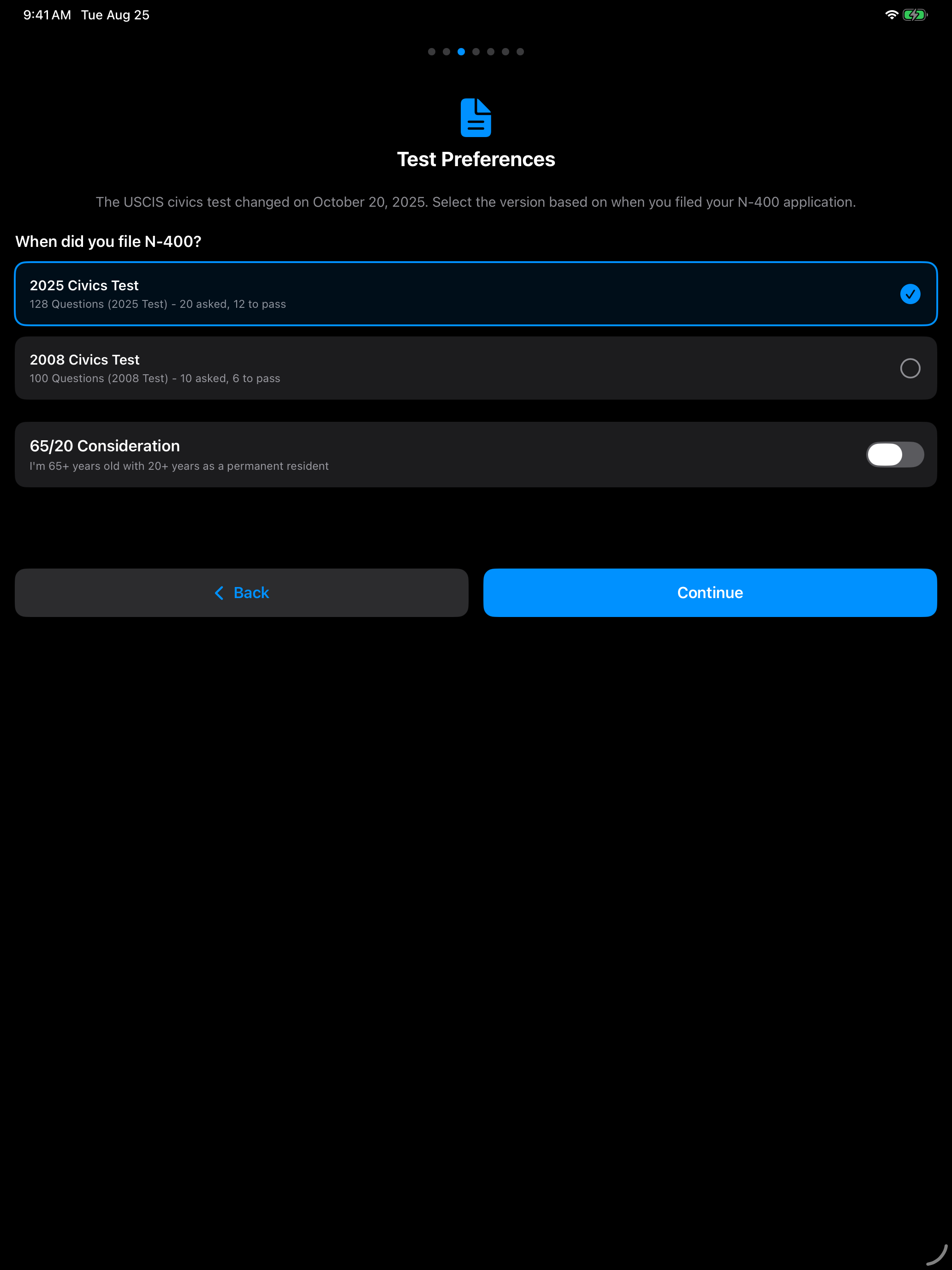
USCIS is running two civics tests at the moment. The filing date on your Form N-400 decides which is yours.
2025 Test (128 Questions)
- For applicants who filed Form N-400 on or after October 20, 2025
- 128 civics questions with updated categories
- USCIS asks up to 20 questions at the interview, and 12 correct answers pass
2008 Test (100 Questions)
- For applicants who filed Form N-400 before October 20, 2025
- 100 civics questions covering American government and history
- USCIS asks up to 10 questions at the interview, and 6 correct answers pass
Choose once here and every question, flashcard and practice test in the app matches it. Not sure which is yours? Check the date on your N-400 receipt notice (Form I-797C). You can switch versions any time in Settings.
65/20 Consideration
If you qualify for this, your study load drops from 128 questions to 20.
Applicants who are 65 or older and have been a permanent resident for 20 years or more get a shorter civics test, taken in the language of their choice.
- You are asked 10 questions drawn from a designated bank of 20, marked with an asterisk (*) in the app and in the official USCIS materials
- 6 correct answers pass
- You can take the civics test in your own language
- The reading and writing tests use simplified vocabulary
The toggle sits on the same screen as the two test versions. Turn it on and the app immediately narrows every question list down to the designated 20. It is also in Settings → Test Settings if you would rather decide later.
Hear Every Question
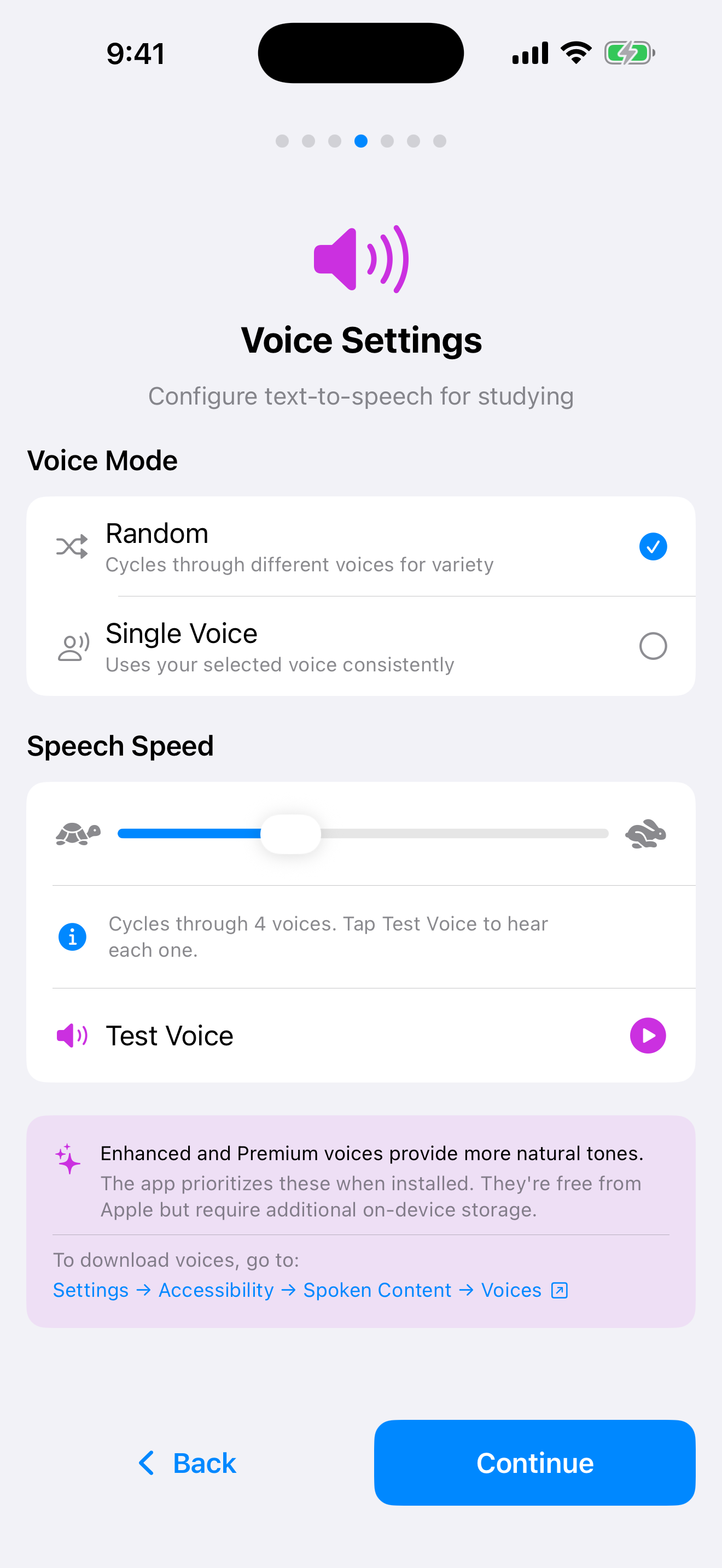
Every question and answer can be read aloud, which means you can study with your eyes shut and your phone in your pocket.
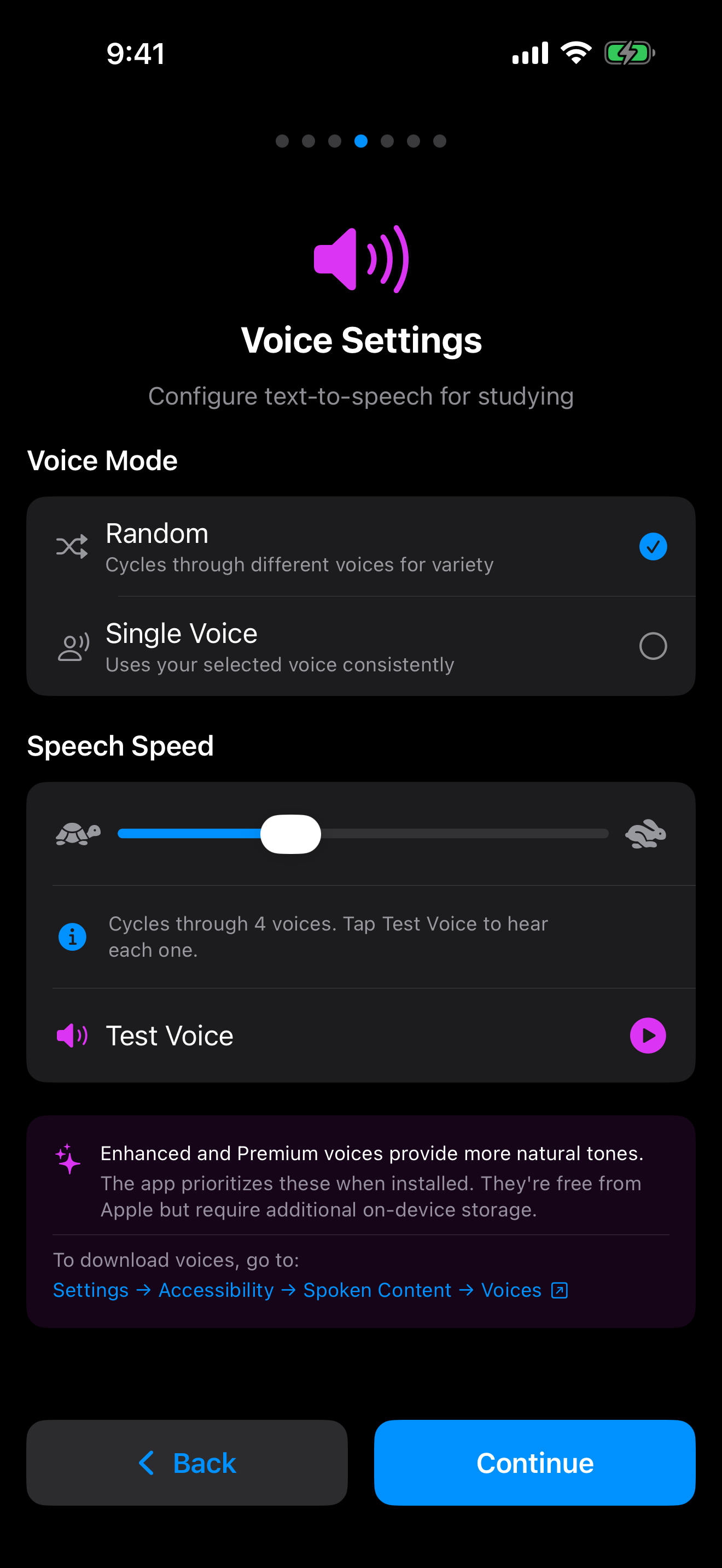
Pick one steady voice, or let the app cycle through four of them. The cycling option is closer to real life, where you have no idea what the officer will sound like. Drag the slider down while the vocabulary is still new, then push it back up as you get comfortable, and tap Test Voice to hear the difference.
Apple’s Enhanced and Premium voices sound noticeably more natural than the default. They are free, and the app uses them automatically once you install them from Settings → Accessibility → Spoken Content → Voices on your device.
Practice Out Loud
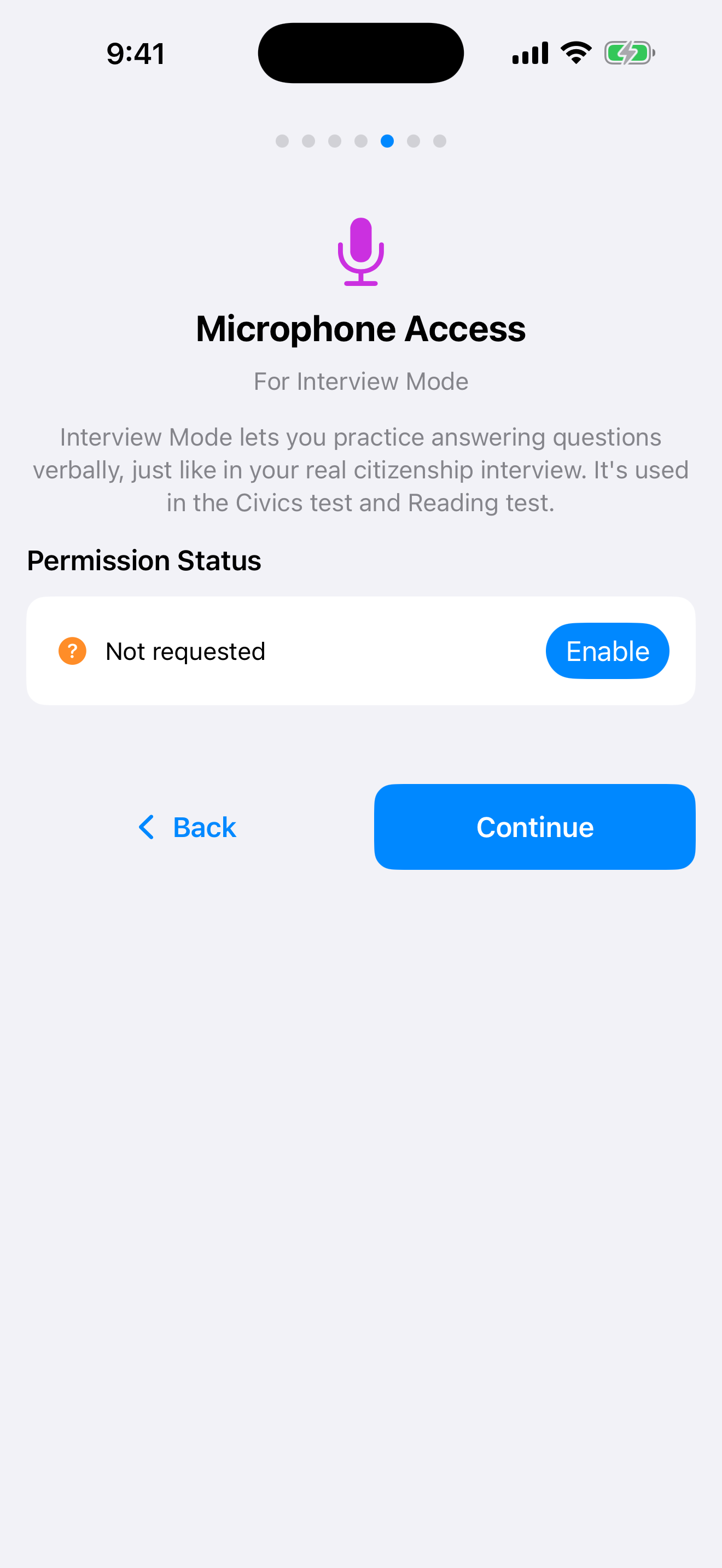
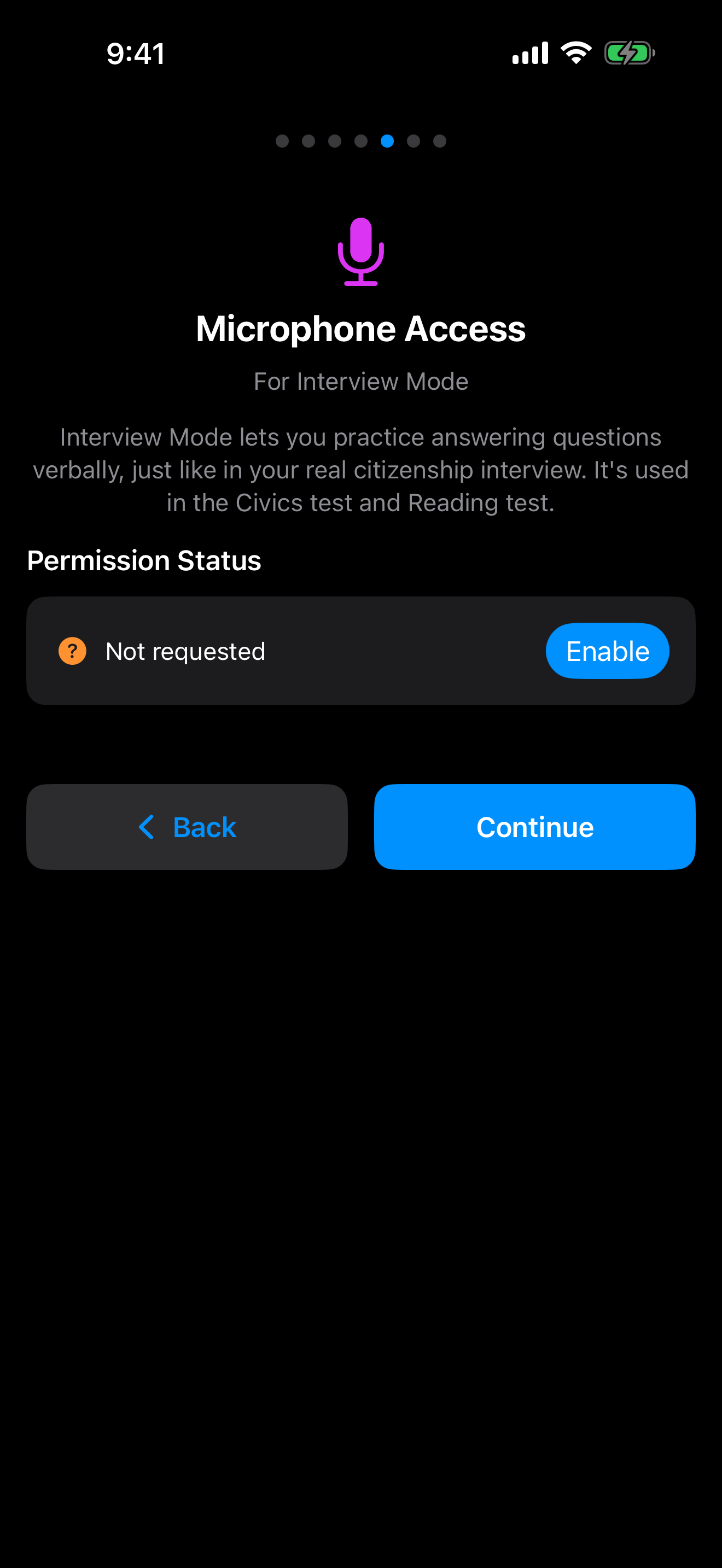
The real interview is spoken, so the app lets you rehearse it that way. Interview Mode reads a question to you, listens to your answer, and tells you whether it would have passed.
Grant microphone access here and it works across both the civics and reading tests. Speech recognition runs on your device, so nothing is recorded and nothing is uploaded.
Not comfortable with that? Self-Grade runs the same drills and asks you to mark yourself honestly. It needs no permissions at all, and you can switch between the two whenever you like.
Study Hands-Free
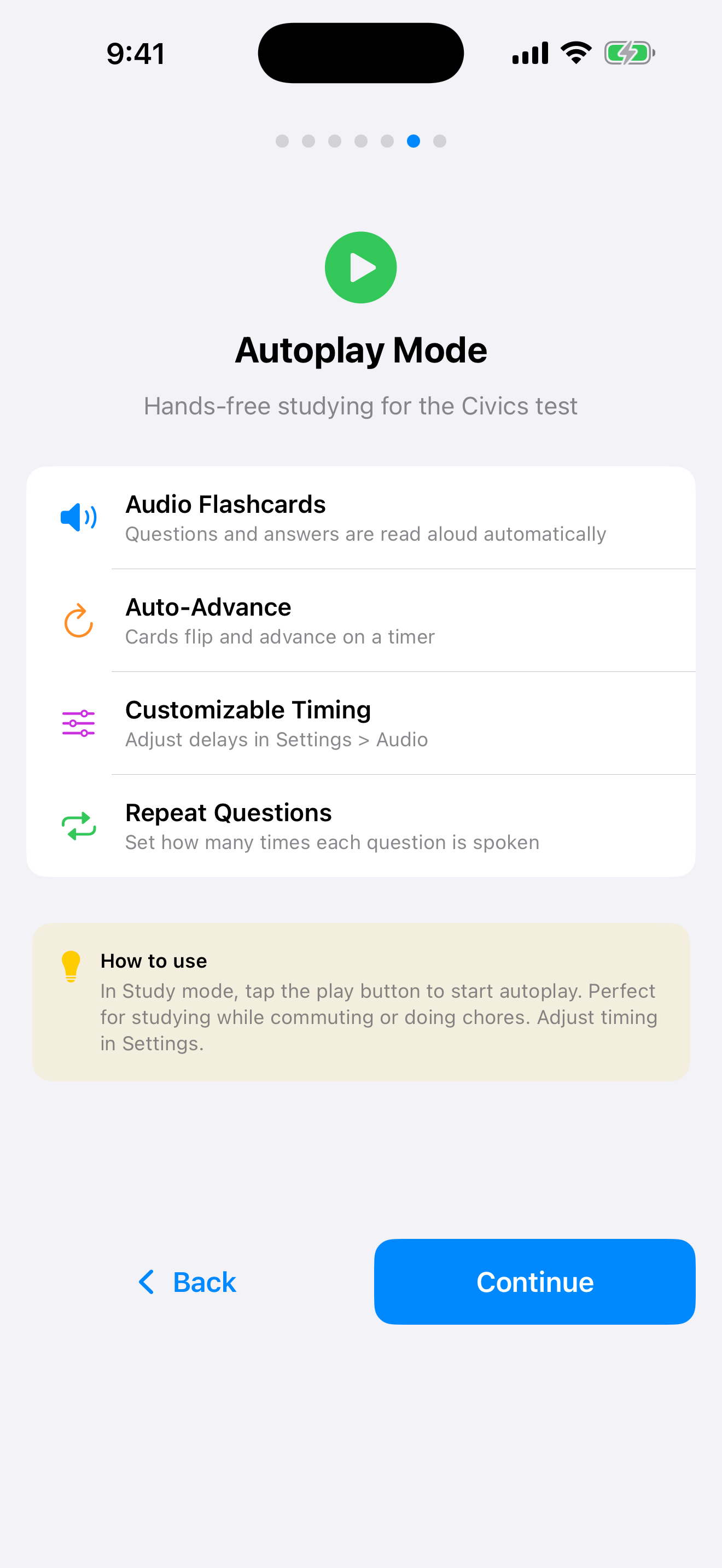
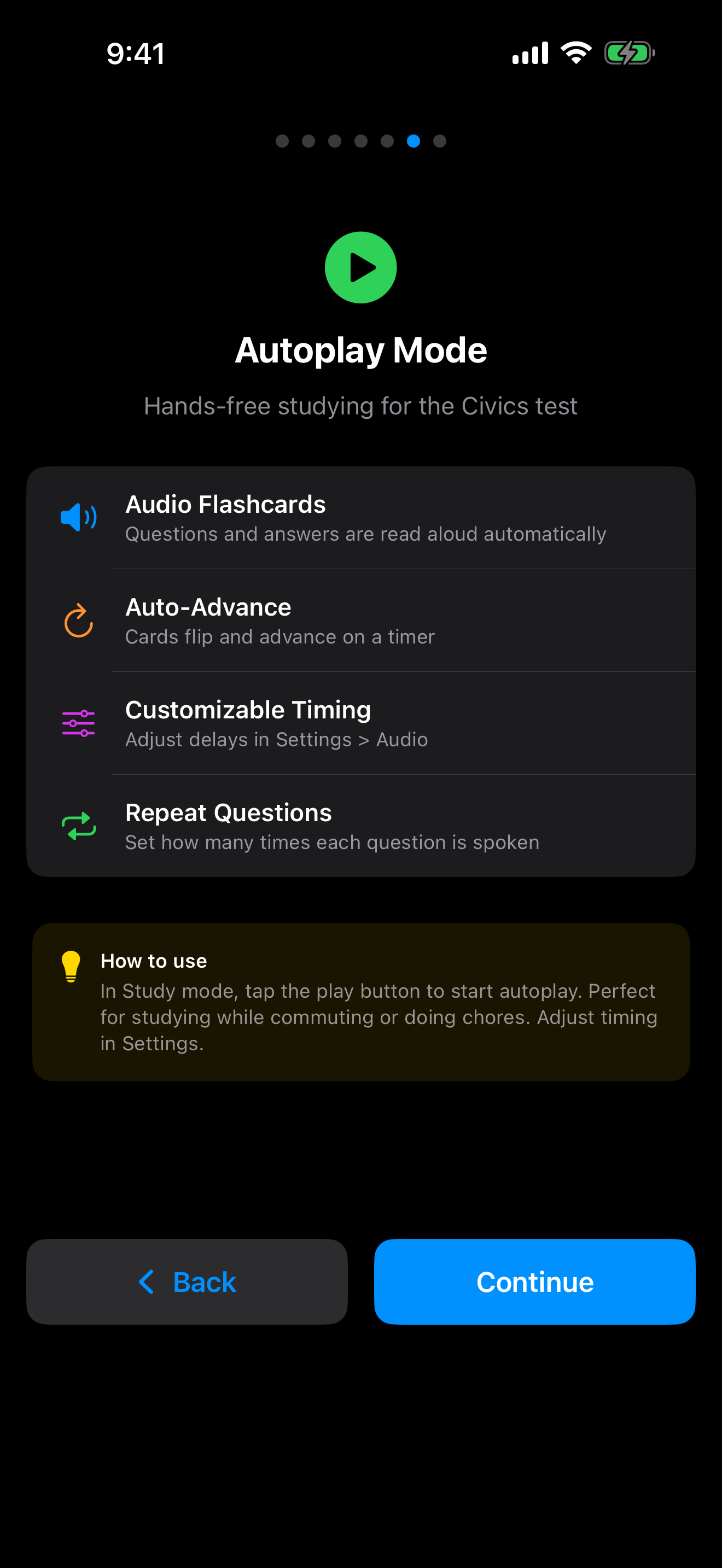
Autoplay turns the whole civics deck into audio flashcards. Questions and answers are read aloud, and cards flip and advance on their own, so you can study during a commute or a walk without touching the screen.
Start it with the play button in Study mode. Settings → Audio controls how long the app pauses before flipping a card and how many times each question gets spoken, so you can leave yourself real thinking time rather than racing the timer.
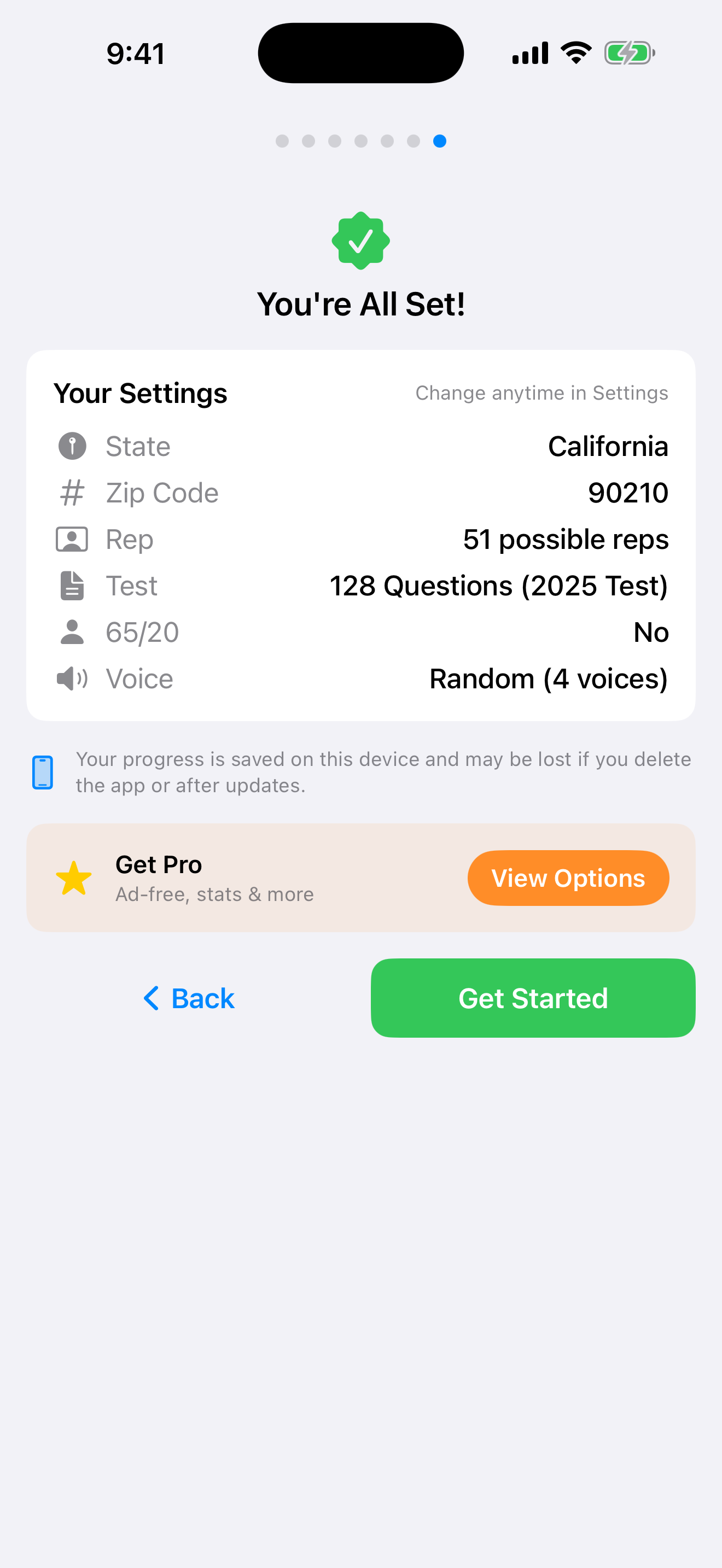
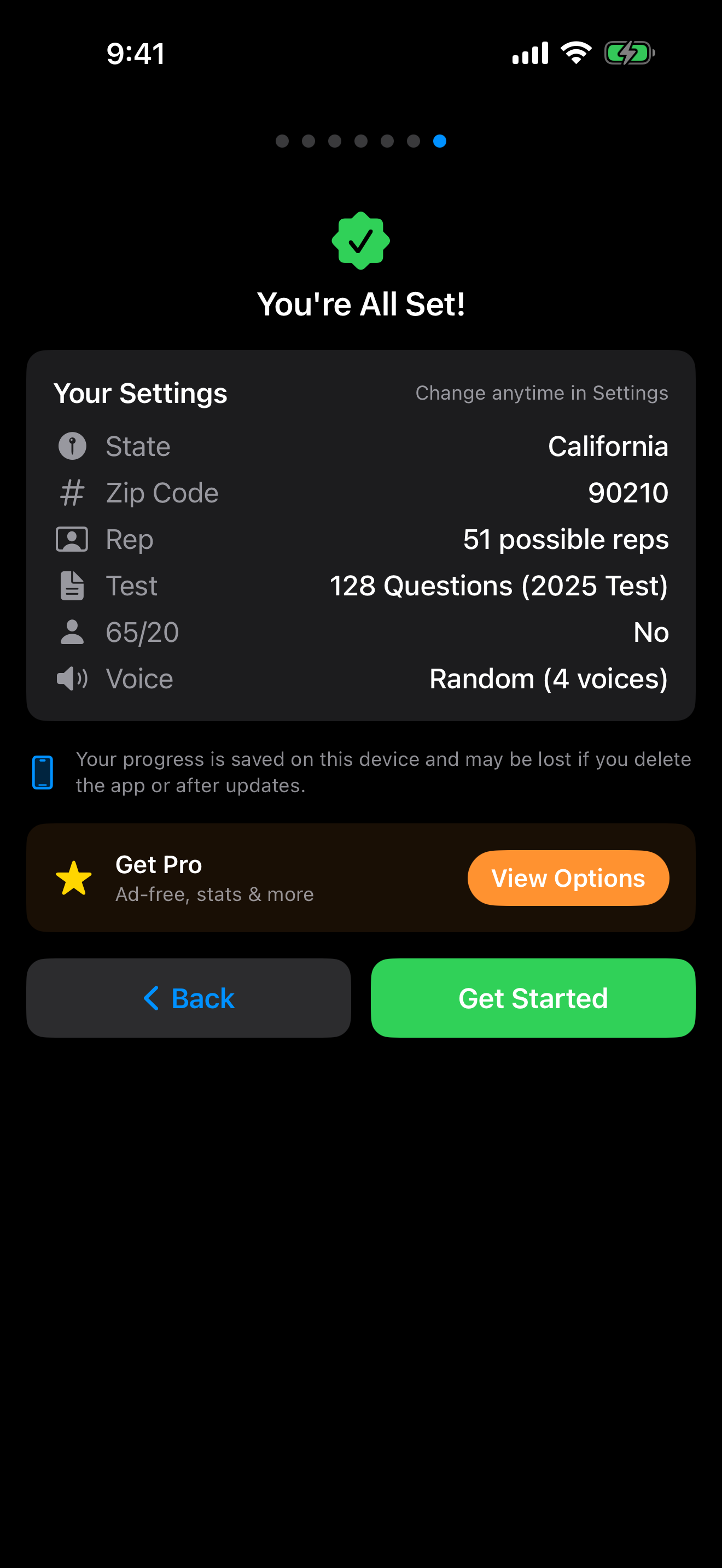
You’re All Set
The last screen reads back everything you chose so you can check that your state and test version are right before you begin.
Tap Get Started and you are in. None of it is permanent, and Settings changes any of it later.
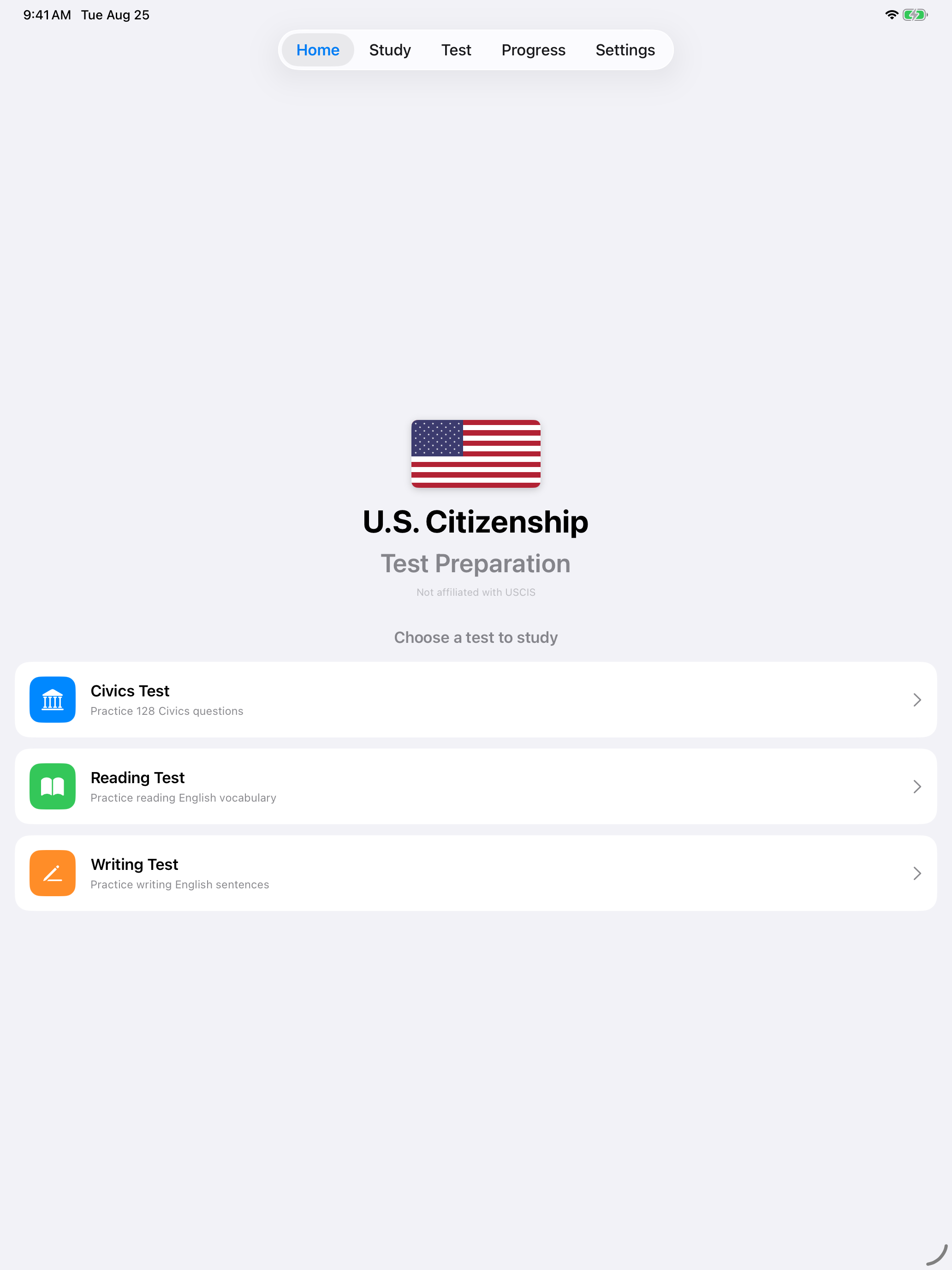
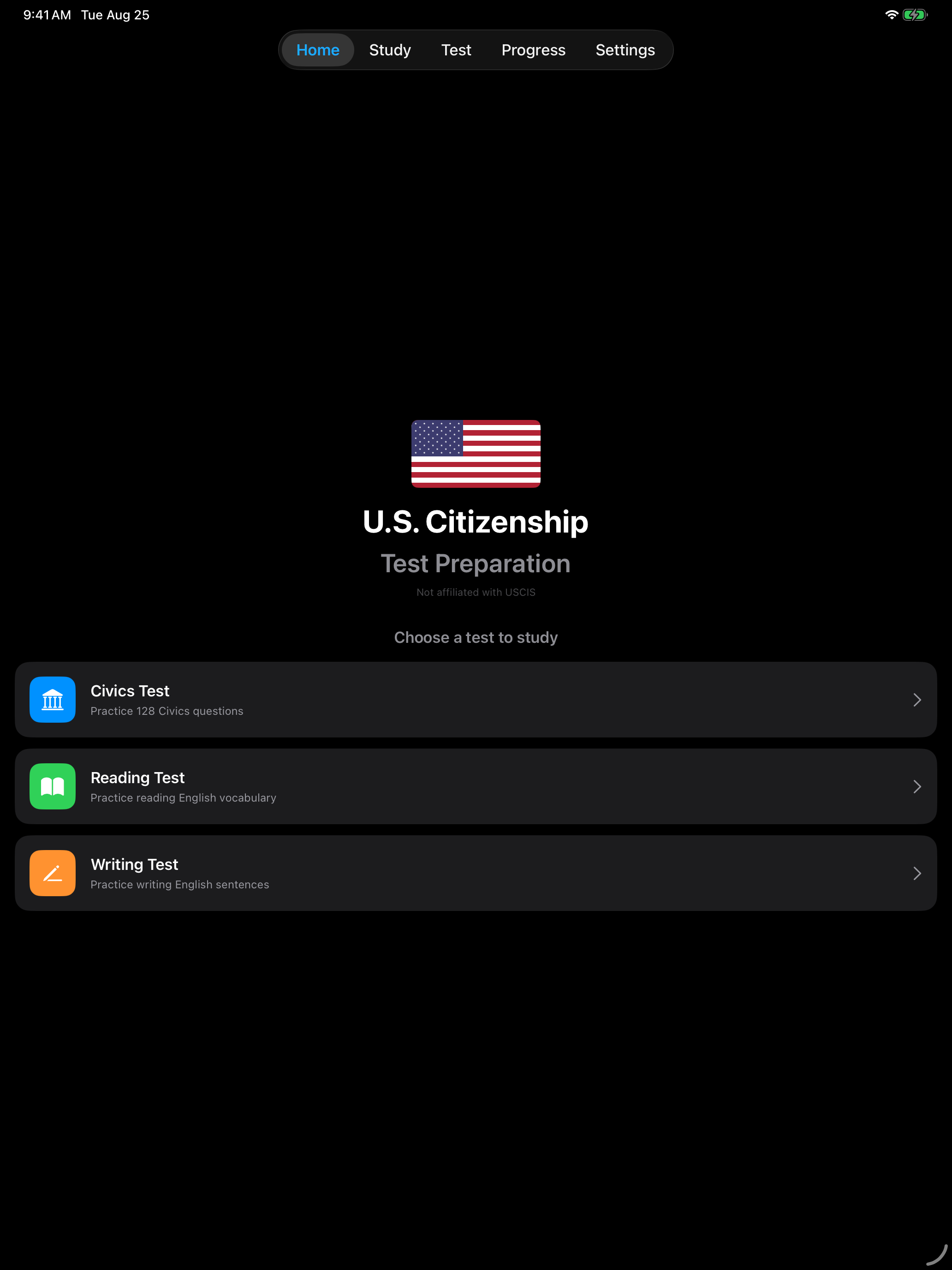
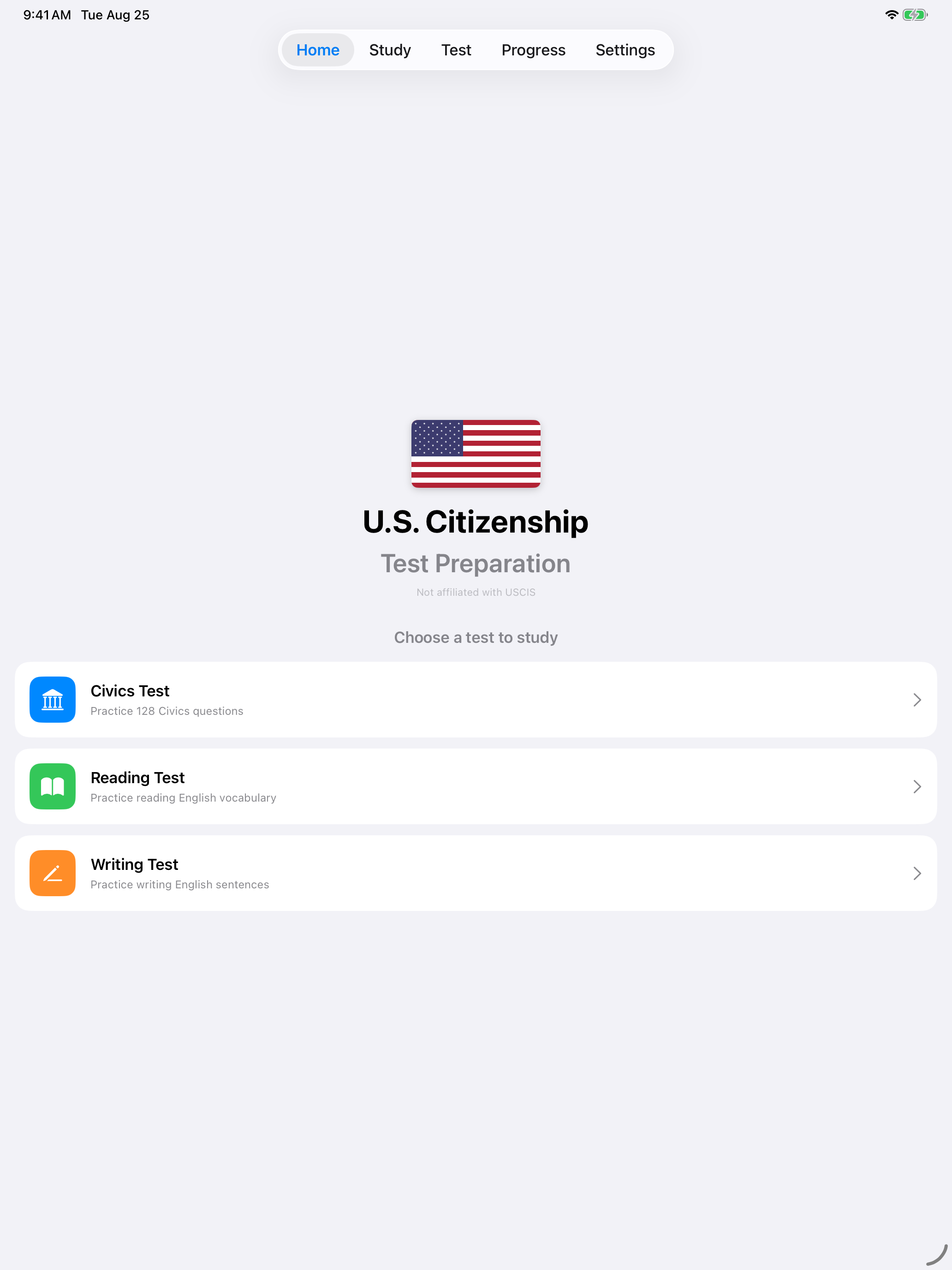
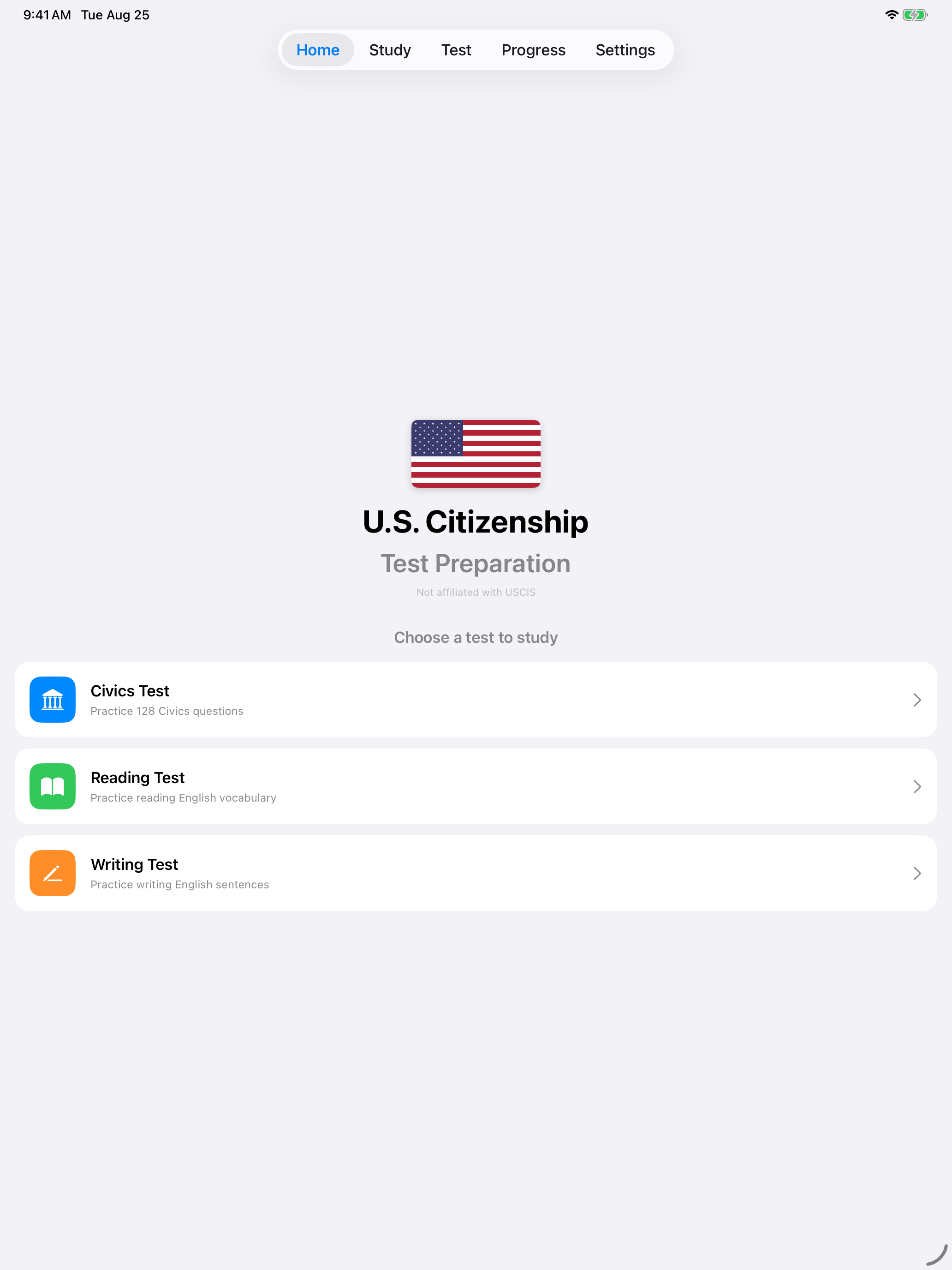
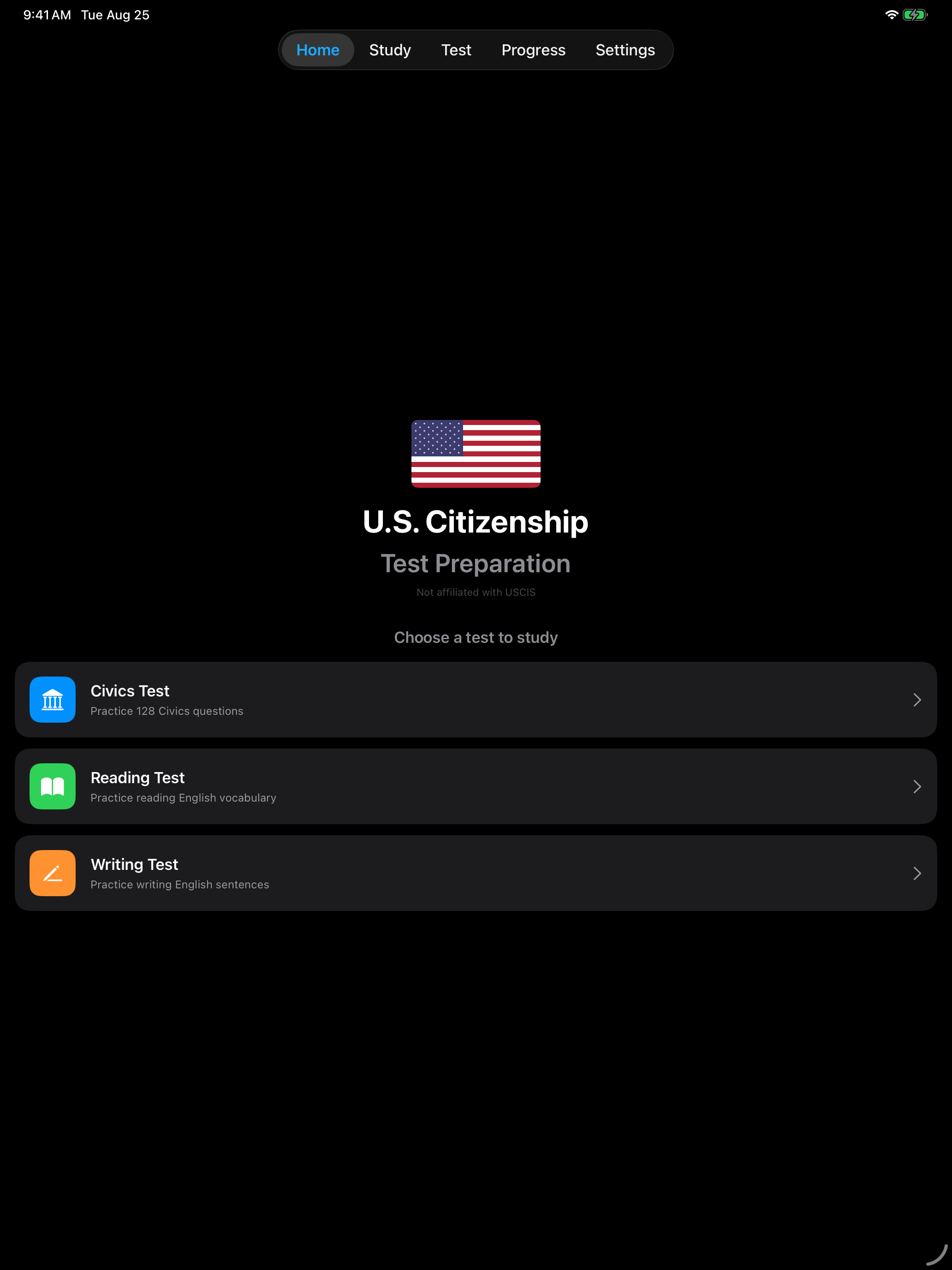
Your Study Toolkit
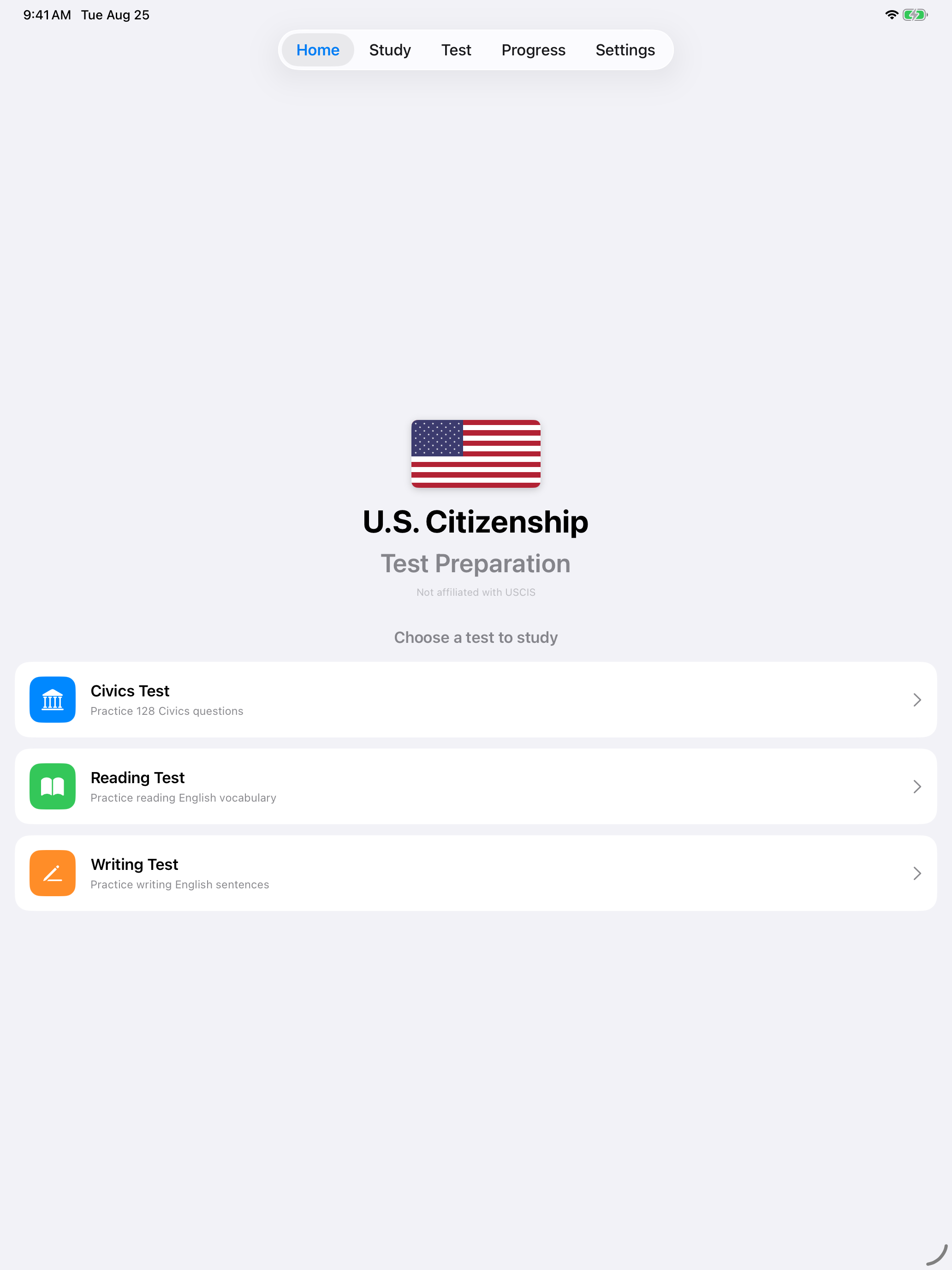
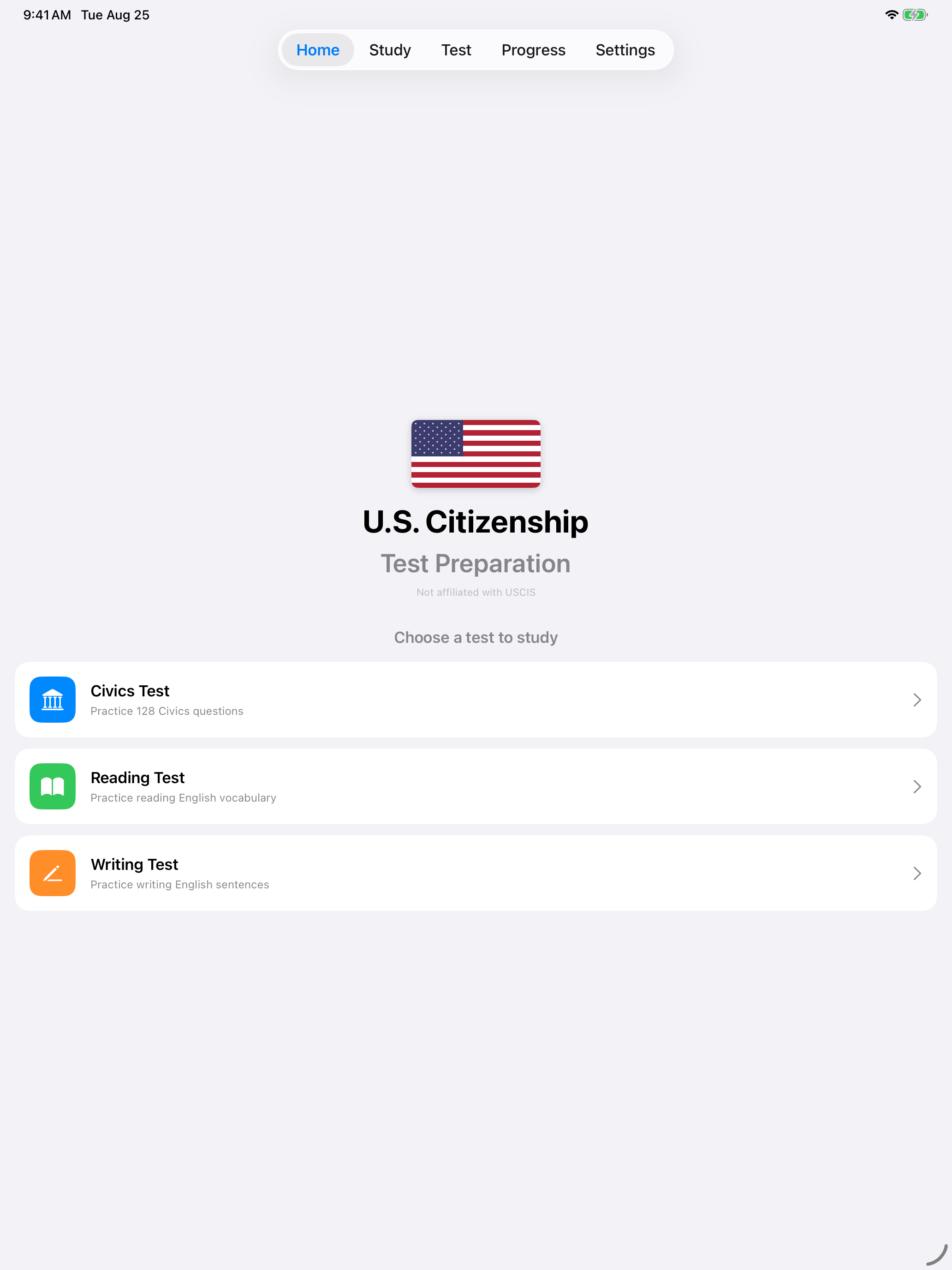
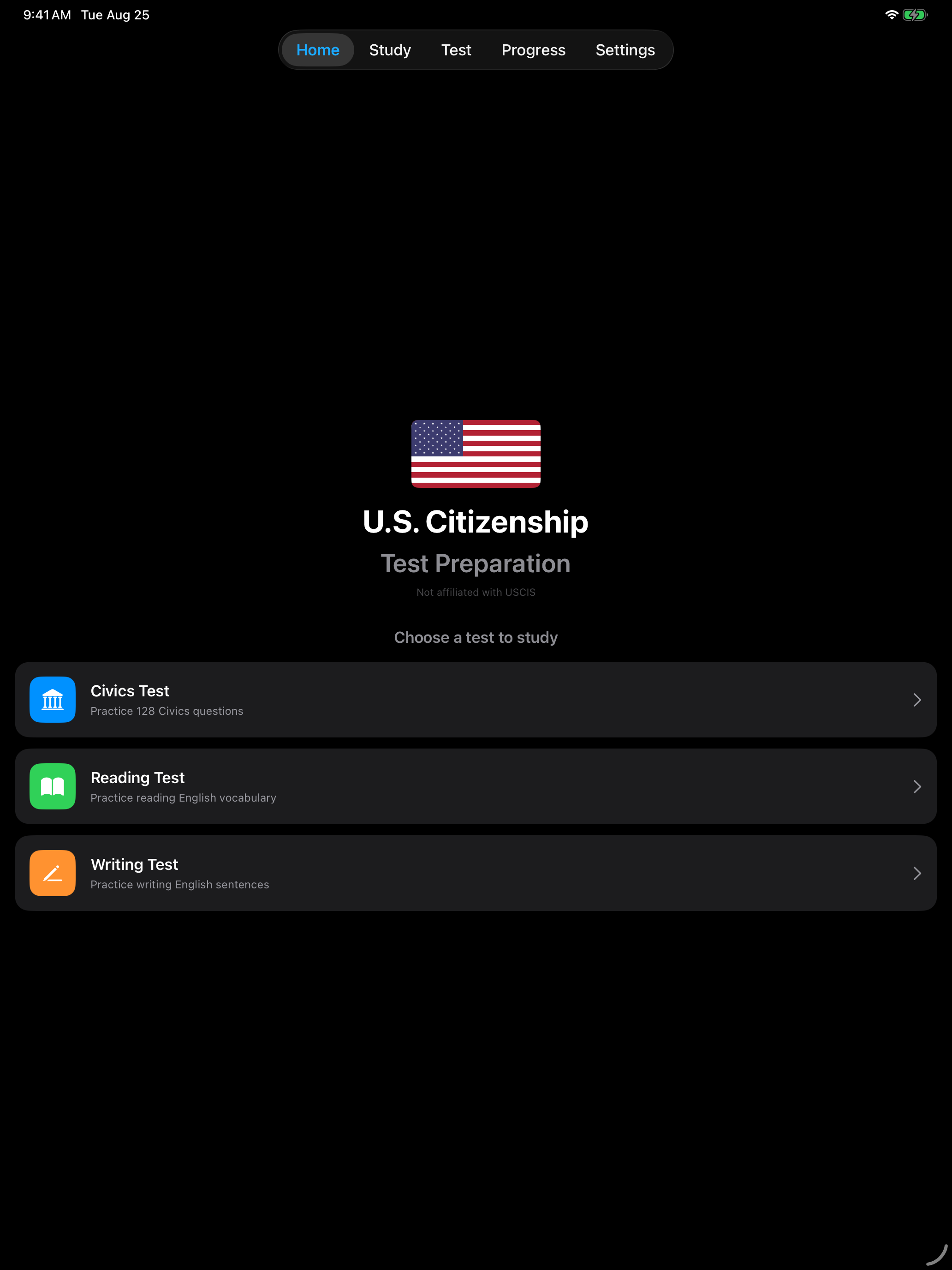
With setup complete, here is what you have at your disposal.
Civics Test
Practice civics questions in tap or interview mode.
Reading Test
Practice reading English sentences.
Writing Test
Practice writing English sentences.
Study Mode
Learn with flashcards at your own pace.
Interview Mode
Simulate the real USCIS interview.
Progress
Track scores, streaks, and achievements.
Recommended first steps: Start with Study Mode to learn the civics questions, then move to the Civics Test in Tap Mode to test yourself, and finally try Interview Mode for realistic spoken practice.
Official USCIS Resources
These official resources from U.S. Citizenship and Immigration Services complement your study:
- USCIS Study Materials, the official study page with practice materials and vocabulary lists
- USCIS Online Practice Test, a free civics practice test on my.uscis.gov
- Test Updates, the latest information on test changes and current officials
The app works completely offline, but these links are useful for verifying current officials and staying informed about test updates.