Civics Test
Overview
The civics test is the heart of the naturalization exam. During the actual USCIS interview, an officer asks you civics questions from the official question list. On the 2008 test, you are asked up to 10 questions and must answer 6 correctly to pass. On the 2025 test, you are asked up to 20 questions and must answer 12 correctly to pass. The officer stops once you have 12 correct or 9 wrong. This app lets you practice with all the questions in two different modes.
Test Versions
The app supports both versions of the USCIS civics test:
- 2008 Test: 100 questions. This version applies if you filed your Form N-400 before October 20, 2025.
- 2025 Test: 128 questions. This version applies if you filed your Form N-400 on or after October 20, 2025.
You can switch between test versions at any time in Settings.
The app offers two ways to practice civics questions. Start with Tap Mode to learn the answers at your own pace, then graduate to Interview Mode for realistic spoken practice.
Tap Mode
Tap Mode lets you practice at your own pace. It opens on a setup screen. Under Test Mode, choose Multiple Choice (the default) or Self-Grade, then tap Start Test. In Self-Grade, each question appears with the answer hidden. Think of your answer, tap Show Answer, then tap Correct or Incorrect. Multiple Choice is described below.
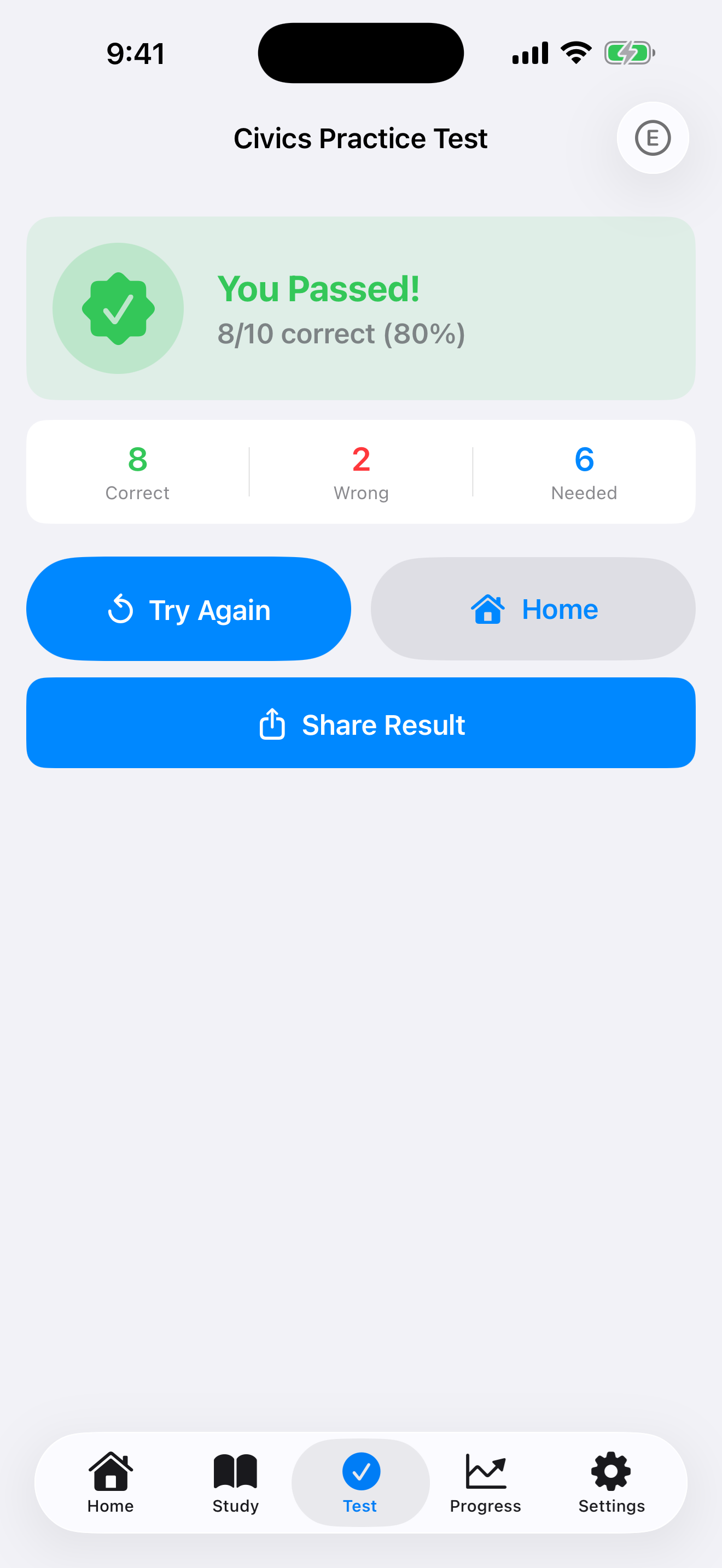
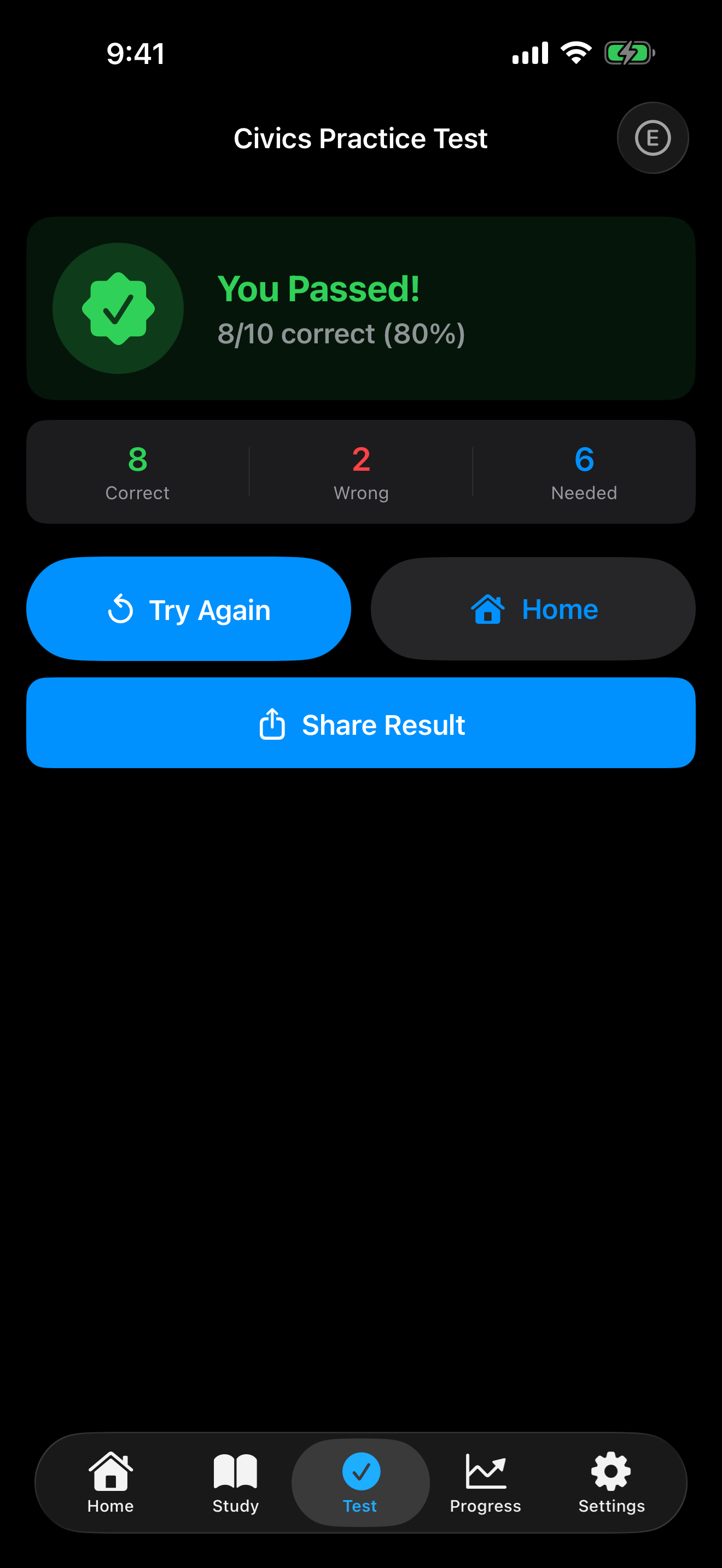
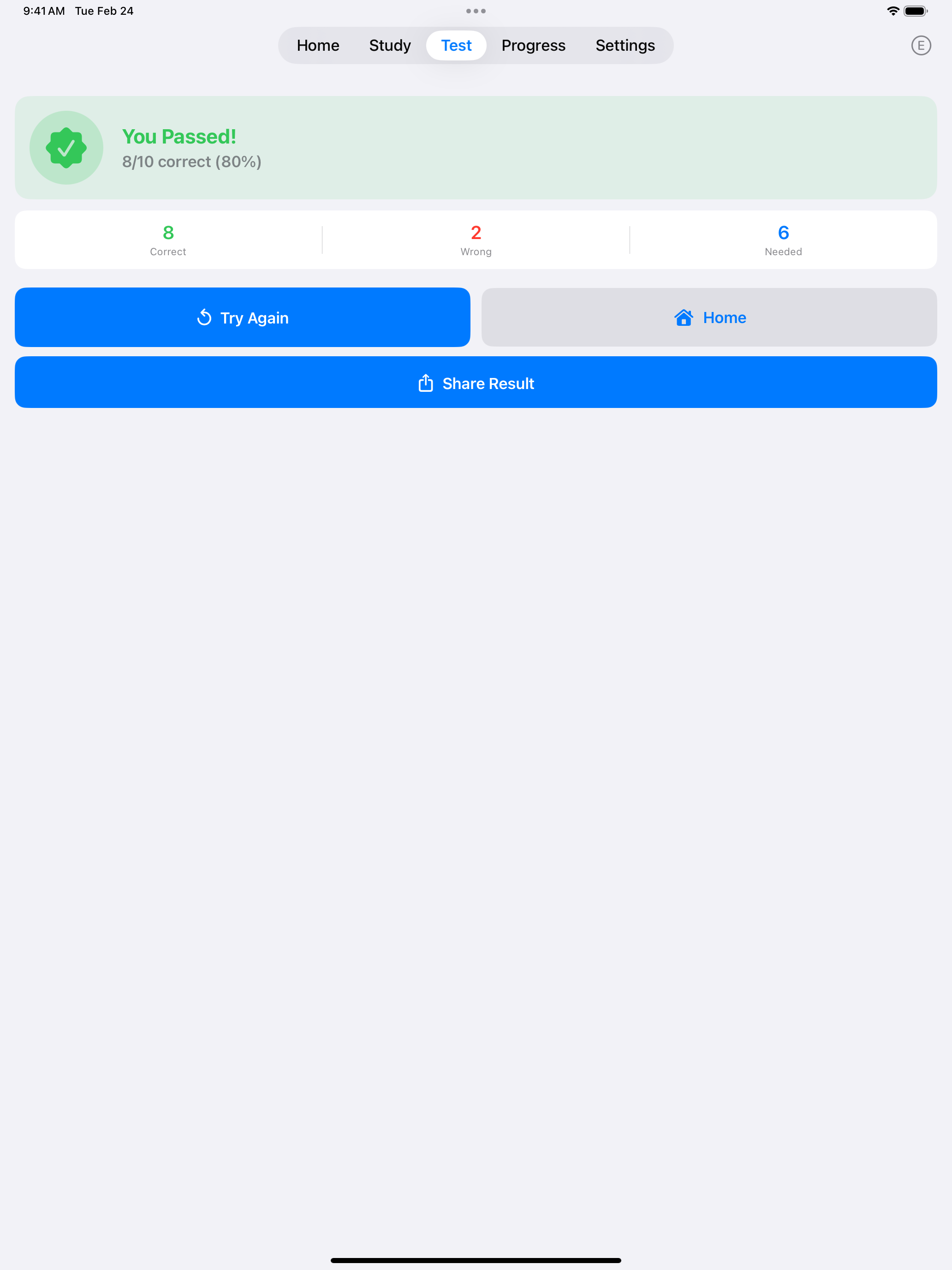
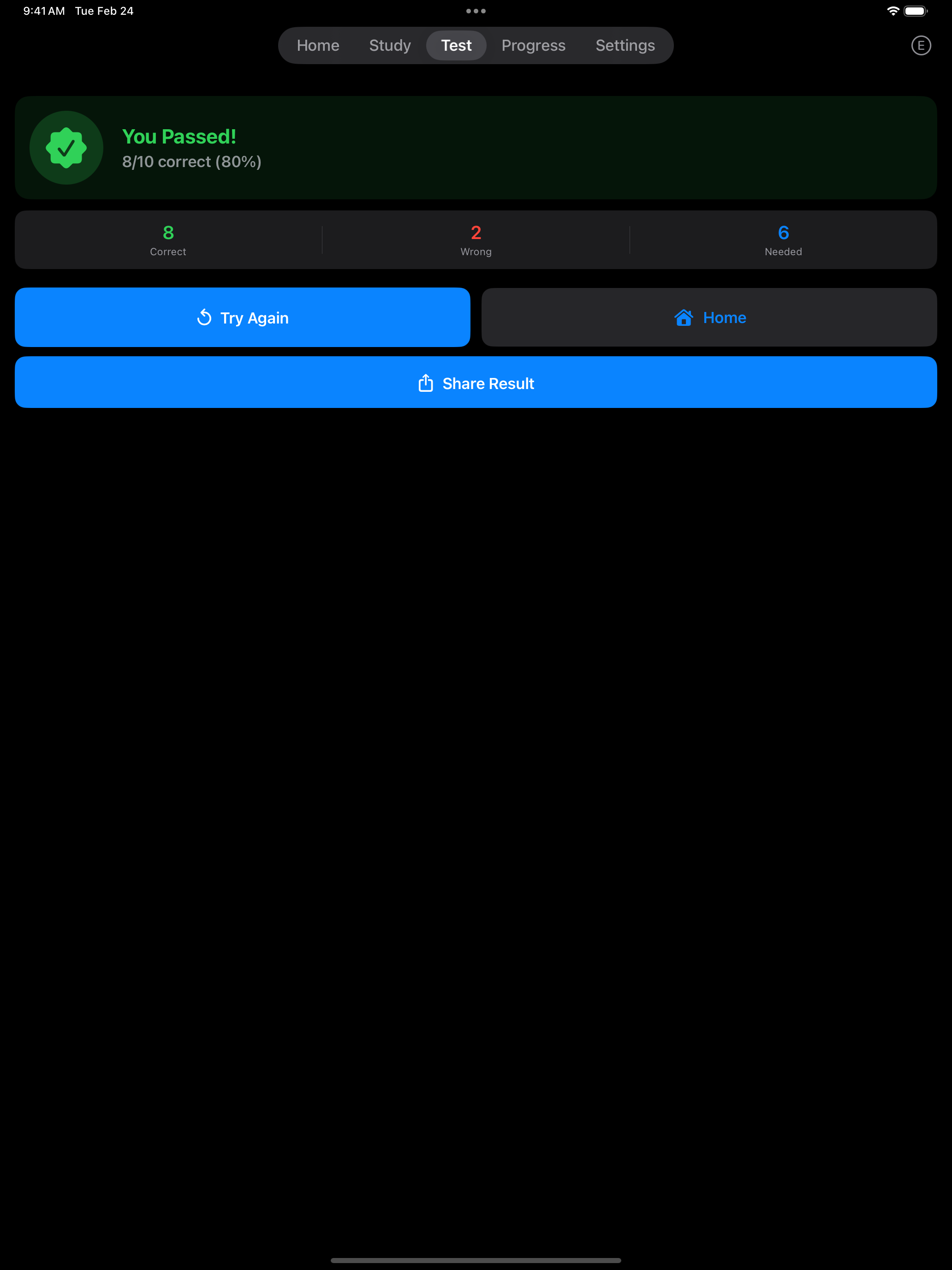
After a practice test you see your score (for example, 8/10) and how many correct answers you needed to pass. With Pro, View Details lists every question from that test with a check or a cross, and you can tap any question to see its answers.
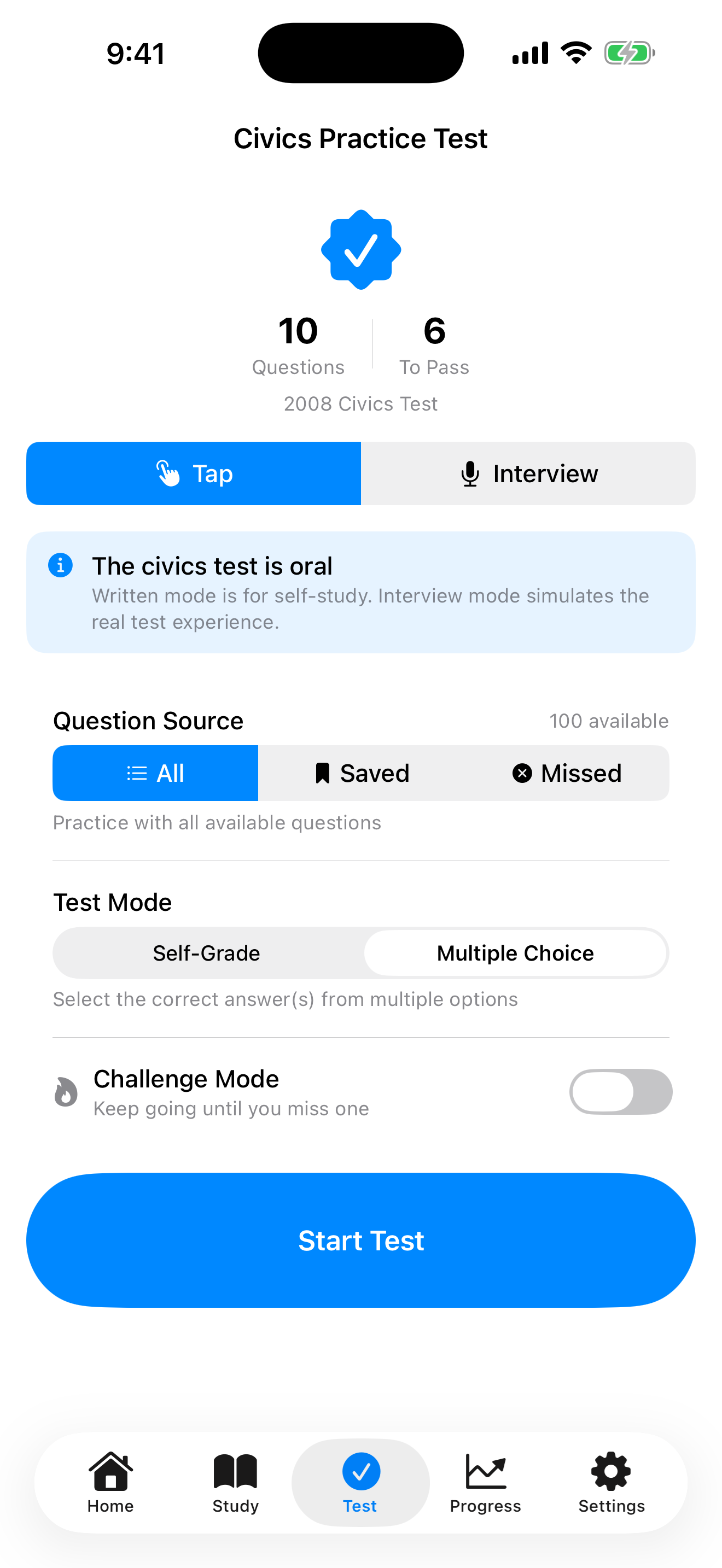
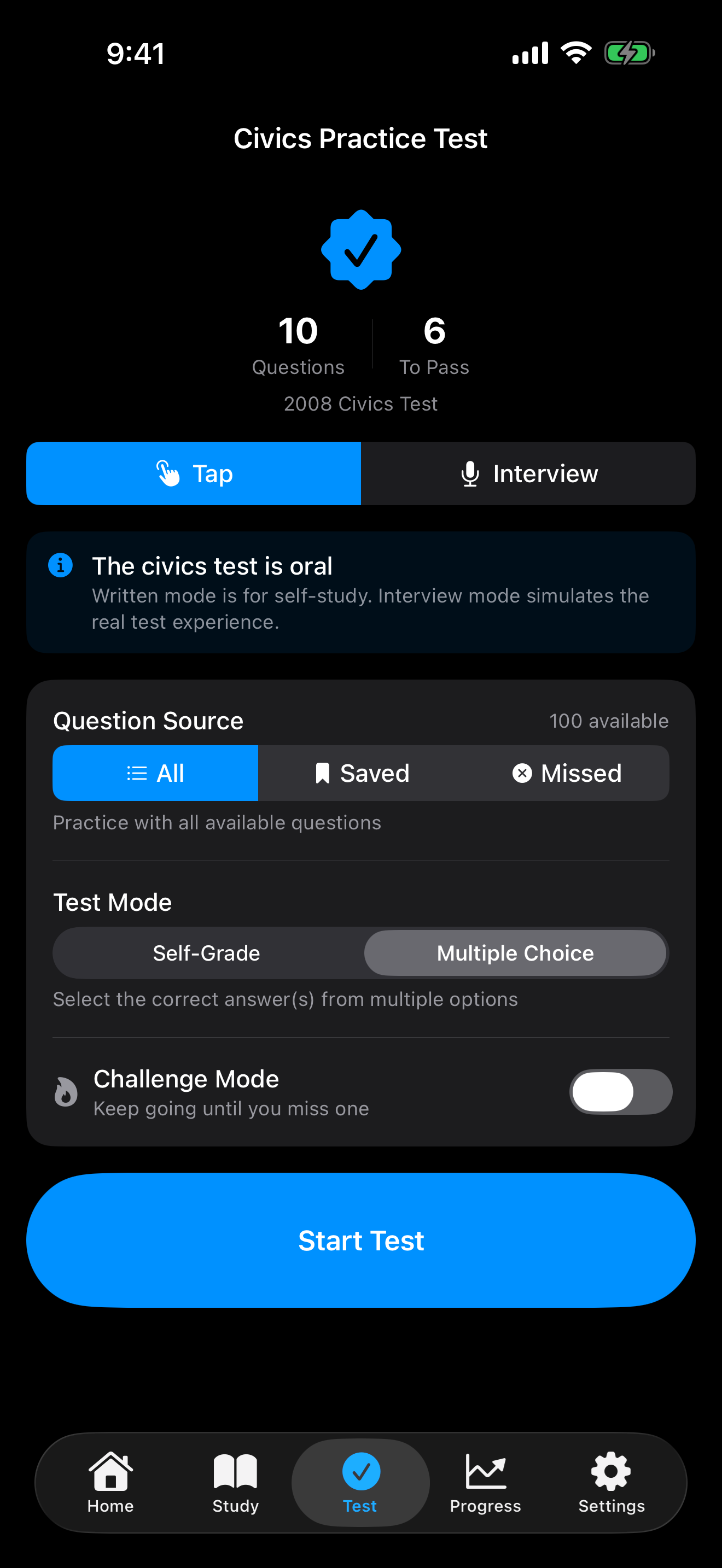
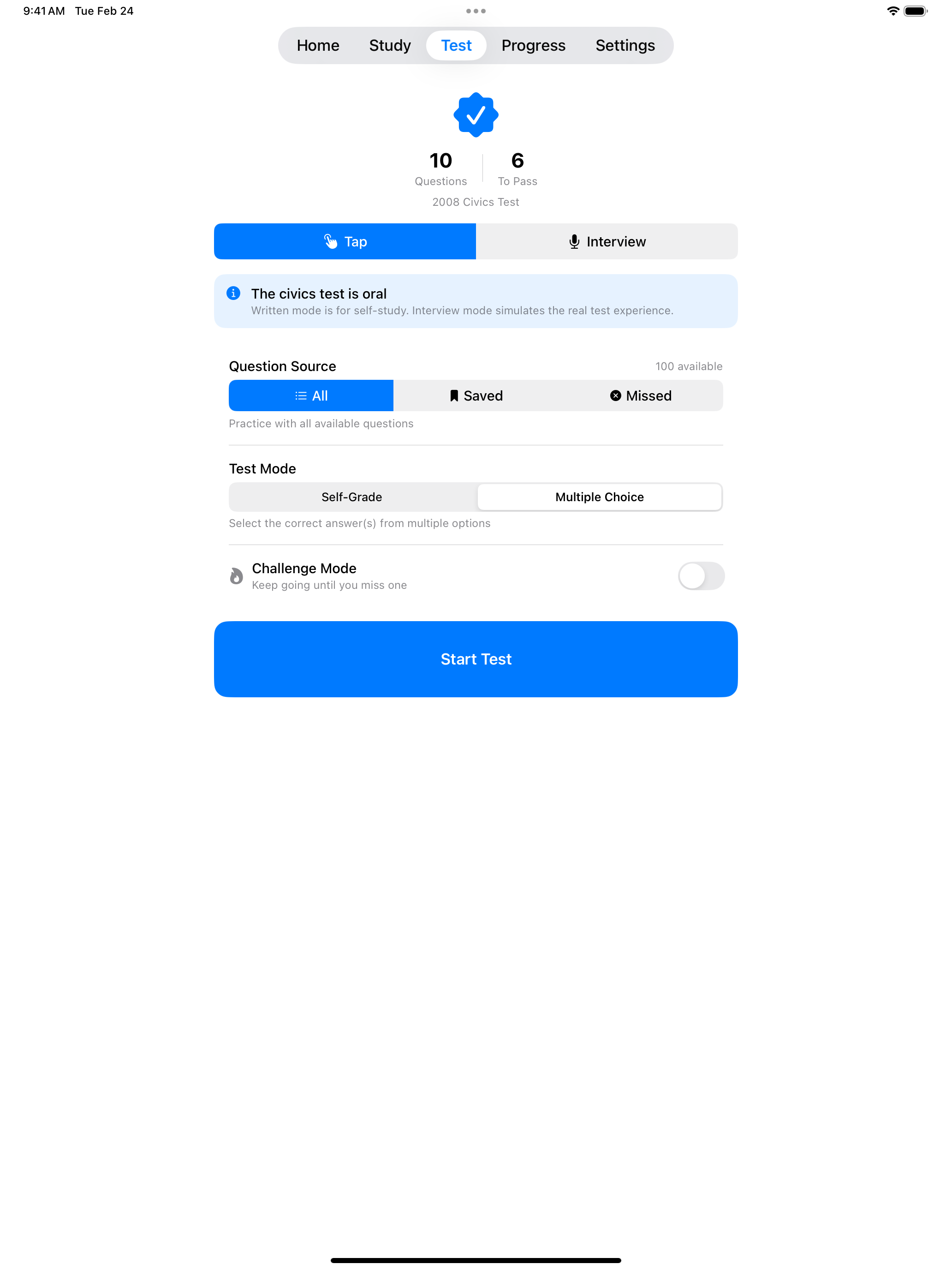

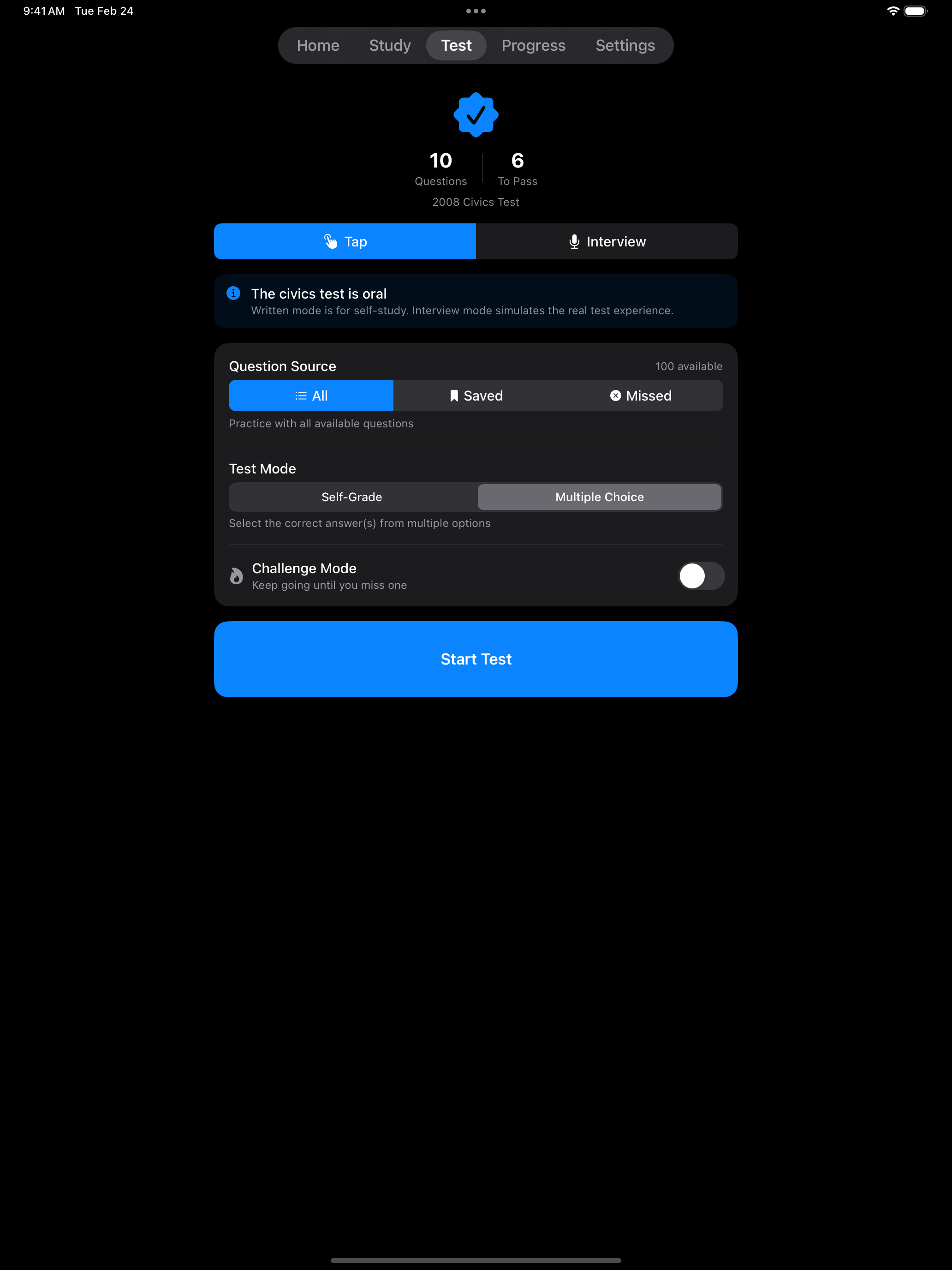
The screenshot above shows the Tap Mode setup screen with Multiple Choice selected. Under Question Source, choose All, Saved, or Missed. Missed requires Pro and builds a test from the questions you have answered incorrectly before. Turn on Challenge Mode to keep answering until you miss one. Interview Mode has the same Question Source and Challenge Mode options.
Multiple Choice Mode
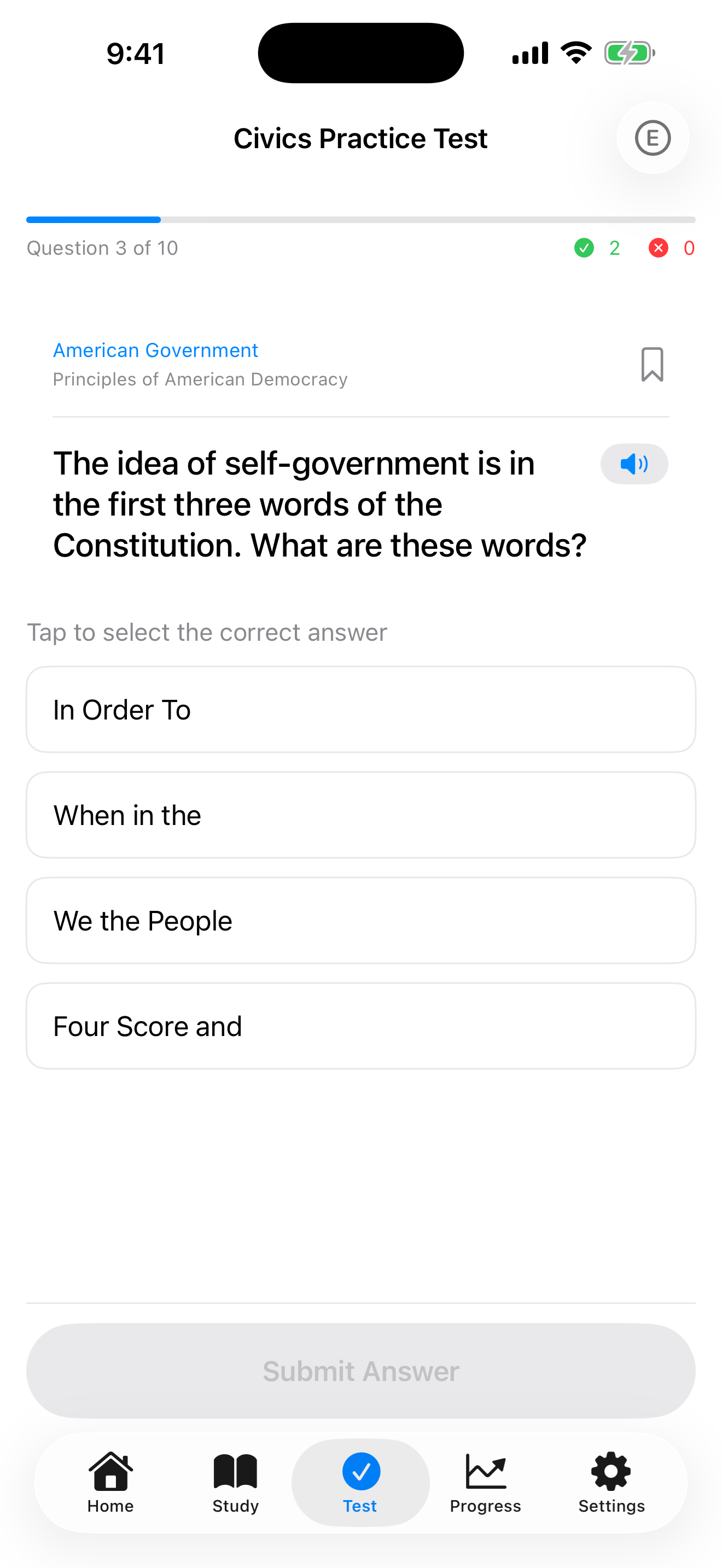
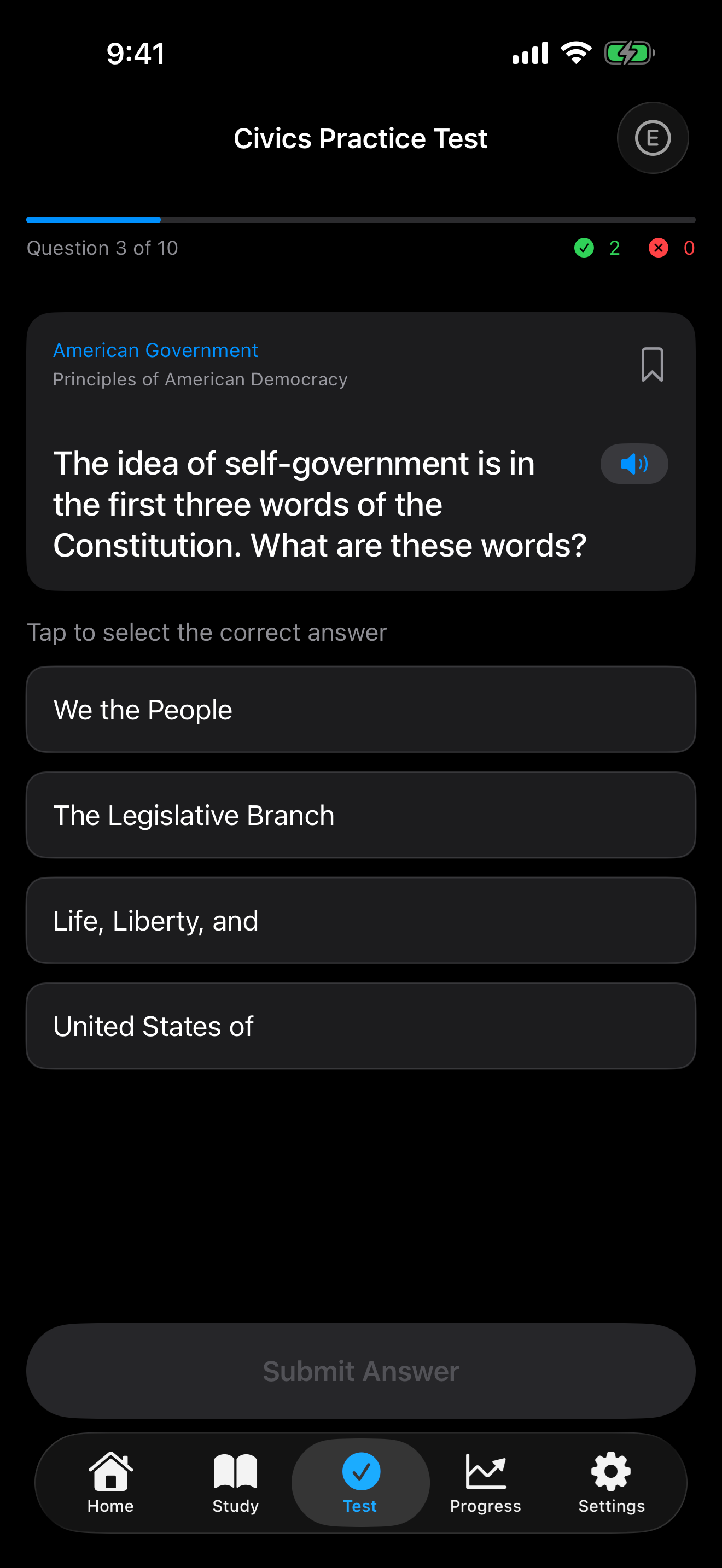
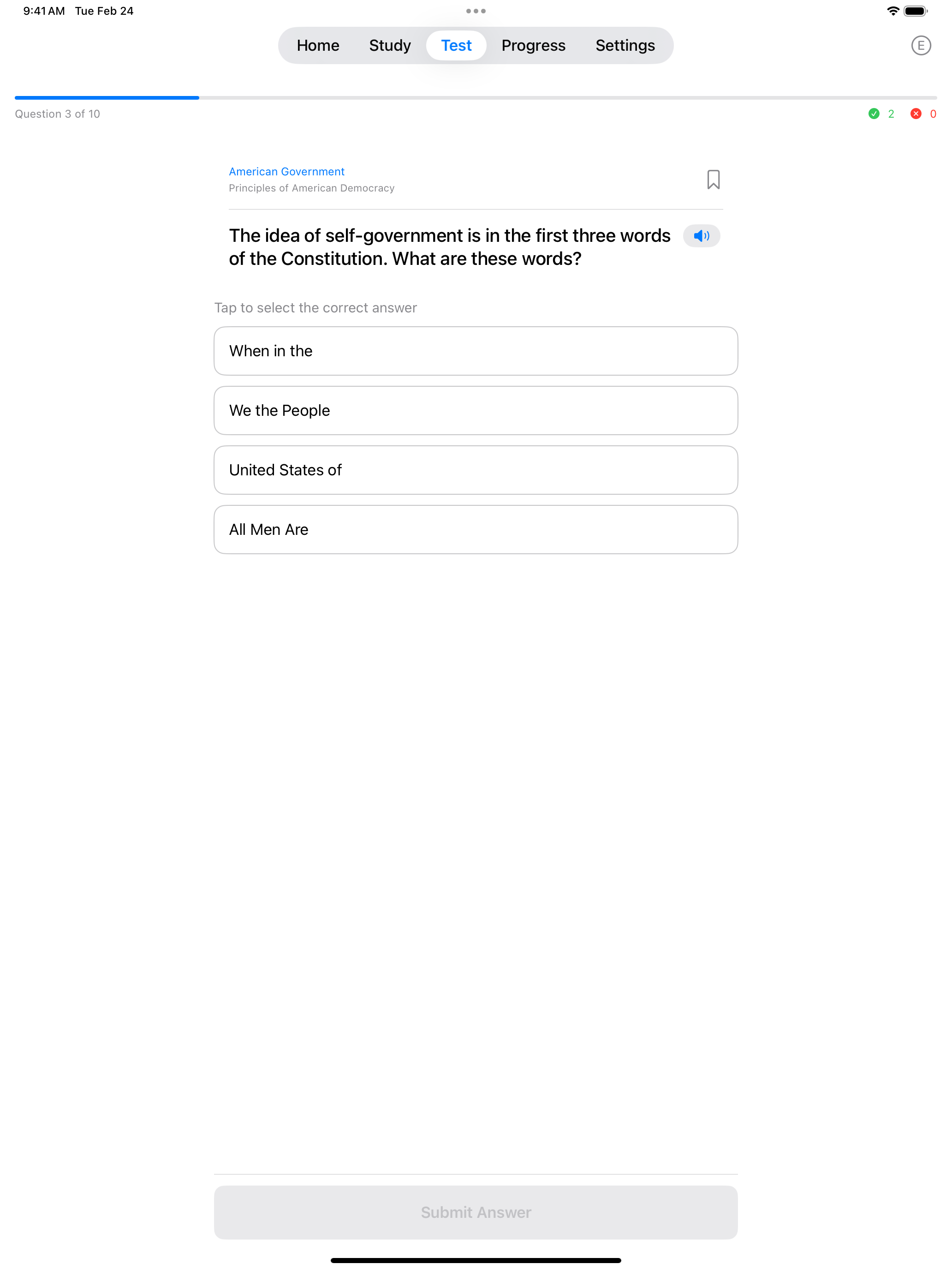
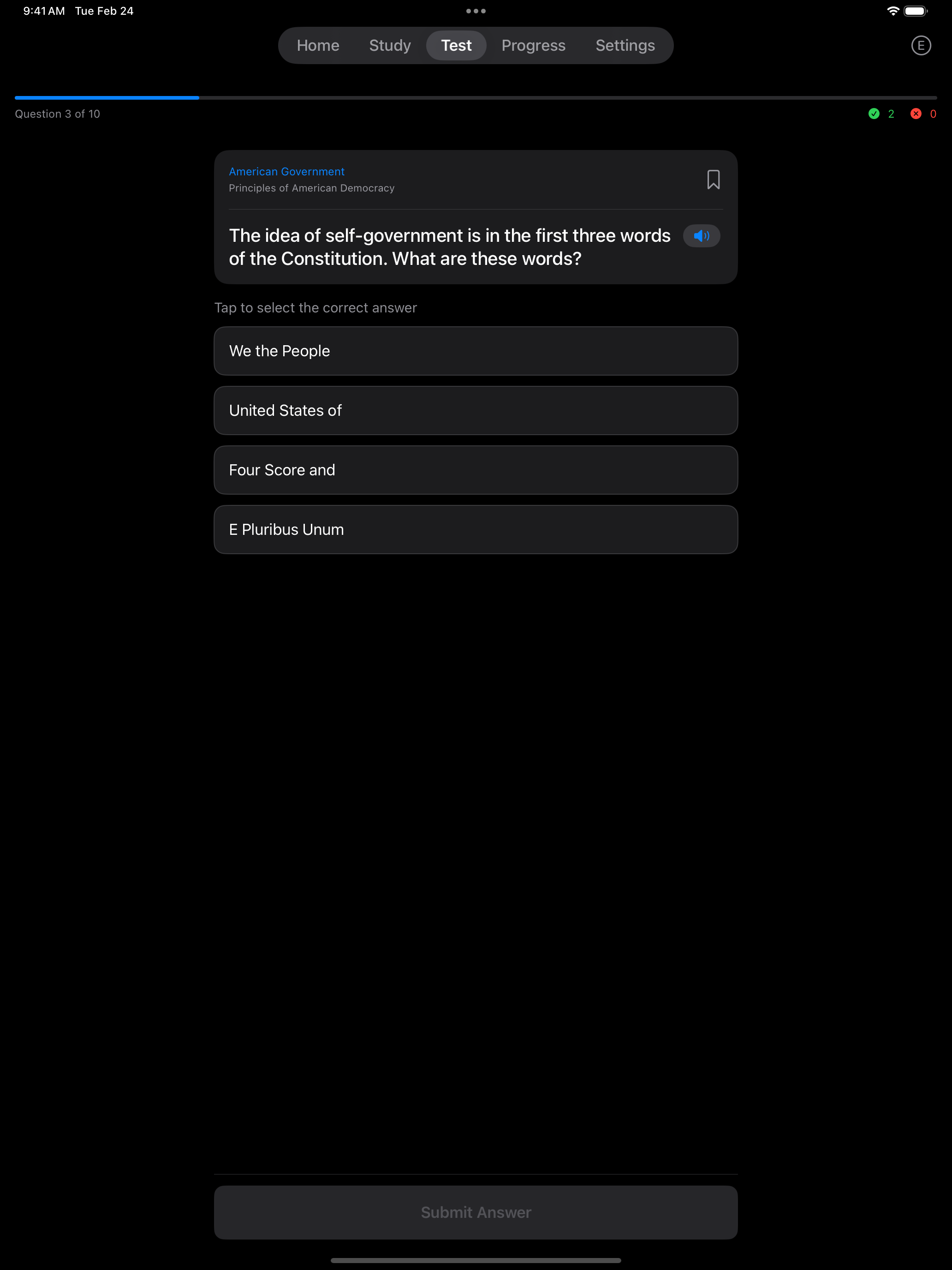
In Multiple Choice mode, each question displays several answer options. Select the correct answer(s) and tap Submit Answer to check your response. The app gives you instant feedback (green for correct, red for incorrect) so you learn as you go.
Once you are comfortable with the material, it is time to practice the way the real test works: out loud.
Interview Mode
Interview Mode simulates the real USCIS interview experience:
- You tap the speaker to hear the question read aloud using text-to-speech
- You tap the microphone button and speak your answer
- The app uses speech recognition to check your response
- Fuzzy matching accepts answers that are close to correct (accounting for pronunciation)
Interview Mode is the closest experience to the real test. Practice this mode when you feel confident with the material.
Tap Mode and Interview Mode share the same test format.
Practice Test Format
Each practice test uses the question count and passing score of the real USCIS civics test:
- 2008 Test: Selects 10 random questions from the question pool. You need 6 correct to pass.
- 2025 Test: Selects 20 random questions from the question pool. You need 12 correct to pass.
- Questions are shuffled each time for a fresh experience
- Outside Challenge Mode, a practice test asks every question it selected, even after you reach a passing score. At your interview, the officer stops early.
- Interview tests end with a list of every question and whether you got it right, and Tap Mode tests offer the same review with Pro
Questions About Where You Live
A few questions depend on where you live or on who holds an office right now. The app fills in the current President, Vice President, Speaker of the House and Chief Justice for everyone. Your governor, senators and state capital come from the state you choose in Settings → Your Location. A zip code on its own does not fill these in.
“Name your U.S. Representative” needs your zip code. The app uses it to find your state and accepts any member of that state’s House delegation, or the one member if your state has a single at-large seat.
Multiple Choice skips any of these questions it cannot grade for you and fills the test with other questions. It asks “Name your U.S. Representative” only when your zip code is in a state with a single at-large seat. If a state or zip code is missing, flashcards and Self-Grade say which one to add, and Interview Mode shows a reminder with the question. See Getting Started for setup.
65/20 Test
When 65/20 Consideration is enabled in Settings, practice tests draw 10 questions from a specially designated pool of 20 questions instead of the full question set. You need 6 out of 10 correct to pass. You can focus your study on just the 20 questions marked with an asterisk (*).
This applies if, on the date you file Form N-400, you are 65 or older and have been a permanent resident for 20 or more years. You may take the civics test in your own language. If you do, you must bring your own interpreter to the interview. You are also exempt from the English test, so you skip the reading and writing portions. See Getting Started for more details on the 65/20 consideration.
Tips for Success
- Start with Study Mode flashcards to learn the material
- Use Tap Mode to test yourself on what you have learned
- Graduate to Interview Mode for realistic spoken practice
- Review wrong answers to strengthen weak areas, and with Pro, build a test from them with the Missed question source
- Practice daily to build a study streak and keep the material fresh
USCIS Resources
Official study materials and references from U.S. Citizenship and Immigration Services:
- USCIS Study Materials, the official study page with practice materials
- 2025 Civics Test Questions (PDF), all 128 questions and answers
- 2008 Civics Test Questions (PDF), all 100 questions and answers
- USCIS 2008 Civics Practice Test, a free online practice test that covers only the 2008 version, which applies if you filed before October 20, 2025
- Test Updates, the latest information on test changes and current officials
The app includes all official questions from both test versions. The PDFs above are useful as portable references you can print or review offline.