Add-ons
Every civics question and every practice mode is free, from the flashcards to the interview. Three optional add-ons sit in the app under Settings → Add-ons.
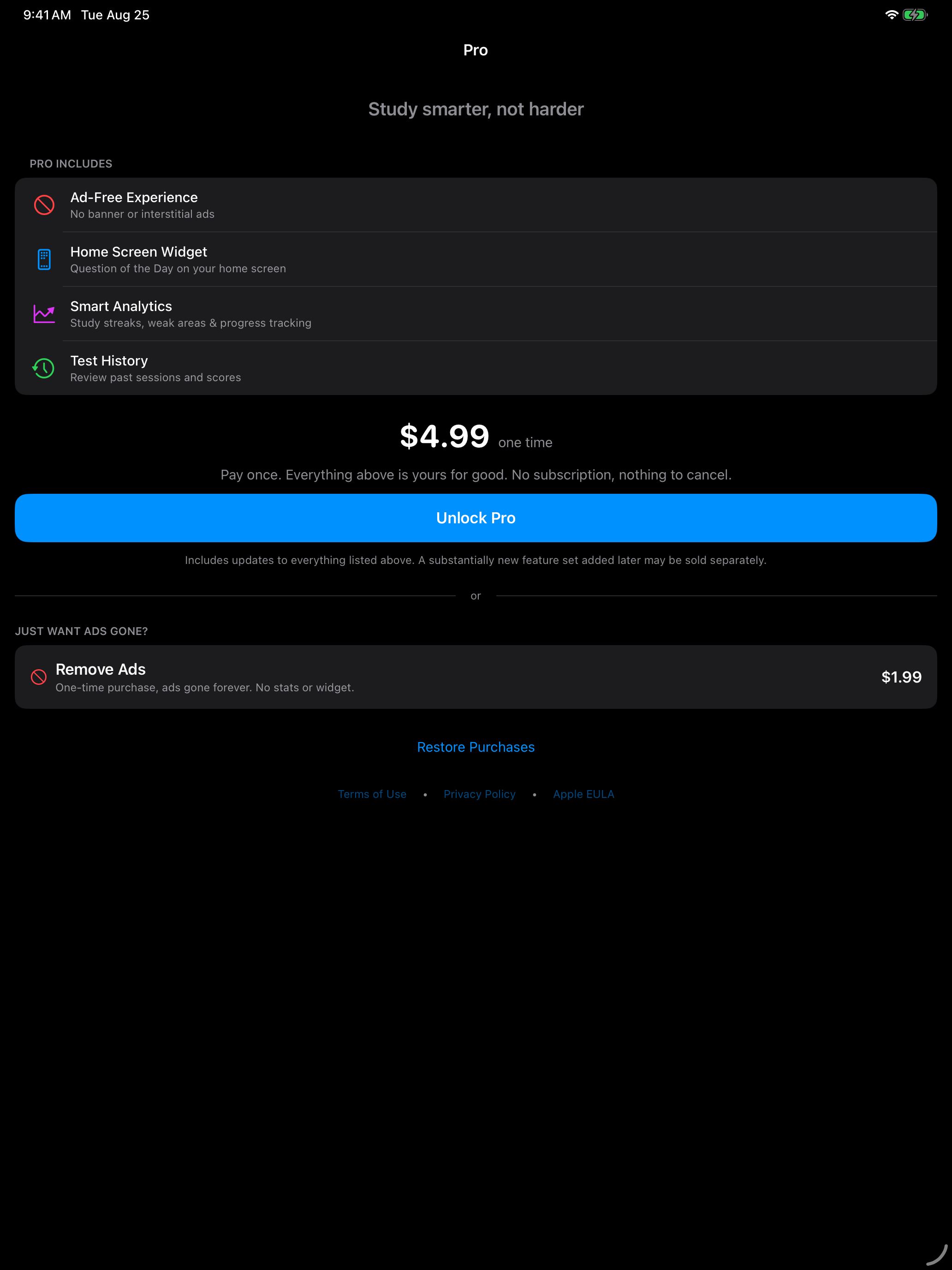
- Pro, a one-time $4.99 purchase that removes the ads and unlocks the detailed progress, history and extras
- Remove Ads, a one-time $1.99 purchase that clears the ads and nothing else
- Streak Repairs, $0.99 for a pack of ten, bought whenever you like, to keep a study streak going after a missed day or two
Pro
Buy it once for $4.99 and it stays unlocked on every device signed in to your Apple Account.
Pro is sold in the app under Settings → Add-ons → Get Pro. The Pro page lists what it includes and offers Remove Ads beside it.
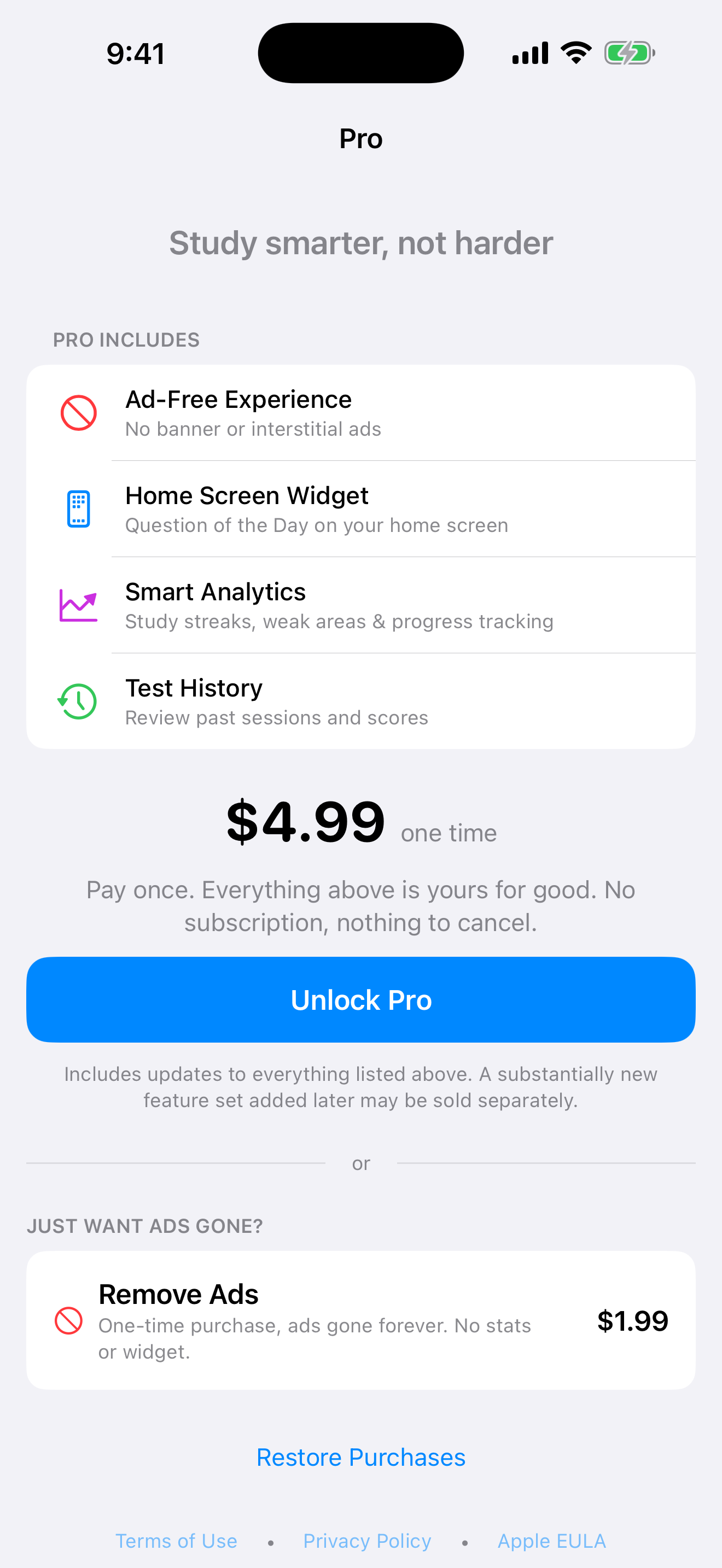
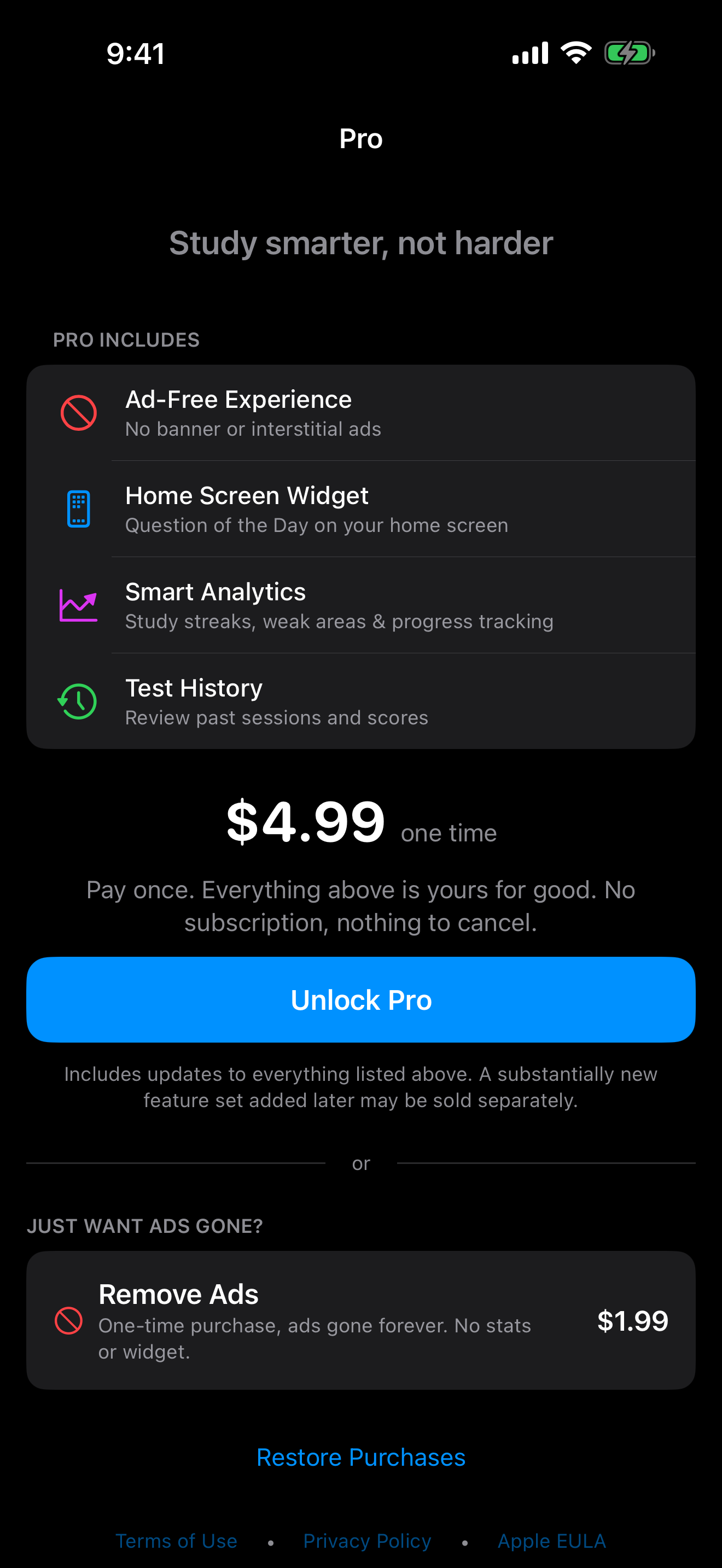
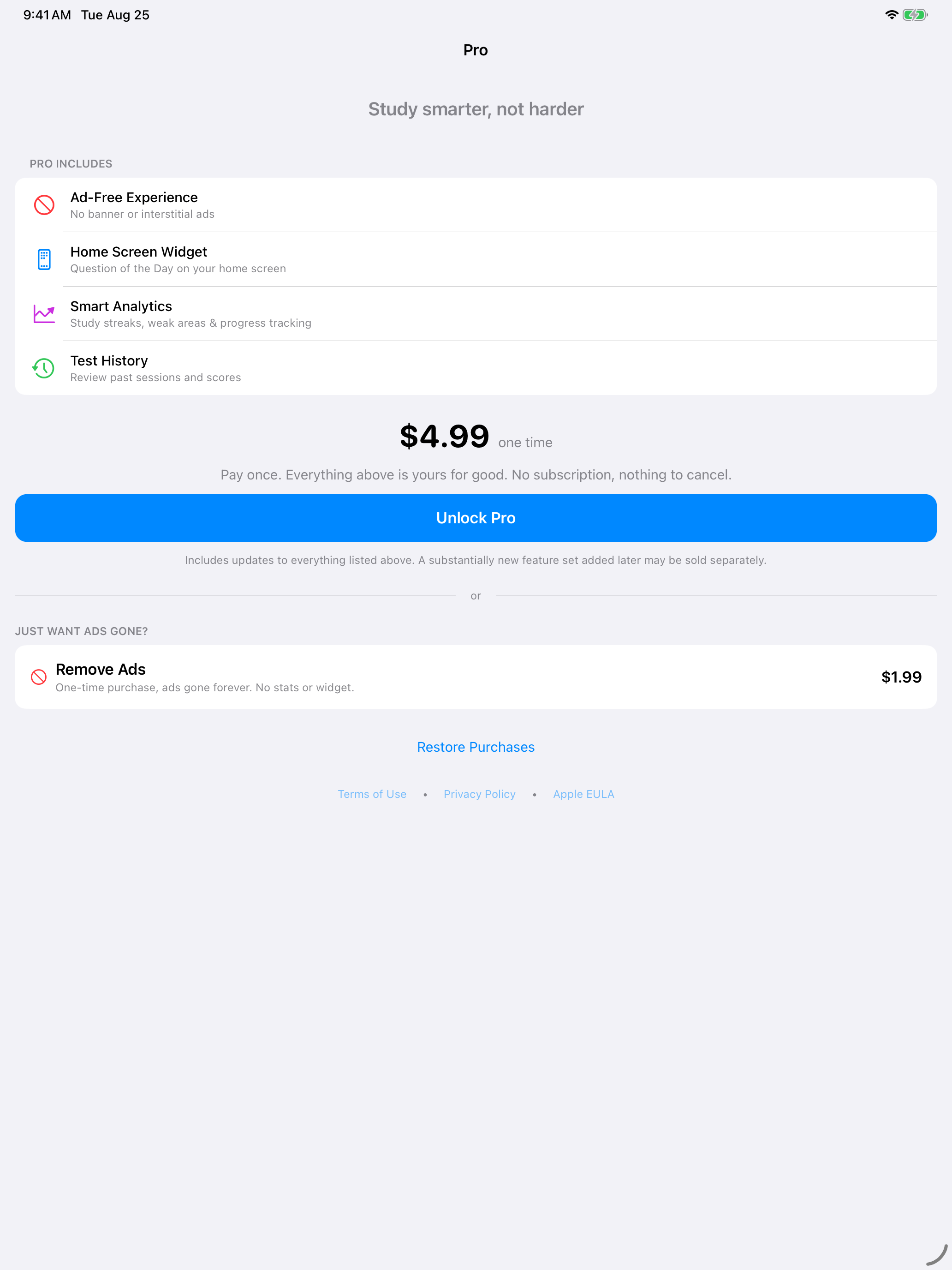

What you get
| Feature | Free | Remove Ads$1.99 once | Pro$4.99 once |
|---|---|---|---|
| Everything you study with | |||
| All 100 and 128 civics questions | Included | Included | Included |
| Reading and writing practice | Included | Included | Included |
| Flashcards and study mode | Included | Included | Included |
| Interview mode with speech recognition | Included | Included | Included |
| Handwriting practice with OCR | Included | Included | Included |
| Basic statistics and current study streak | Included | Included | Included |
| Achievements | Included | Included | Included |
| Progress, history and extras | |||
| Ad-free experience | Not included | Included | Included |
| Detailed analytics and score breakdowns | Not included | Not included | Included |
| Best streak, total study days and streak milestone alerts | Not included | Not included | Included |
| Study activity grid | Not included | Not included | Included |
| One free streak repair a month | Not included | Not included | Included |
| Extended test history | Not included | Not included | Included |
| Missed-question review | Not included | Not included | Included |
| Answer on the medium Question of the Day widget | Not included | Not included | Included |
The free app, Remove Ads and Pro all use the same question bank and run the same practice tests. Everything Pro adds sits in the Progress, history and extras group above, from the ad-free app and detailed analytics to missed-question review and the answer on the medium Question of the Day widget.
Anyone can add the Question of the Day widget. Without Pro, the medium widget shows the question but not the answer.
Everyone sees their current study streak. Pro adds your best streak, total study days, streak milestone alerts and the activity grid of the days you studied, along with one free streak repair each calendar month.
What “one-time” covers
The Pro on sale today is Pro (2026-2027).
Pro (2026-2027) unlocks the Pro features available in the app when you buy it, including improvements to those features. It is a one-time purchase, not a subscription, and nothing renews.
A substantially new feature set added later may be offered as a separate edition. It is not included in an edition you already own, and you never have to buy a later edition to keep what you have.
Pro does not expire, and we are glad for you to keep every feature you unlock, along with the improvements those features get over time. As the app grows, there may be new tests or bigger features in 2028 or later. If so, you keep everything you already have, and the new additions come as a new edition of Pro. What you bought stays yours for good, and new editions help support the work of keeping the app up to date for everyone.
Remove Ads
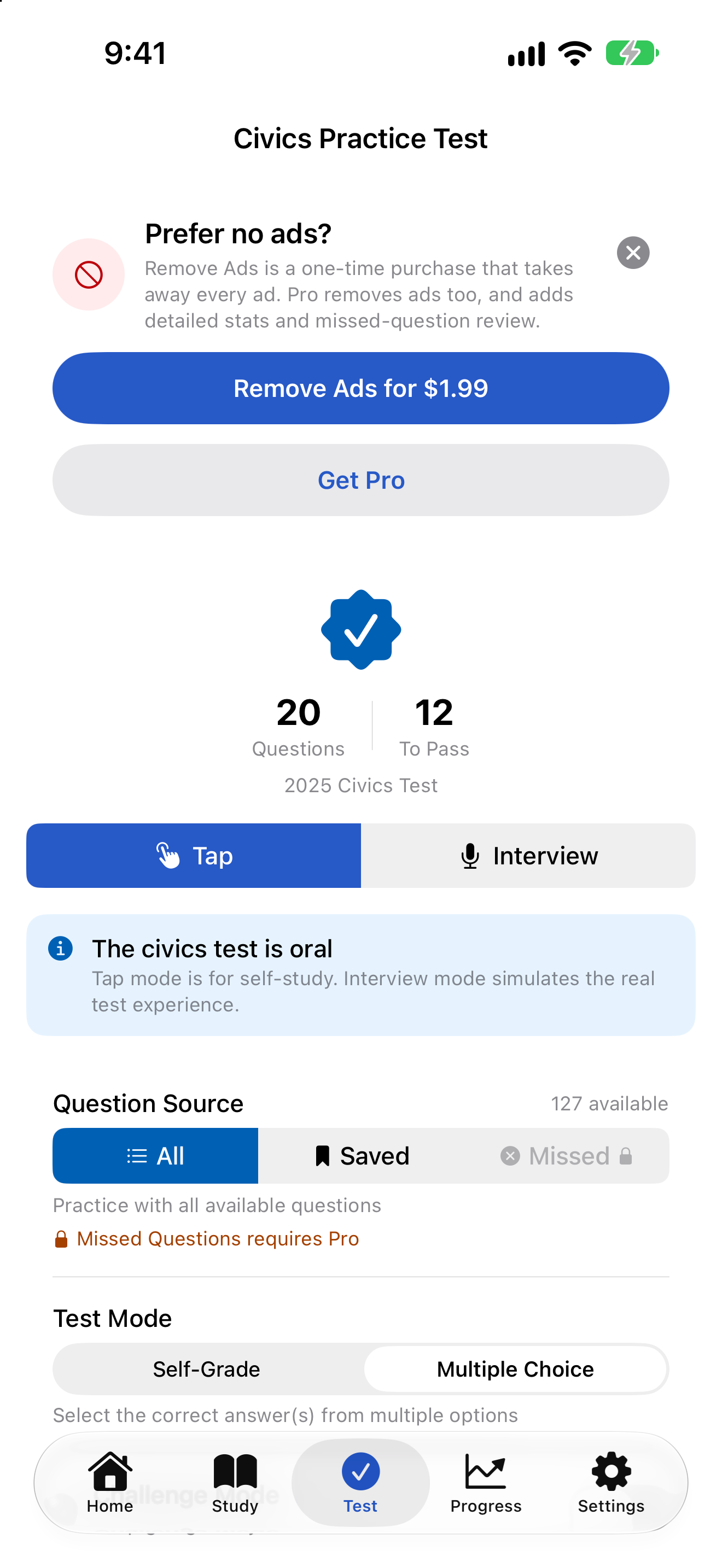
Remove Ads is a separate one-time purchase for $1.99 that clears every banner and interstitial ad out of the app and changes nothing else. Buy it from the Remove Ads row in Settings → Add-ons, which shows its price. Pro already includes ad removal, so it is one purchase or the other.
Without either, the free version shows a banner ad along the bottom of some screens and, now and then, a full-screen ad as you leave a finished test’s results:
- Never after your first finished test
- At most one for every three tests you finish, and at least 10 minutes after the last one
- Never during study or in the middle of a test. Leaving a test early with Save & Exit or Discard & Exit does not count as finishing it
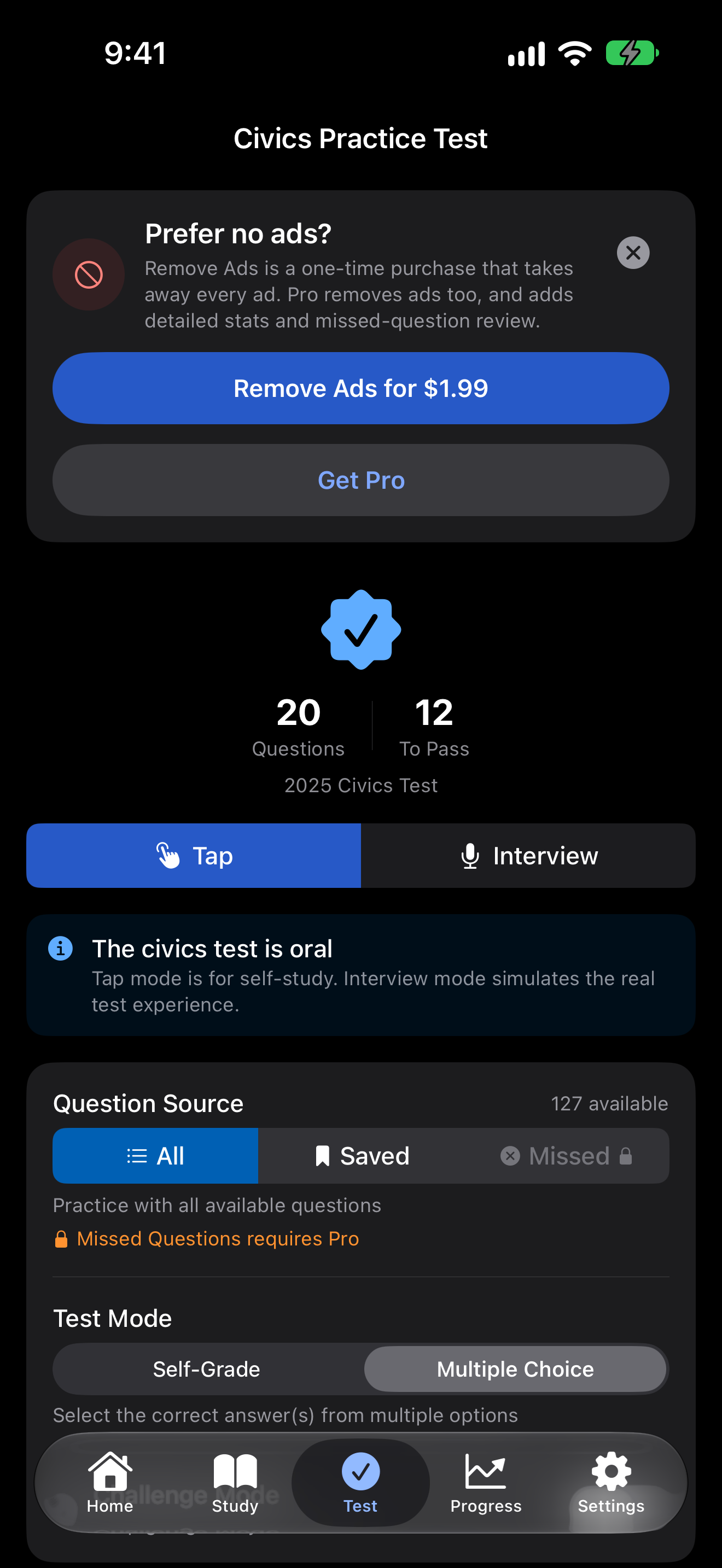
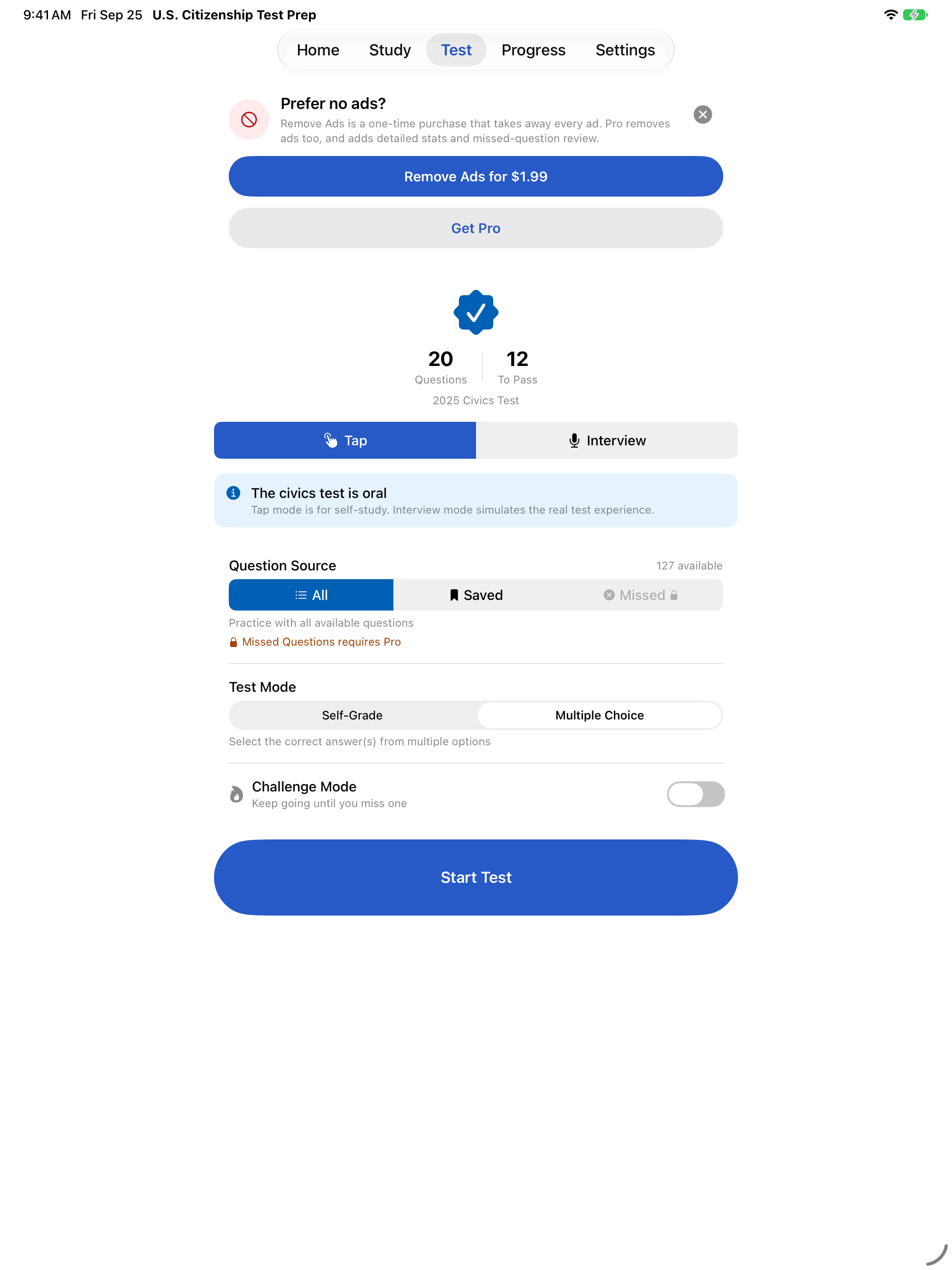
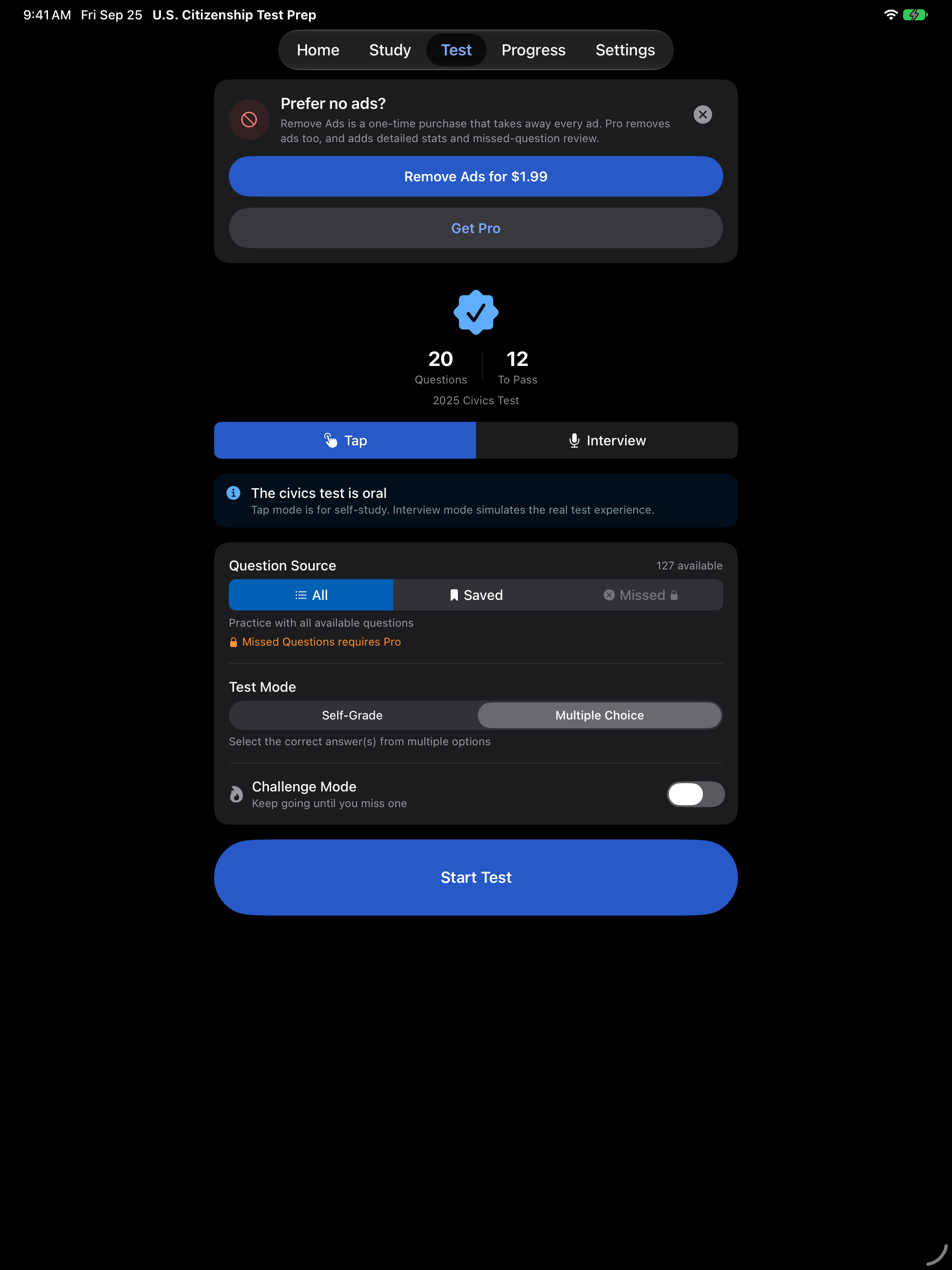
After a full-screen ad closes, a Prefer no ads? card may appear on the civics, reading or writing start screen, at most once a day. It offers Remove Ads, which you can buy right there, and Get Pro, which shows what Pro includes. Close it with the X, or leave the screen, and it goes away.
Streak Repairs
A streak repair fills in a day you missed so your study streak carries on. Repairs come in packs of ten for $0.99, and anyone can buy them, with or without Pro or Remove Ads.
- Buy them any time from Settings → Add-ons → Get 10 Streak Repairs. The row shows your balance of repairs bought and not spent, and with Pro, whether this month’s free repair is still there. Buying only adds to that balance.
- Use them from the Progress tab. When your streak misses a day or two, the Progress tab offers a repair, and nothing is repaired until you tap it. Each repair fills one day, so a two day gap takes two. If you have none left, the offer sells a pack and fills the gap in the same tap.
- Pro’s free repair goes first. Pro includes one free repair each calendar month, and it is always used before a repair you bought. The free one is for that month only.
- Repairs carry over. The ones you buy and do not use stay in your balance for a later miss.
- A repair bridges the streak and nothing more. A repaired day never counts as a day you studied. It does not add to your total days studied, and it cannot earn an achievement.
See streak repair in the Progress guide for what the offer looks like.
Restoring a purchase
On a new phone, or after reinstalling, open Settings → Add-ons → Get Pro and tap Restore Purchases near the bottom of the Pro page. If you bought Remove Ads on its own, that row reads Ads Removed instead. Restoring brings back Pro and Remove Ads on any device signed in to the same Apple Account, and it does not charge you a second time.
If a purchase does not come back, check that you are signed in with the same Apple Account you used to buy it.
Streak repairs are consumable, so they are used up when you spend them, and a restore does not bring back repairs you have already used. Any you have bought and not spent are still on your device, and the Get 10 Streak Repairs row shows how many.
Refunds
Purchases go through Apple, so refunds are handled by Apple rather than by us. Request one at reportaproblem.apple.com.
Which terms apply
Your license to use the app comes from Apple’s standard Licensed Application End User License Agreement. Our Terms of Use are additional terms, and they cover the purchase, edition and refund terms on this page. Where the two disagree about the license itself, Apple’s agreement is the one that applies.